 Christmas maternity photoshoot studio
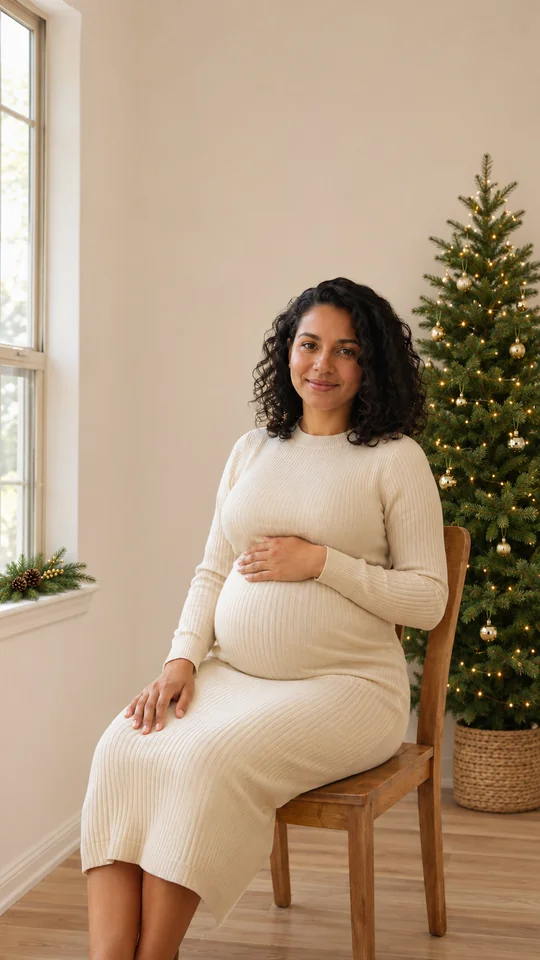
Seated window glow
A cream knit dress, window light and gold ornaments behind the chair. Fictional AI example.
Make it →
Christmas maternity photoshoot studio
Start with your own maternity photograph. Choose seated window light, a standing tree portrait or a close-up, then try an optional AI festive treatment in PopFestive. Review the scene before adding one photo.
1Upload your photo
Use a clear, well-lit photo with one face visible.
Tip: drag photos onto the boxes, or paste one with Ctrl+V (⌘V).
2Pick your Christmas effect
3Choose quality & format
Add a name or Christmas details, or leave this empty to use the selected style.
This Christmas photoshoot: 10 credits · 100 credits a month for $29.90, or 400 a year for $100
By creating, you confirm you have permission to use the uploaded photos. Terms of Service
1K uses 5 credits; 2K uses 10 credits per image. Default 2K, vertical 9:16; square 1:1 and wide 16:9 are selectable.
Updated
Start with your own maternity photograph, choose a window, tree or close-portrait idea, and review the scene description in the existing photoshoot studio. One upload is used. A 1K image uses 5 credits; the default 2K image uses 10 credits. AI can alter faces, hands and body details. Review the result and label it as AI when sharing.
Fictional AI examples
All people shown are fictional adults. The before photos are synthetic plain indoor references; the after images are authored AI examples, not live PopFestive outputs.
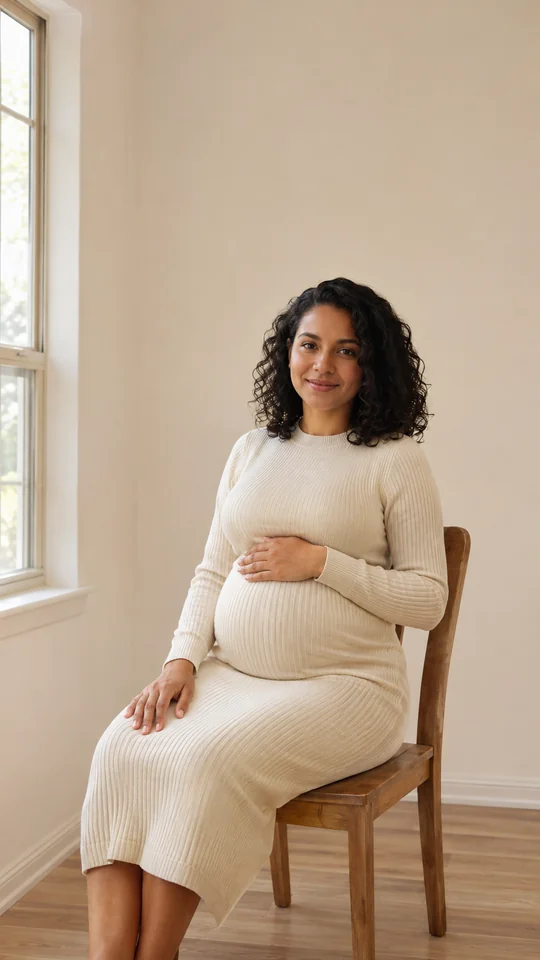
Before · fictional photo
After · AI example
A cream knit dress, window light and gold ornaments behind the chair.
Make it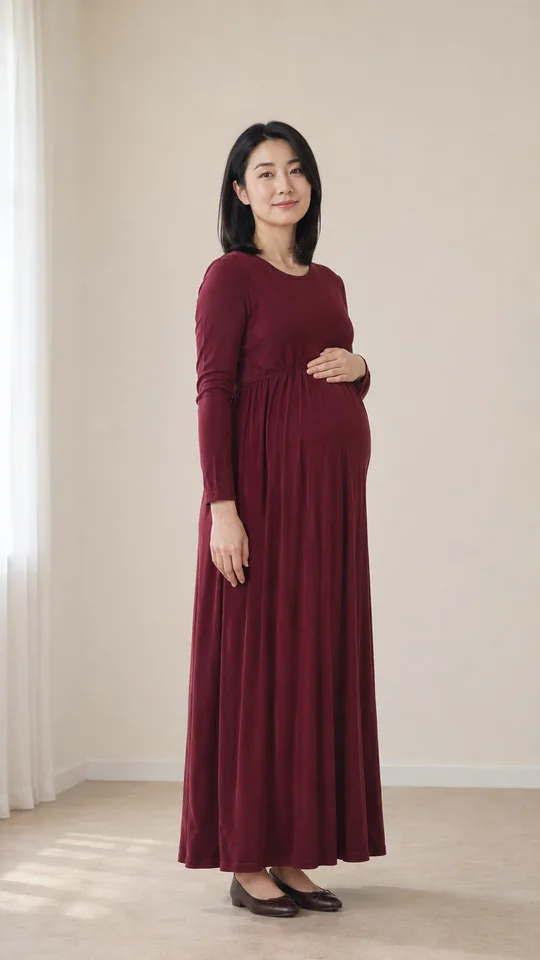
Before · fictional photo
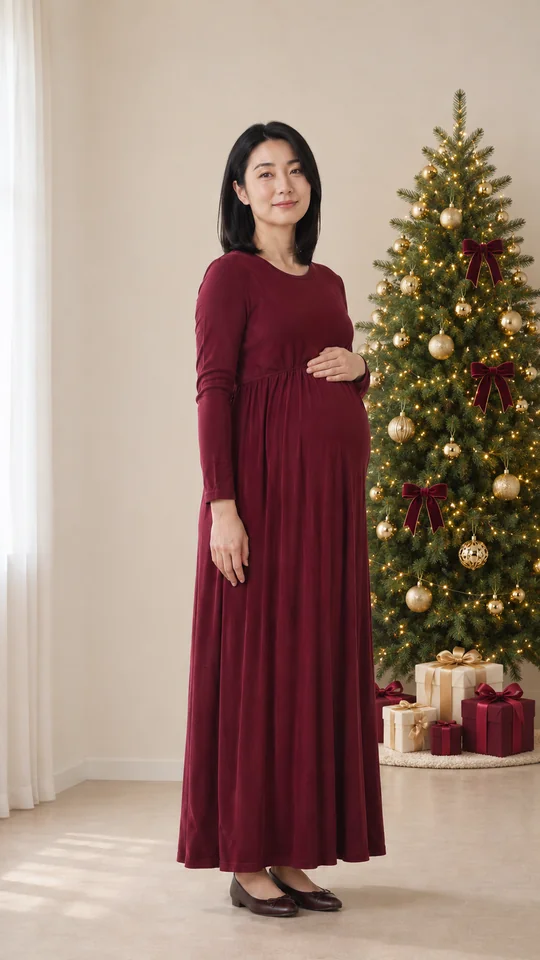
After · AI example
A burgundy dress with the tree to one side and room for the full outfit.
Make it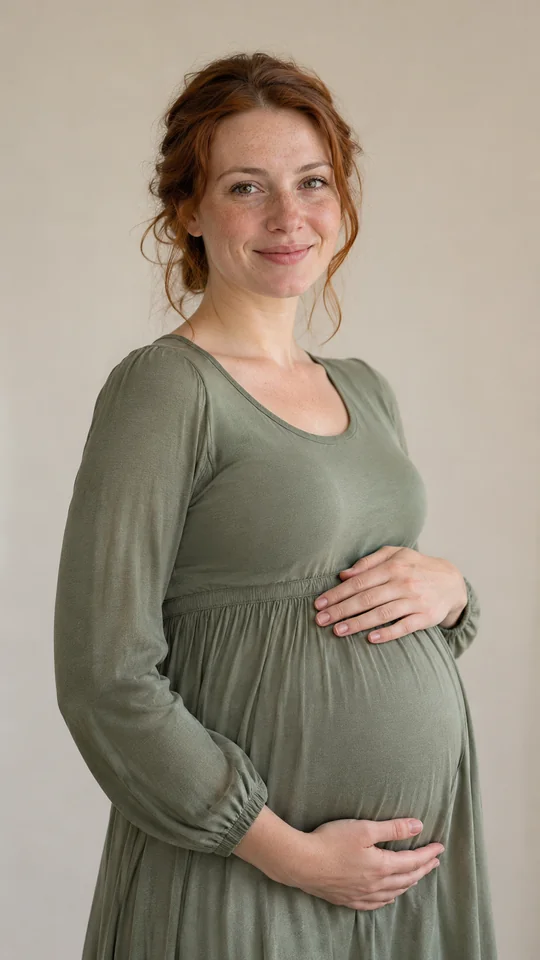
Before · fictional photo
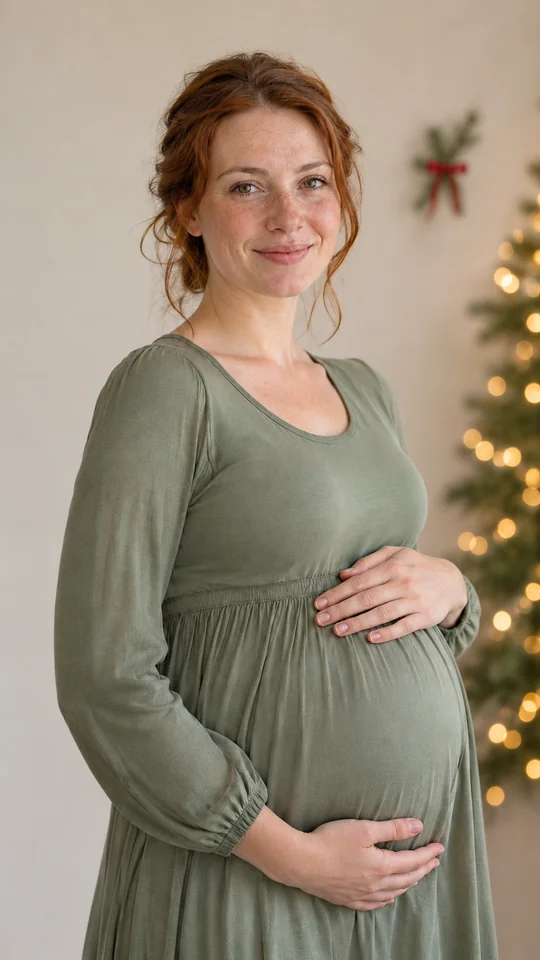
After · AI example
A sage dress, a small background ribbon and softly blurred tree lights.
Make itMake it fills the scene description only. It does not upload a photo or start generation. Edit the wording to match your source portrait.
Your photograph first
A Christmas maternity photoshoot centers the expecting parent and their maternity portrait, with seasonal details such as tree lights, ornaments or knitwear. At home, one window and one chair can give the picture a clear focus. Keep the original as your authentic maternity photograph; the optional AI version is an interpretation of it.
Face toward the window rather than placing it behind you. Try a seated frame from the knees upward to include your hands and bump, or a standing three-quarter view with the tree to one side. Leave space around the dress hem and hands. Compare the original photographs before choosing a reference.
Start with clothing you already like in photographs: cream knitwear, burgundy or sage can set the palette. Check twisted sleeves and how the fabric falls in each pose. Keep gift boxes and large ornaments away from the outline of the bump. For a close portrait, let a small ribbon or blurred lights sit in the background.
Use your own maternity photo that you have the right to use, with permission from anyone else pictured. AI can alter faces, hands, clothing and body details. Review the output and label it as AI when sharing. Keep the original file separately.
For a group portrait, see family Christmas photos. For a broader scene, use the general Christmas photoshoot studio. This page focuses on maternity framing and scene details.
Step by step
Take or choose one clear portrait with window light. Compare seated and standing framing, check the wardrobe and leave room around the face, hands and bump. Keep the original file.
Choose Make it for a scene description, then edit it to fit your own maternity photo. Add one photo you have permission to use. Choosing a card only fills the details field.
The studio starts with default 2K quality and vertical 9:16 framing. Square 1:1 and wide 16:9 are selectable. 1K uses 5 credits; 2K uses 10 credits per image. Check the selected cost before creating.
Sign in with enough credits and press Create when ready. Check faces, hands, the bump, clothing and composition at full size before downloading. AI can alter these details; label the output as AI when sharing.
Full Guide: Christmas maternity photoshoot ideas and steps →
Maternity scene choices
Compare window light, standing tree detail and a close portrait. Three example style choices for your own maternity portrait.
A cream knit dress, window light and gold ornaments behind the chair. Fictional AI example.
Make it →A burgundy dress with the tree to one side and room for the full outfit. Fictional AI example.
Make it →A sage dress, a small background ribbon and softly blurred tree lights. Fictional AI example.
Make it →Why make it here
Use the maternity photograph you already have. Keep the original file separately as a record of the moment you photographed.
Make it fills the scene description only. Adjust the window light, tree details and wardrobe before adding your photo; a card never starts generation.
Compare a seated view, a standing portrait and a closer crop. Keep hands and the bump visible in your source, with room around the edges.
1K uses 5 credits and 2K uses 10 credits per image. Review quality, format and cost in the studio before pressing Create.
FAQ
Choose a corner with window light, then try a seated portrait and a standing view with the tree to one side. Keep your hands and bump visible in the frame. One ornament or a few background lights can give your maternity photograph its Christmas setting.
Start with an outfit you already like in photographs. Cream knitwear, burgundy or green can work with Christmas decorations. Check how the fabric falls when seated and standing, and choose a color that stands apart from the tree behind you.
Choose the composition you prefer. A seated frame from the knees upward can include your hands and bump; a standing side-on or three-quarter view shows more of the outfit. Compare the real photographs and use the one you like as your AI reference, if you want an edit.
Yes. Upload your own maternity photo that you have the right to use, with permission from anyone else pictured. Start with a clear portrait that already shows your maternity appearance and chosen pose. The AI option is a festive treatment of that photo.
The uploaded original is your authentic maternity photograph. The generated version is an AI festive treatment of that same photo, not a photograph of a new session. Review faces, hands and body details, and label the output as AI when sharing it.
1K uses 5 credits; 2K uses 10 credits per image. The studio starts with vertical 9:16 framing and default 2K quality. You can select square 1:1 or wide 16:9 instead. Check the selected credit cost in the studio before creating your maternity edit.
No. This page offers maternity photo ideas and an optional AI photo tool. PopFestive does not arrange photographer appointments, print photographs or ship physical products. Keep your original photo and download an AI version only after reviewing it.
Add your own maternity portrait, review the scene and create an optional AI festive treatment.