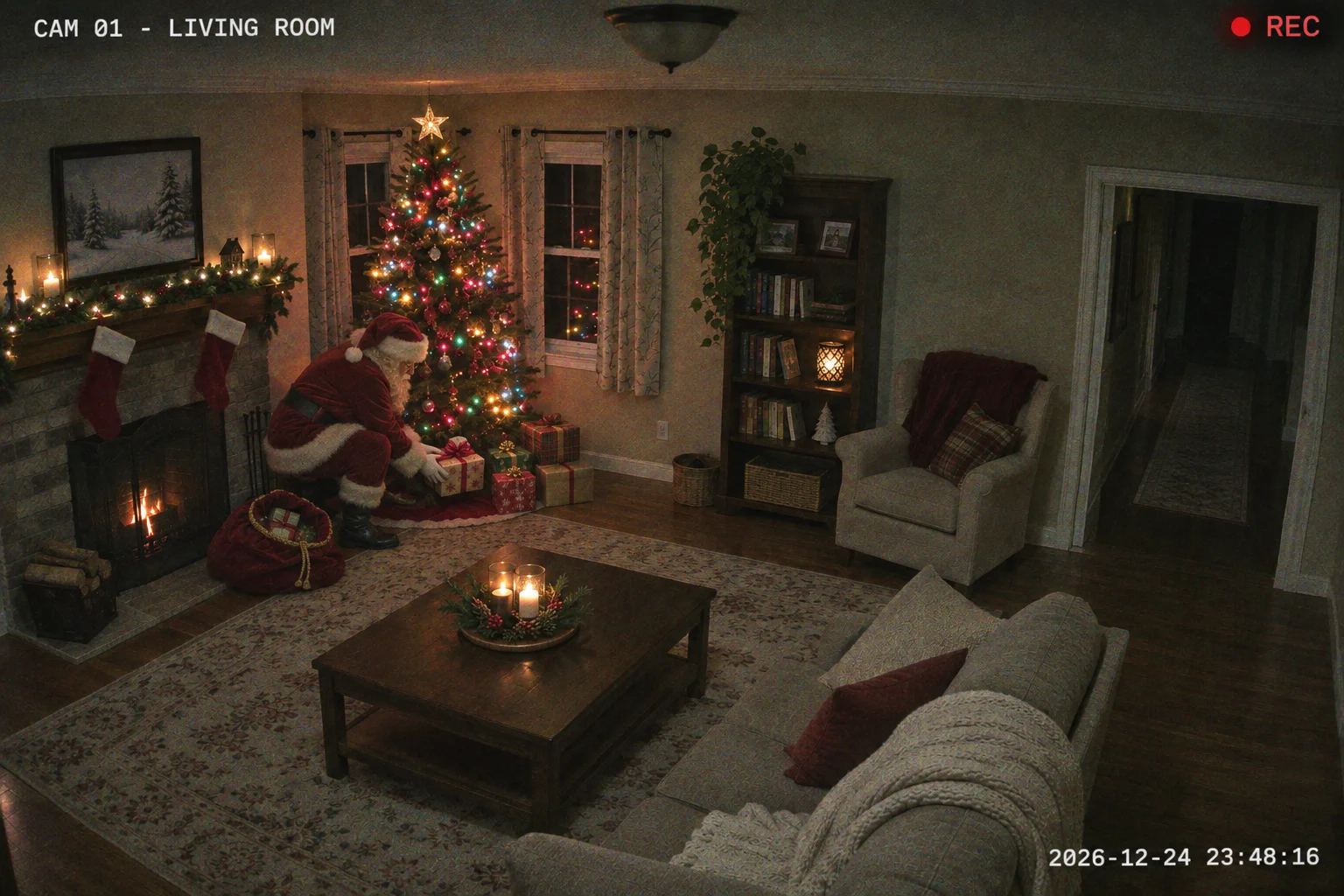
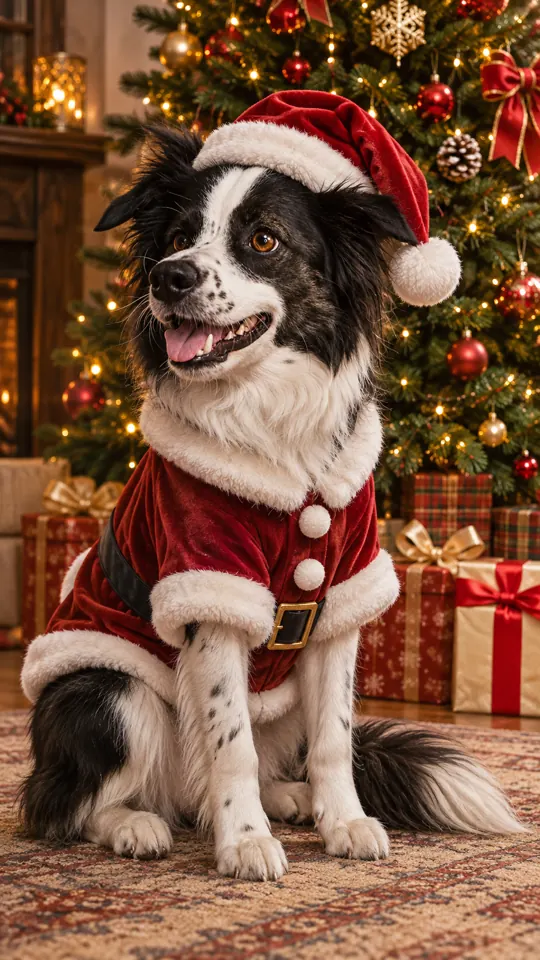
Christmas video from your photos
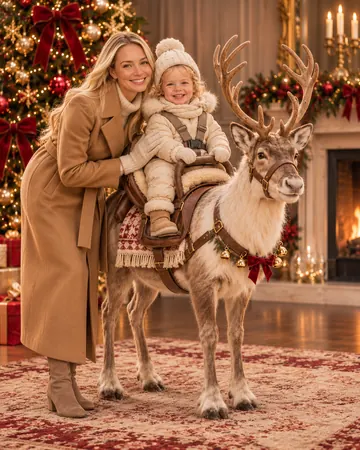
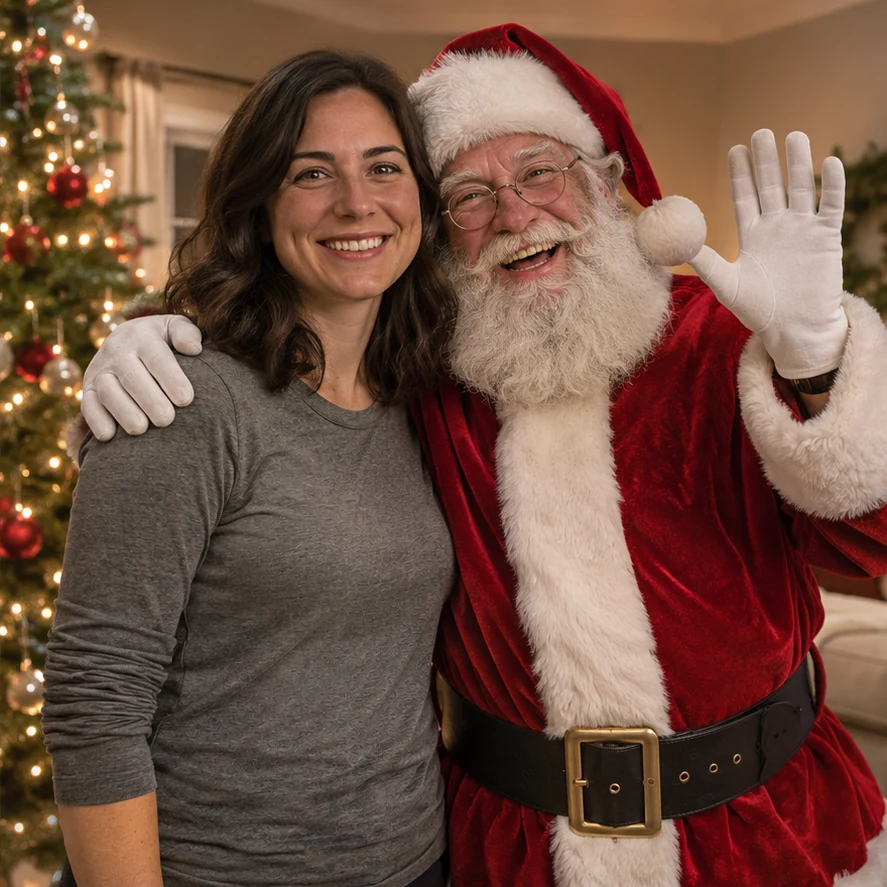
Photo with Santa
By the tree
Make it
Christmas video from your photos
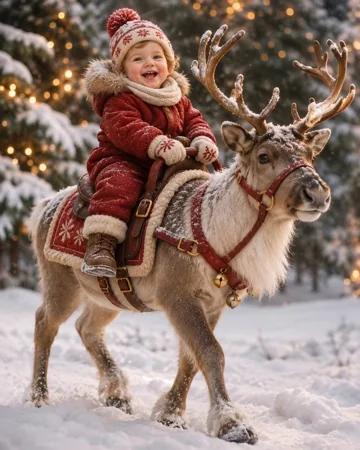
Turn 1 baby photo, or 2 separate photos of a baby and parent, into a baby riding reindeer video. Pick from 4 Christmas styles. Standard 720p, 12 seconds: 10 credits.
1Upload your photo
Use a clear, well-lit photo with one face visible.
Tip: drag photos onto the boxes, or paste one with Ctrl+V (⌘V).
2Pick your Christmas effect
3Pick quality & length
Tip: start at 480p, then upscale to 1080p to save credits.
Add a name or Christmas details, or leave this empty to use the selected style.
This reindeer video: 10 credits · 100 credits a month for $29.90, or 400 a year for $100
By creating, you confirm you have permission to use the uploaded photos. Terms of Service
AI-generated video, not a real reindeer ride · Standard 720p, 12s: 10 credits
Updated
A baby riding reindeer generator creates a fictional Christmas video from your photos. Upload the baby’s portrait, or add a separate parent portrait for a scene together. Choose one of four settings, or Signature in Ultra quality. Review the video model, duration, resolution and credit cost in the studio before creating.
Video previews
Choose a scene for your baby, or include a parent. Images show video previews.
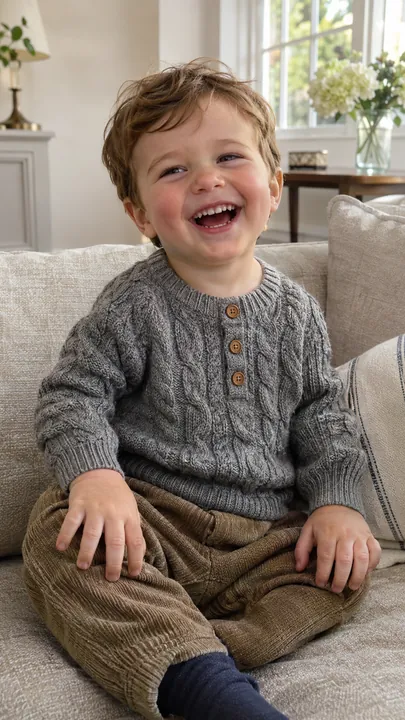
Before
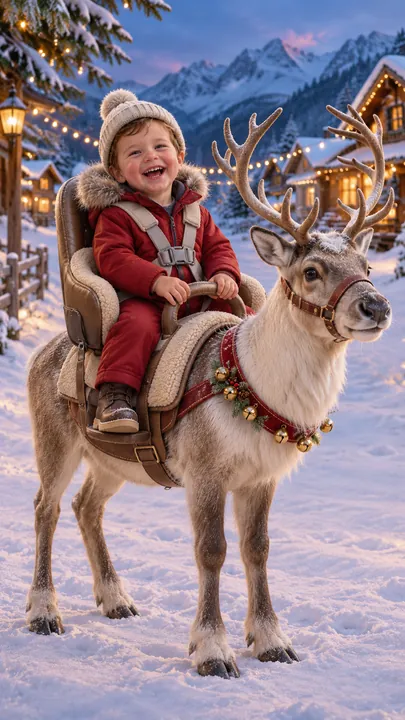
After · Video preview
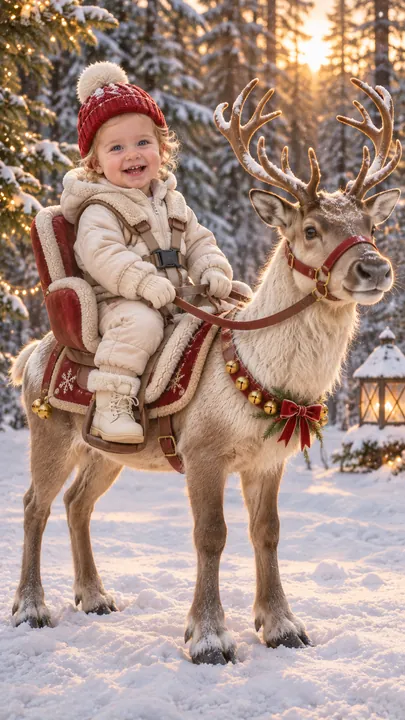
Alpine village at dusk · illustrative video cover
Make it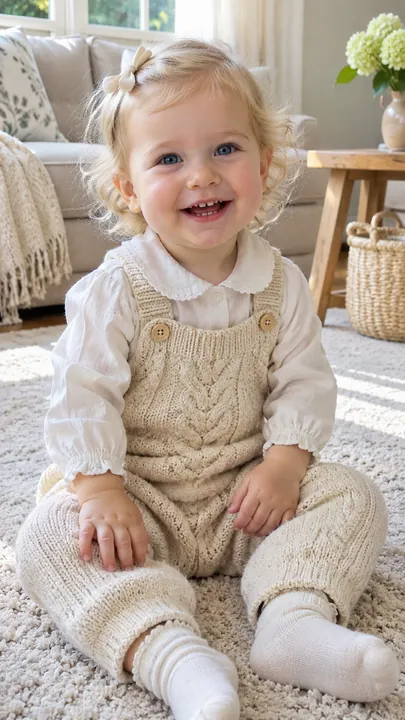
Before
After · Video preview
Golden-hour pine forest · illustrative video cover
Make it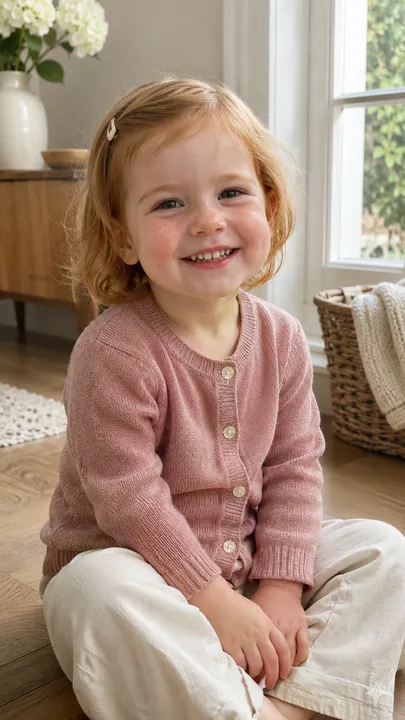
Before
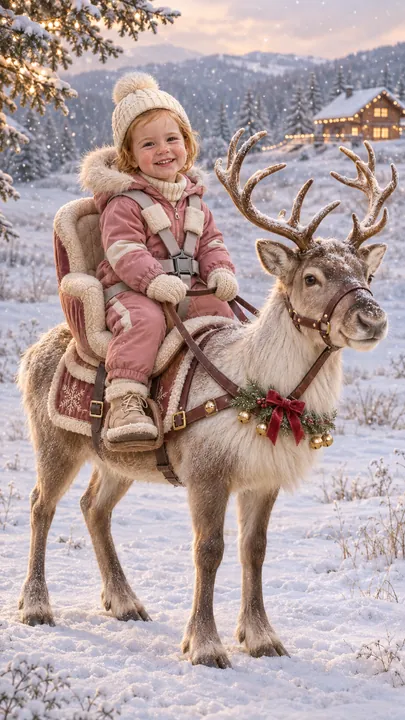
After · Video preview
Snowy meadow · illustrative video cover
Make it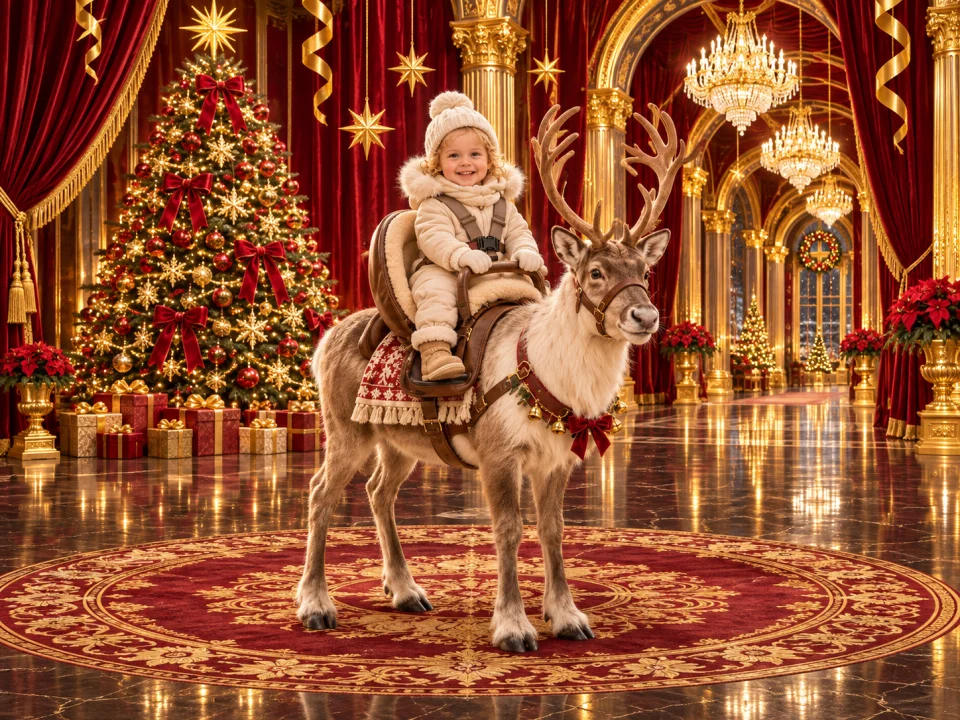
Video preview
Baby only
Make it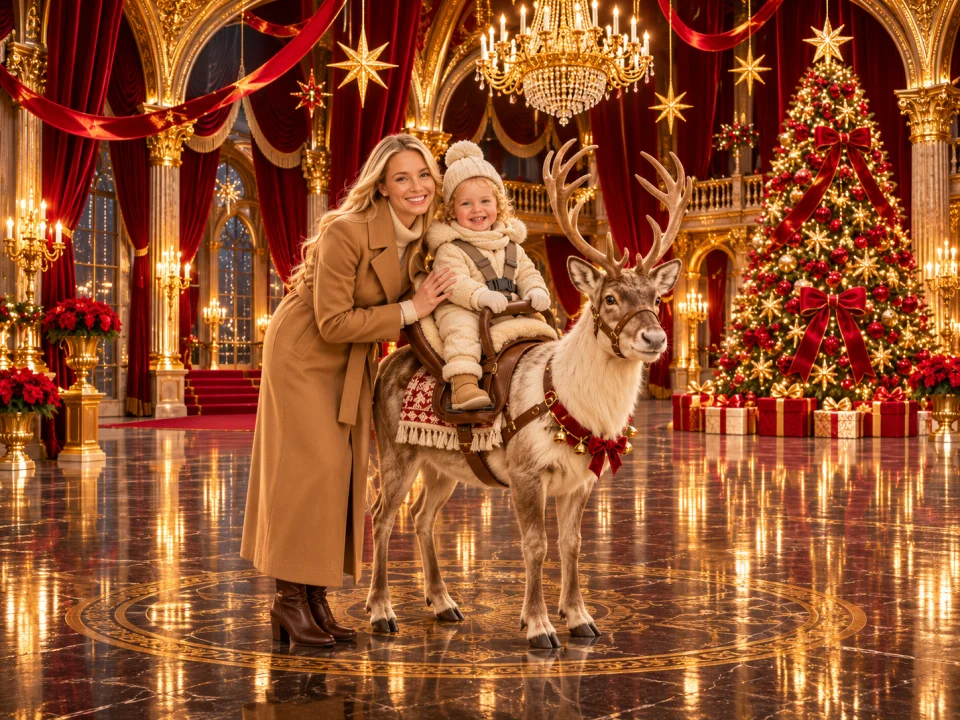
Video preview
Baby + parent · two separate portraits
Make it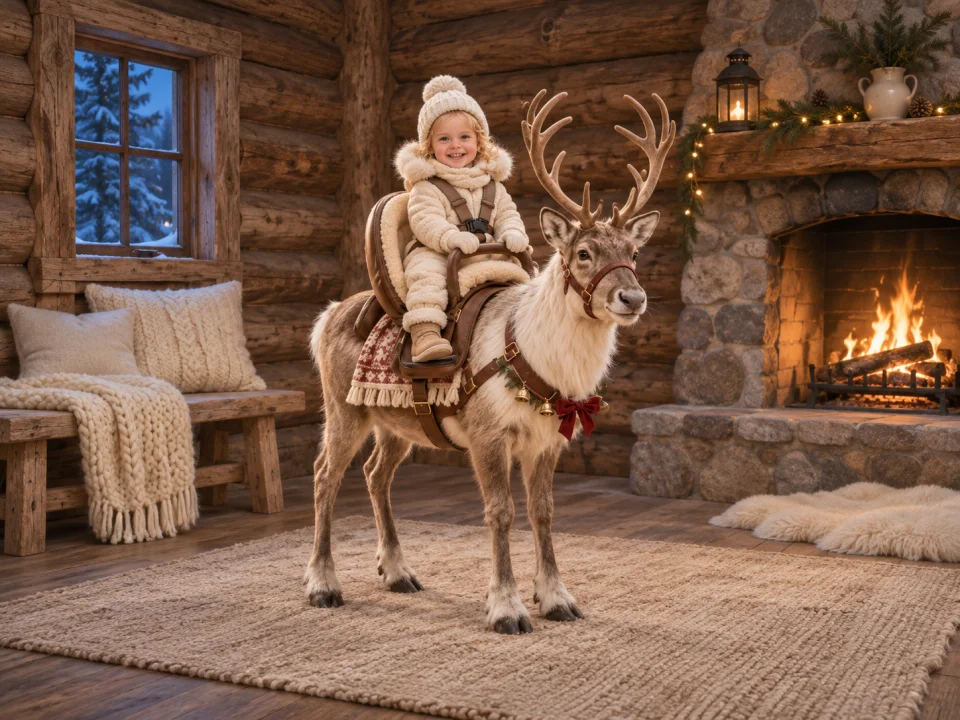
Video preview
Baby only
Make it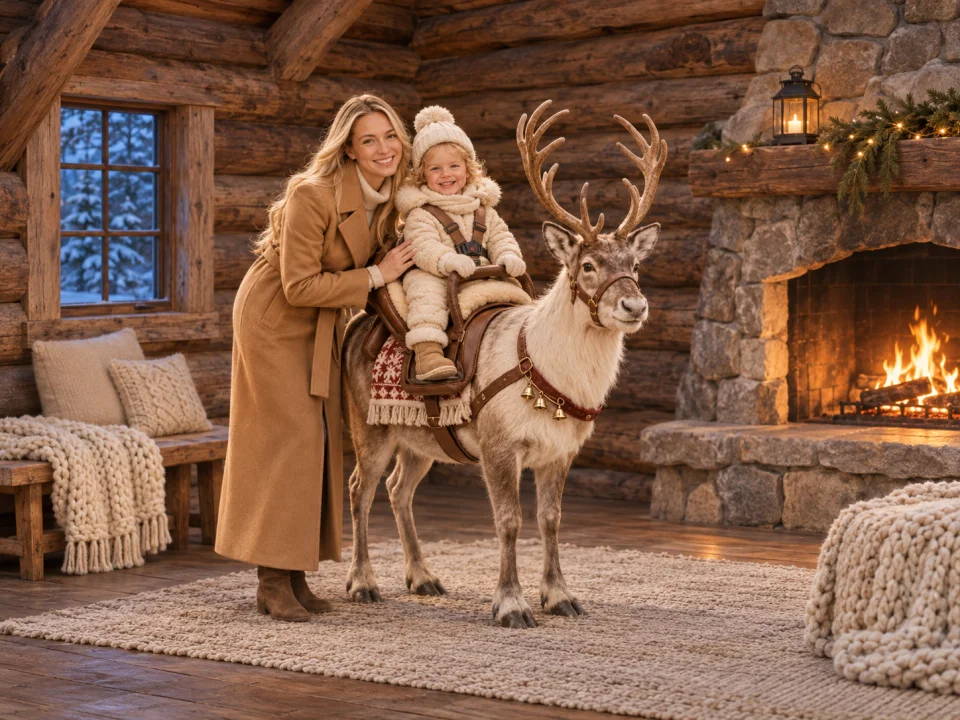
Video preview
Baby + parent · two separate portraits
Make it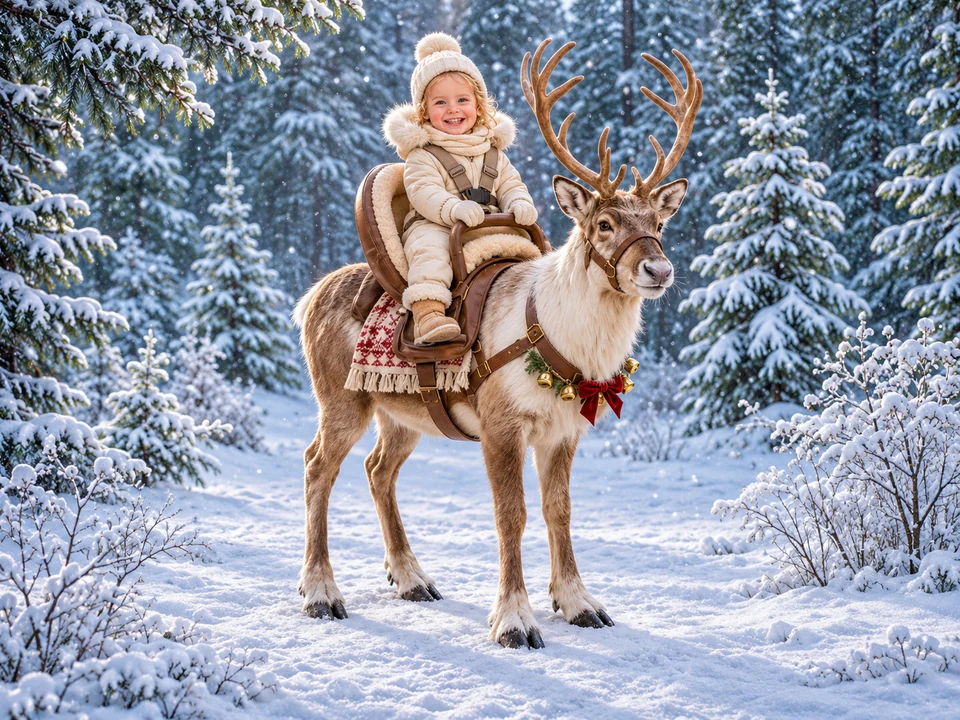
Video preview
Baby only
Make it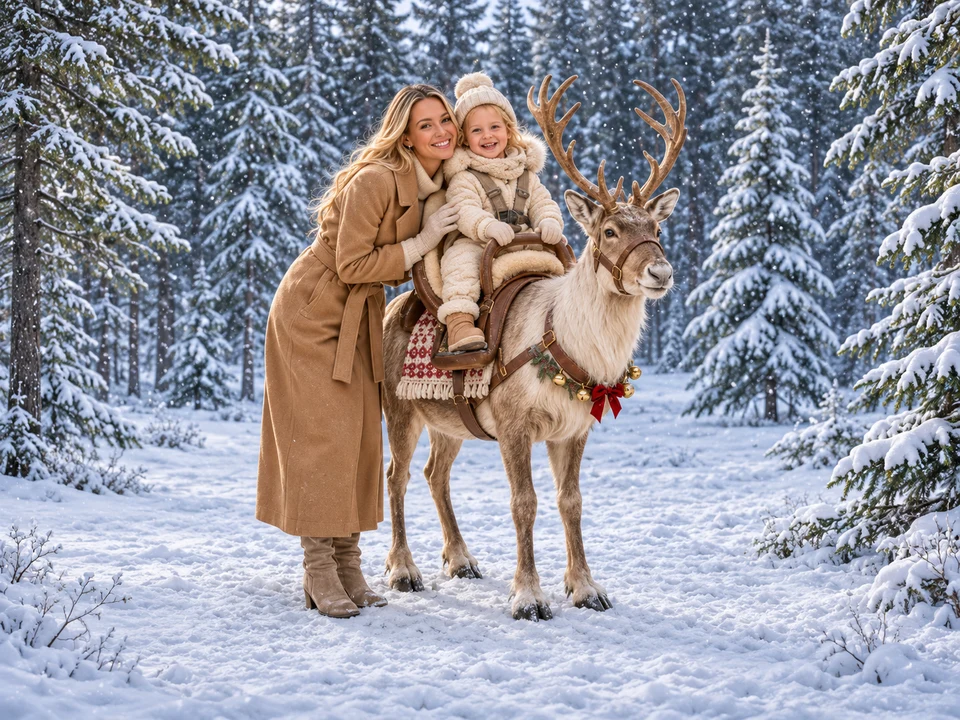
Video preview
Baby + parent · two separate portraits
Make it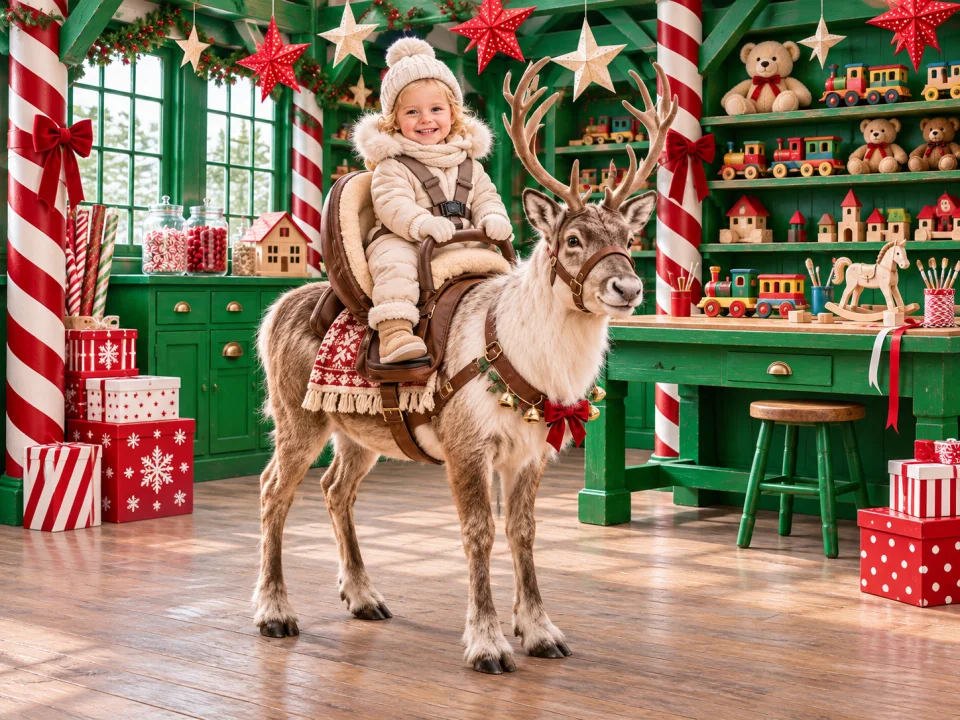
Video preview
Baby only
Make it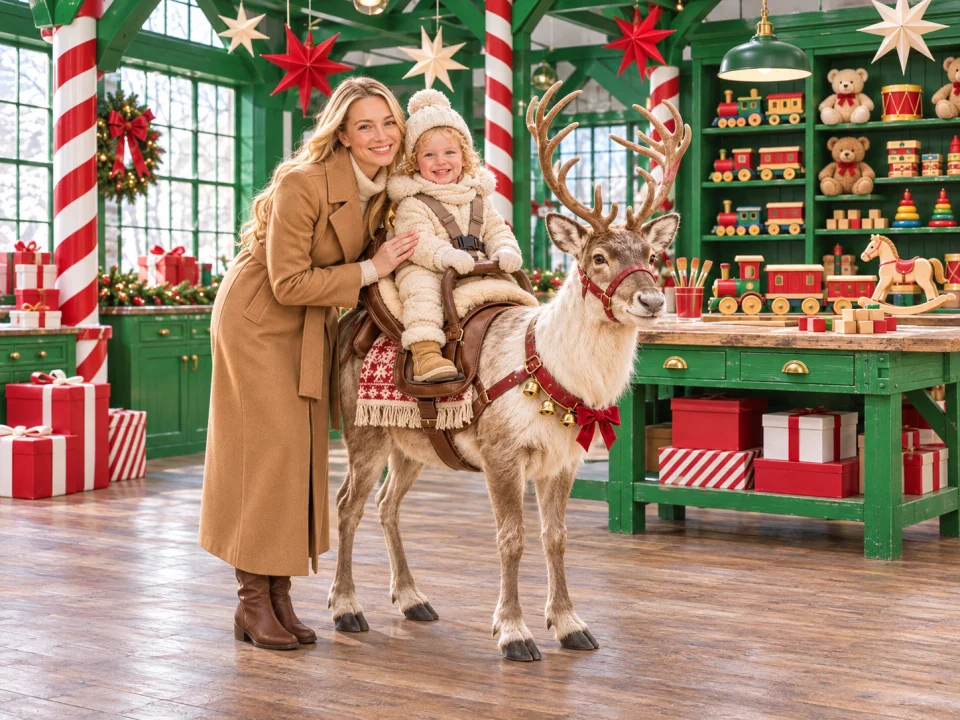
Video preview
Baby + parent · two separate portraits
Make itChoose the Ultra edition for your baby alone or with a parent. Review its credit cost in the studio. Read the Signature guide.
The Baby Riding Reindeer Trend
This effect builds a fictional Christmas scene around a child’s uploaded portrait. You choose the style, video model, resolution, duration and format in the browser. PopFestive sends those settings with your photos to create a new video; faces, movement and details can vary between runs.
Choose One photo for a baby-only video. Choose Two photos for a parent + baby video: upload the baby first and the parent second, one person per photo. The parent is prompted to walk beside the reindeer and steady the baby.
Want the preparation walkthrough? Read how to make the video.
Step by step
Select One photo and upload a clear baby portrait. For Two photos, upload the baby in slot 1 and the parent in slot 2. Use one person per photo, good light and an unobstructed face.
Pick Classic Red & Gold, Cozy Christmas, Snowy Wonderland or Santa’s Workshop. Add a short scene detail if you want.
Use JPG, PNG or WebP photos smaller than 10 MB each. Standard offers 480p or 720p and 5, 8, 10, 12 or 15 seconds. The default is Standard, 720p, 12 seconds and 9:16; it costs 10 credits in either photo mode.
Sign in and make sure your account has enough credits before creating. Review the finished video’s faces and motion, then use the result download control. Nothing is created until you press Create in the studio.
Why make it here
The AI is prompted to preserve each person’s identity. Check the finished video for likeness and movement.
Upload the baby first and the parent second, one person per photo, for a scene together.
Choose a Christmas setting for the regular video or select the Signature Ultra edition.
The studio shows the credit cost for your model, resolution and duration before you create. Failed creations return their credits.
FAQ
Yes. Choose Two photos: baby in slot 1, parent in slot 2, one person per photo. The AI is prompted to place the parent beside the reindeer, steadying the baby.
No. Video creation uses account credits. Standard 720p for 12 seconds costs 10 credits in either photo mode. Check the displayed cost and current packs and plans before creating.
Use JPG, PNG or WebP photos smaller than 10 MB each. Standard offers 480p or 720p and 5, 8, 10, 12 or 15 seconds. The default is Standard, 720p, 12 seconds and 9:16; it costs 10 credits in either photo mode.
No exact match is promised. These are illustrative images and video cover stills, not real customer results. The before/after samples use a different model. Generated faces, body positions and motion can vary.
You need permission to use every uploaded photo and to create and share the resulting video. Use photos of your child only when you have the authority to do so; get the parent’s permission before uploading someone else’s child.
No. This is an independent AI Christmas video effect. It does not connect you to Santa, depict a real animal ride or have an affiliation with the Netflix show.
Start in the PopFestive studio above. Choose the style and One photo or Two photos mode there, then add your own photos and choose whether to create.
Choose a baby-only scene or add a parent’s portrait, then pick your Christmas setting.