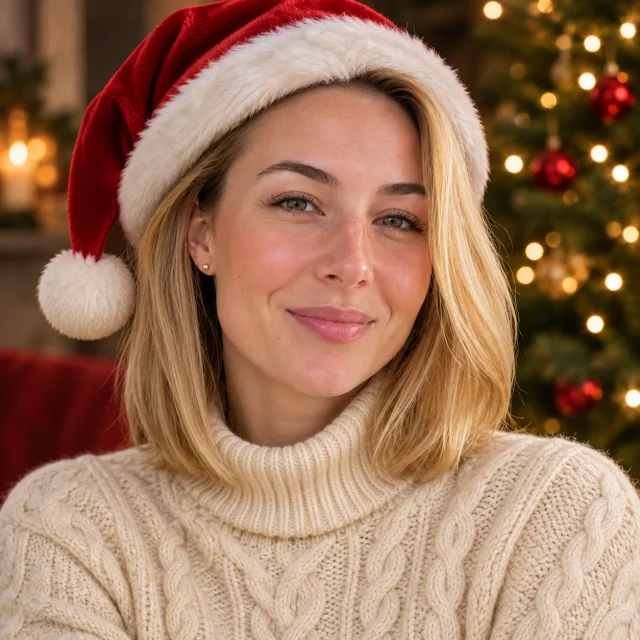
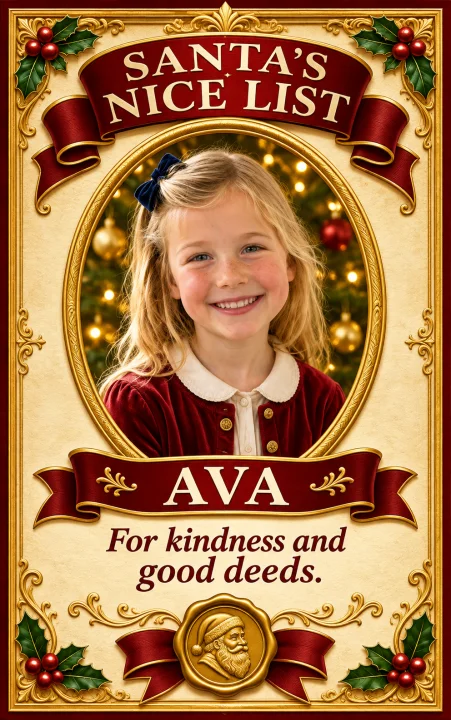
Your scene, with a fictional CCTV Santa
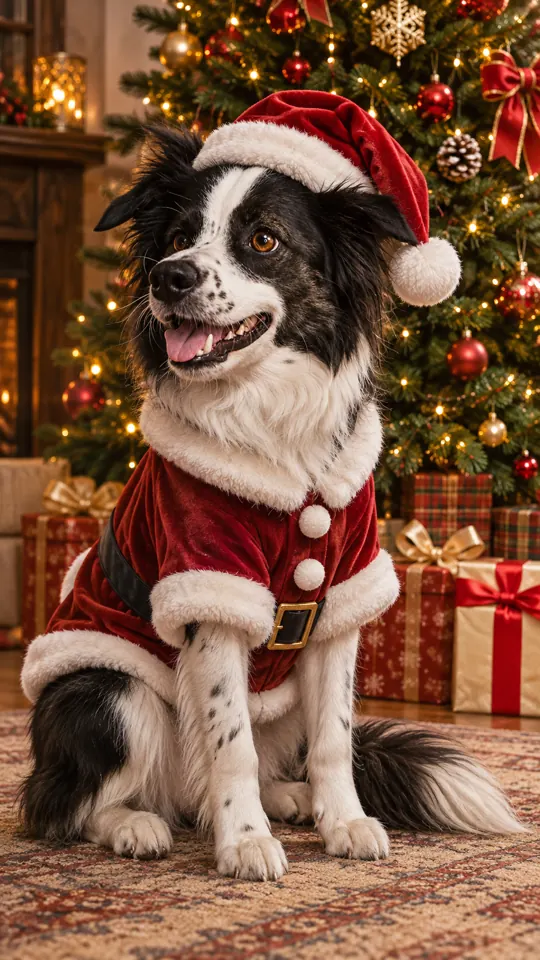
Christmas Pet Photo
Santa outfit
Make it
Your scene, with a fictional CCTV Santa
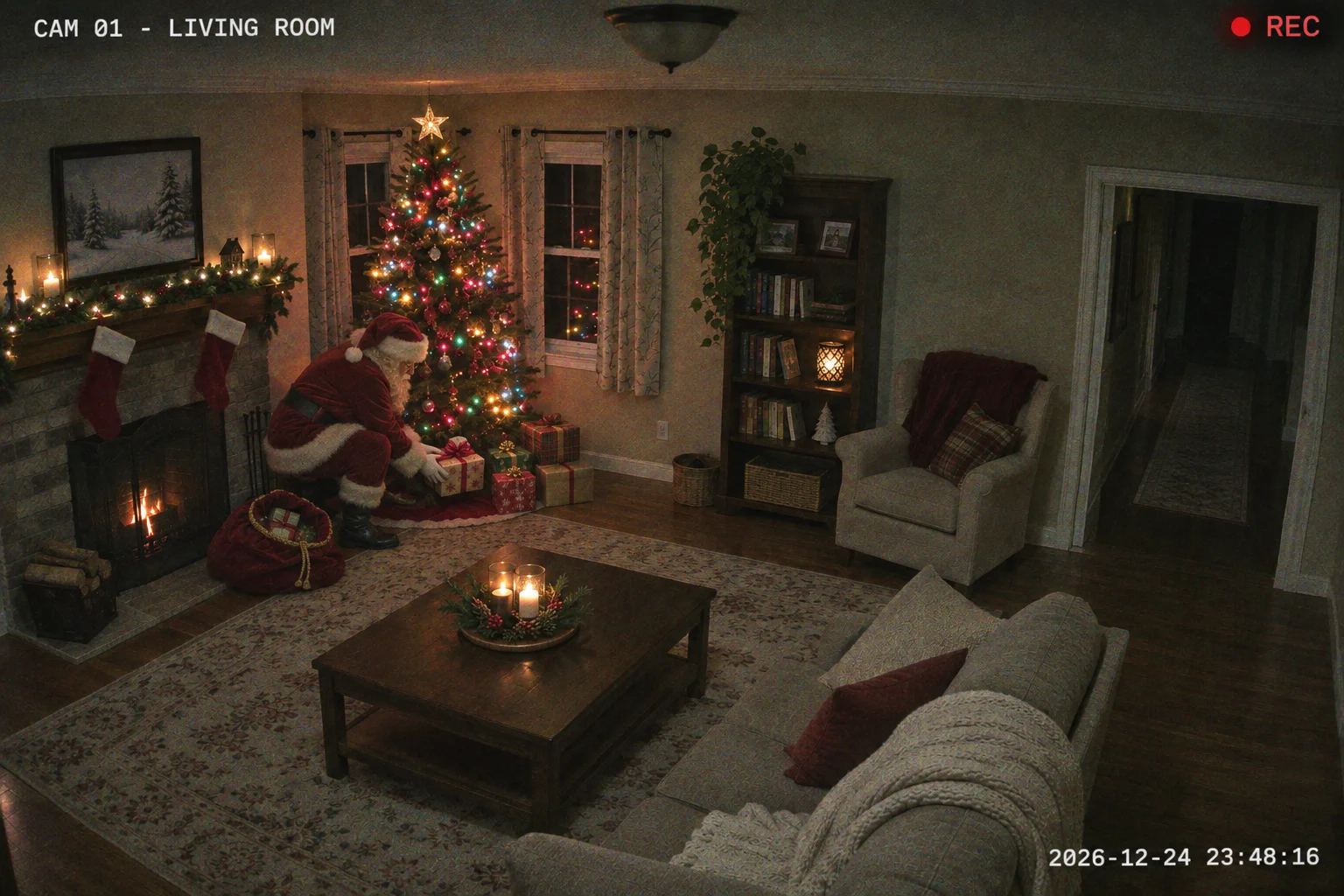
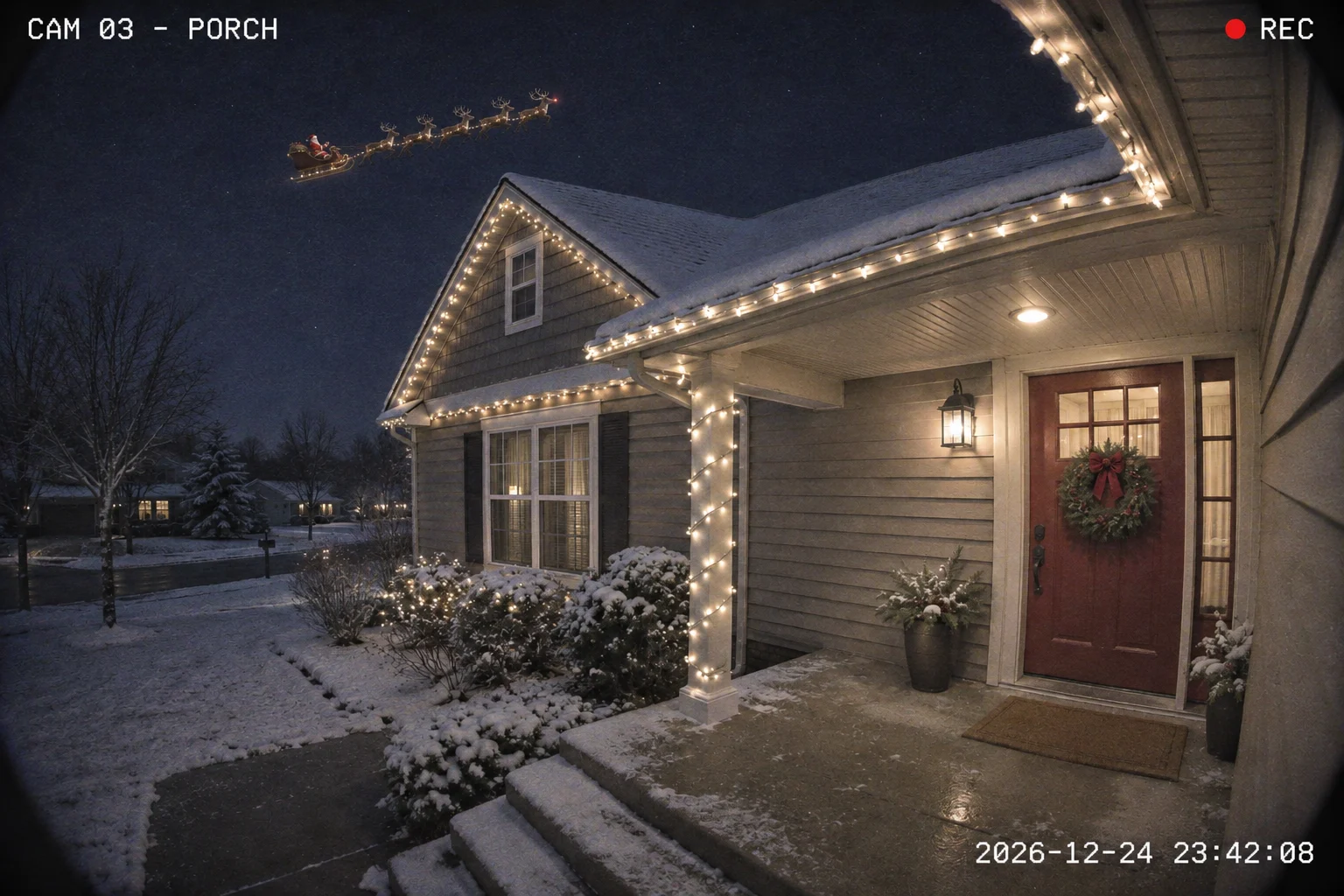
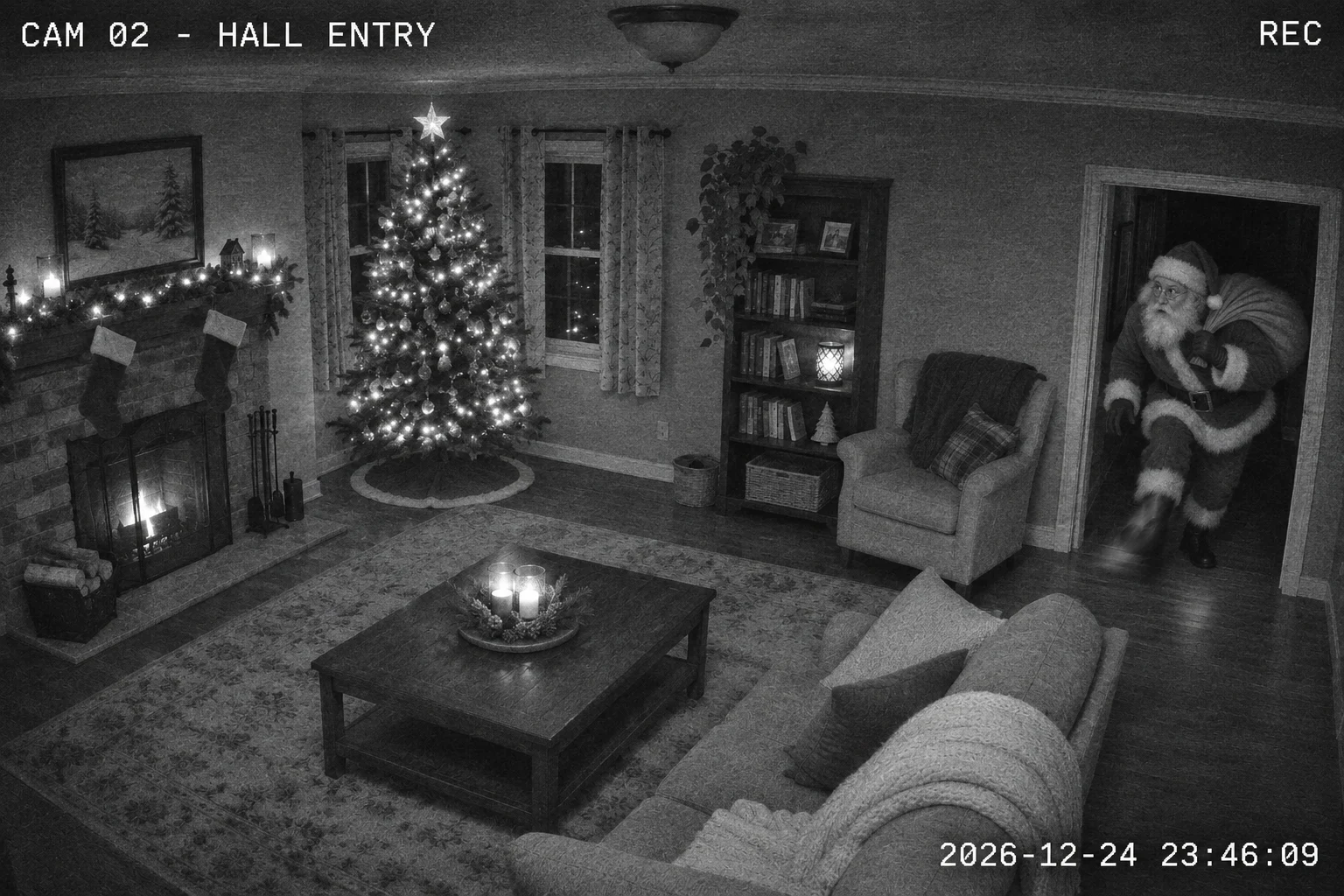
PopFestive adds a separate Santa into 1 existing photo as fictional security-camera footage. Choose from 4 styles: gifts by the tree, a sleigh over the house, sneaking in or at the front door.
1Upload your photo
Use your existing scene; clear faces help when people are pictured.
Tip: drag photos onto the boxes, or paste one with Ctrl+V (⌘V).
2Pick your Christmas effect
3Choose quality & format
Add a name or Christmas details, or leave this empty to use the selected style.
This Santa camera shot: 10 credits · 100 credits a month for $29.90, or 400 a year for $100
By creating, you confirm you have permission to use the uploaded photos. Terms of Service
1K uses 5 credits; the default 2K uses 10 credits for 1 image. Nothing is created until you press Create.
Updated
Santa Caught on Camera turns a room, house or porch photo into a fictional Christmas camera scene. Choose Gifts by the tree, Sleigh over the house, Sneaking in or Front door. These are AI-created pictures for festive storytelling. A photo uses 5 credits at 1K or 10 credits at 2K. The cost is shown before you create, and a failed creation returns its credits.
Christmas photo examples
Turn a room or outdoor photo into a fictional Santa camera scene.
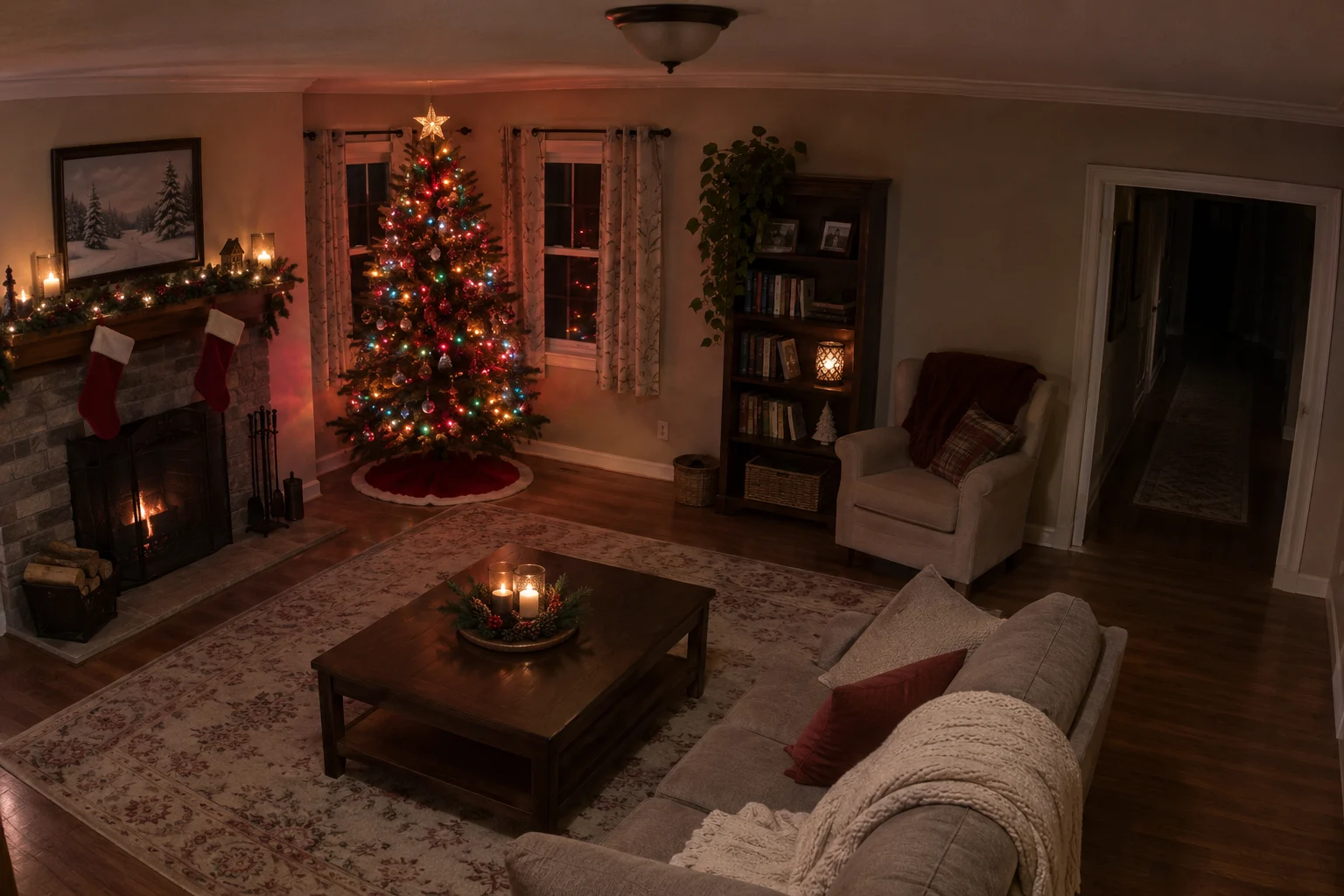
Before
After
A fictional Christmas security-camera scene
Make it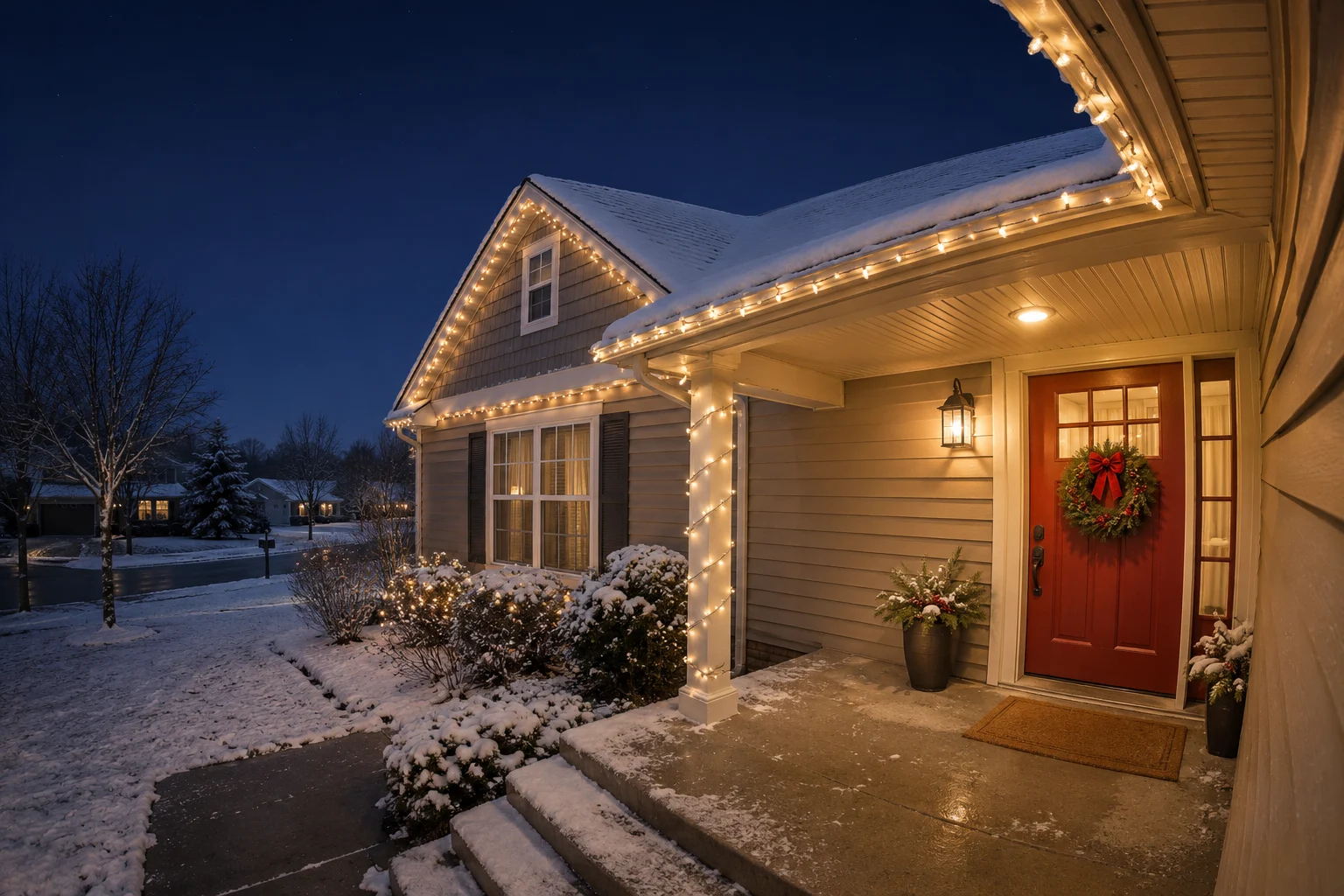
Before
After
A fictional Christmas security-camera scene
Make itBefore
After
A fictional Christmas security-camera scene
Make itBefore
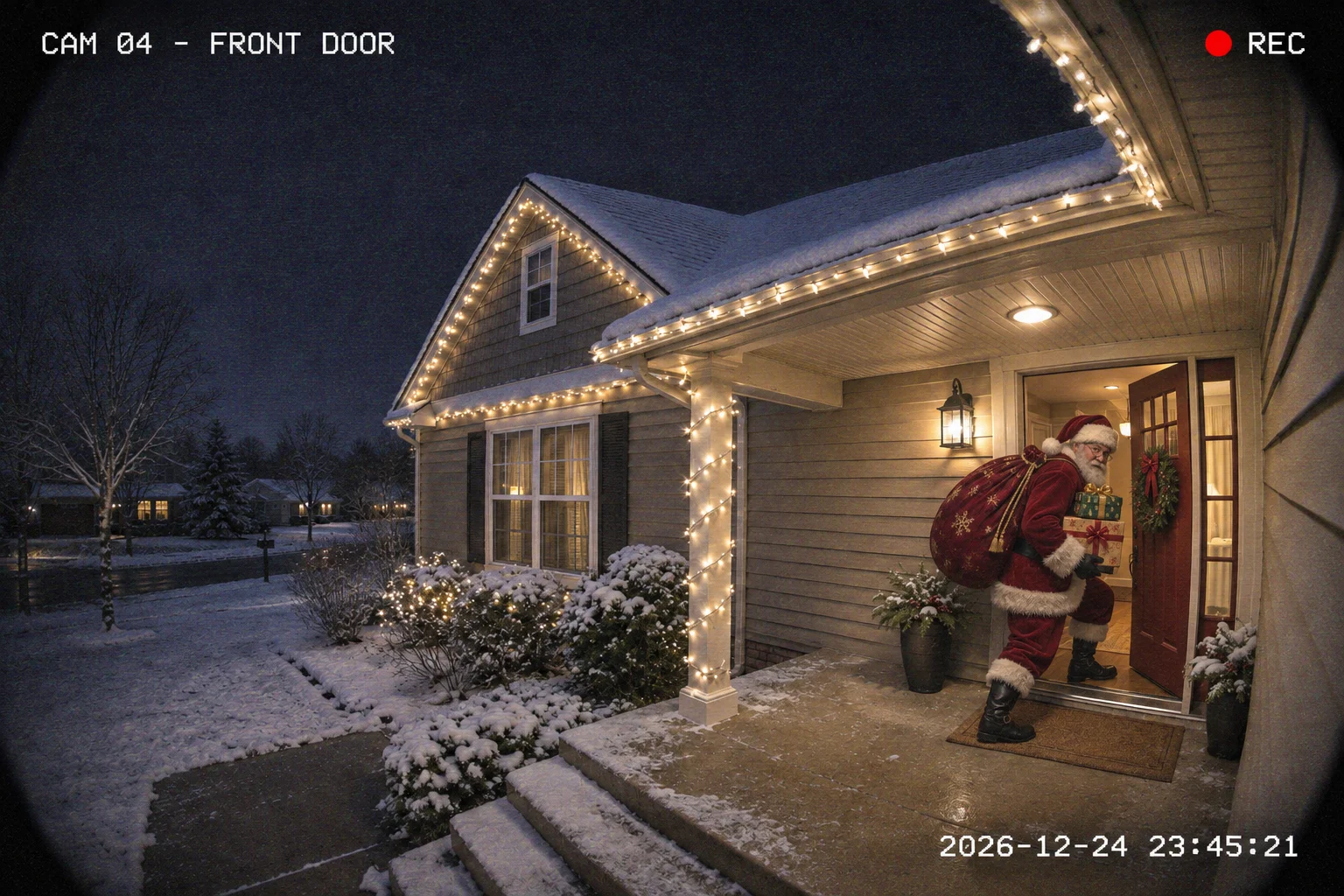
After
A fictional Christmas security-camera scene
Make itThe Santa Caught on Camera Trend
Santa Caught on Camera is an AI photo tool that adds Santa to your room or outdoor picture in a fictional security-camera scene.
Use a living-room photo for Gifts by the tree (color night-vision) or Sneaking in (grainy black-and-white indoor CCTV). Use an exterior photo with roof and sky for Sleigh over the house, or a porch photo with the entrance visible for Front door (color night-camera). The edit asks the model to keep the original photo shape and the people already in the photo while adding a separate Santa.
For a become-Santa portrait, AI Santa Photo adds a Santa hat, red coat and workshop look to a person.
Step by step
Use JPG, PNG or WebP smaller than 10 MB. Choose clear faces and leave space where Santa should appear. For the sleigh style, include visible sky. Only upload a photo you have permission to use.
Select Gifts by the tree, Sleigh over the house, Sneaking in or Front door in the studio. Optional scene details can be up to 120 characters. Choose a suitable photo; the model may alter details to fit the camera look.
1K uses 5 credits; the default 2K uses 10 credits for 1 image. Original photo shape is selected automatically. Sign in with enough credits before creating; the cost is shown before you create.
Press Catch Santa on camera when ready. Review faces, hands, Santa’s placement and lighting before downloading or sharing. Confirmed failed creations return their credits; an uncertain provider response is checked before a refund.
Why make it here
Start with a photo of your room, house or porch as the scene reference.
Choose indoor night vision, grainy CCTV, a sleigh over the roof or a front-door camera scene.
Create a fictional Christmas picture in your browser from an existing photo.
A photo uses 5 credits at 1K or 10 credits at 2K. The cost is shown before you create, and a failed creation returns its credits.
FAQ
No. Creating an image uses account credits. 1K uses 5 credits; the default 2K uses 10 credits for 1 image. Review current credit packs and plans before creating.
No. This effect adds a separate Santa to your existing scene. Use AI Santa Photo if you want a person styled in a Santa hat and red coat instead.
Yes, the studio uses the image model’s automatic format to request the original photo shape and framing, including wide and tall photos. AI output details and dimensions can vary; check the finished image.
No. Each before/after example is an AI-generated edit made for this page from a fictional room or porch source photo. Live generator results will differ. The model is prompted to preserve identities; exact likeness, placement and lighting can vary.
No. Select a style in this page’s studio. Nothing is created until you add your own photo and press Create. Confirmed failed creations return their credits; uncertain provider responses are checked first.
You need permission to upload the photo and create and share the result, including permission for everyone pictured. For a child’s image, you need the appropriate parent or guardian authority. Read how uploads and generated files are handled; do not upload sensitive photos.
No. PopFestive is an independent AI photo tool for creating fictional Santa scenes. These edits depict imagined visits and carry no official Santa affiliation; do not present results as genuine security footage.
Choose a room or outdoor picture and make a fictional Christmas camera scene.