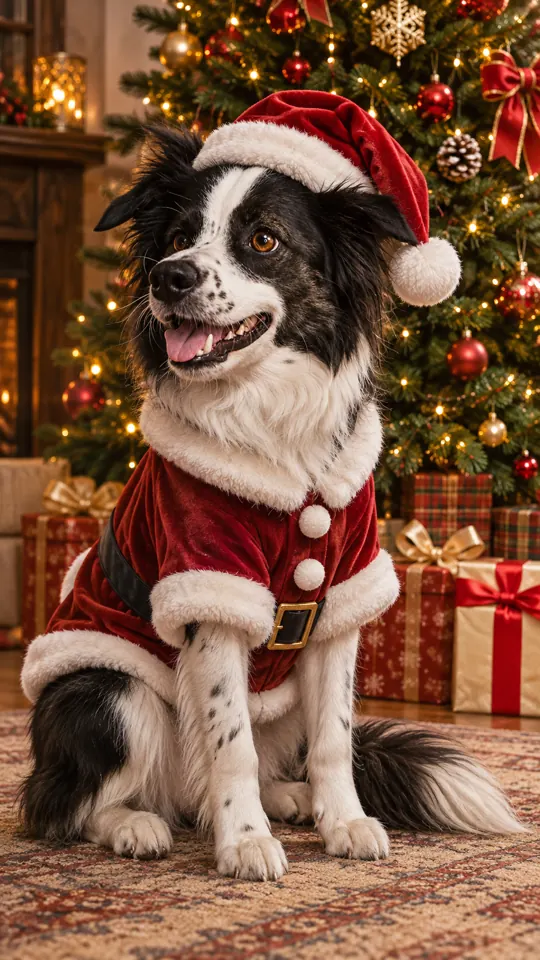
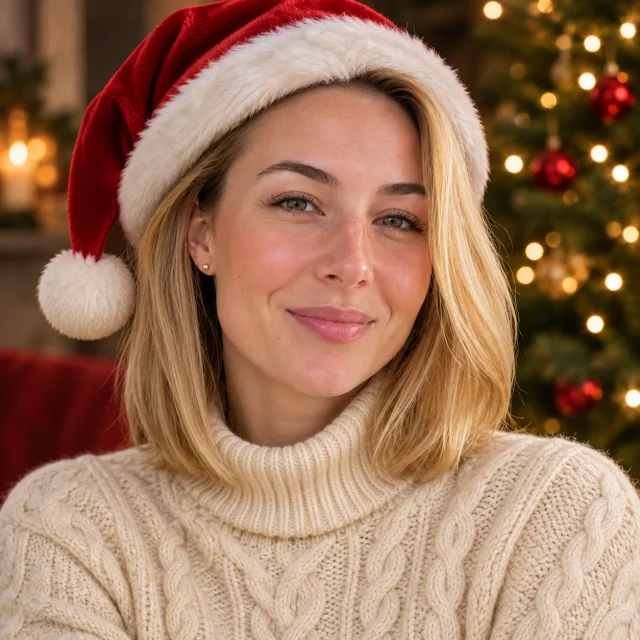
A photo with Santa, together
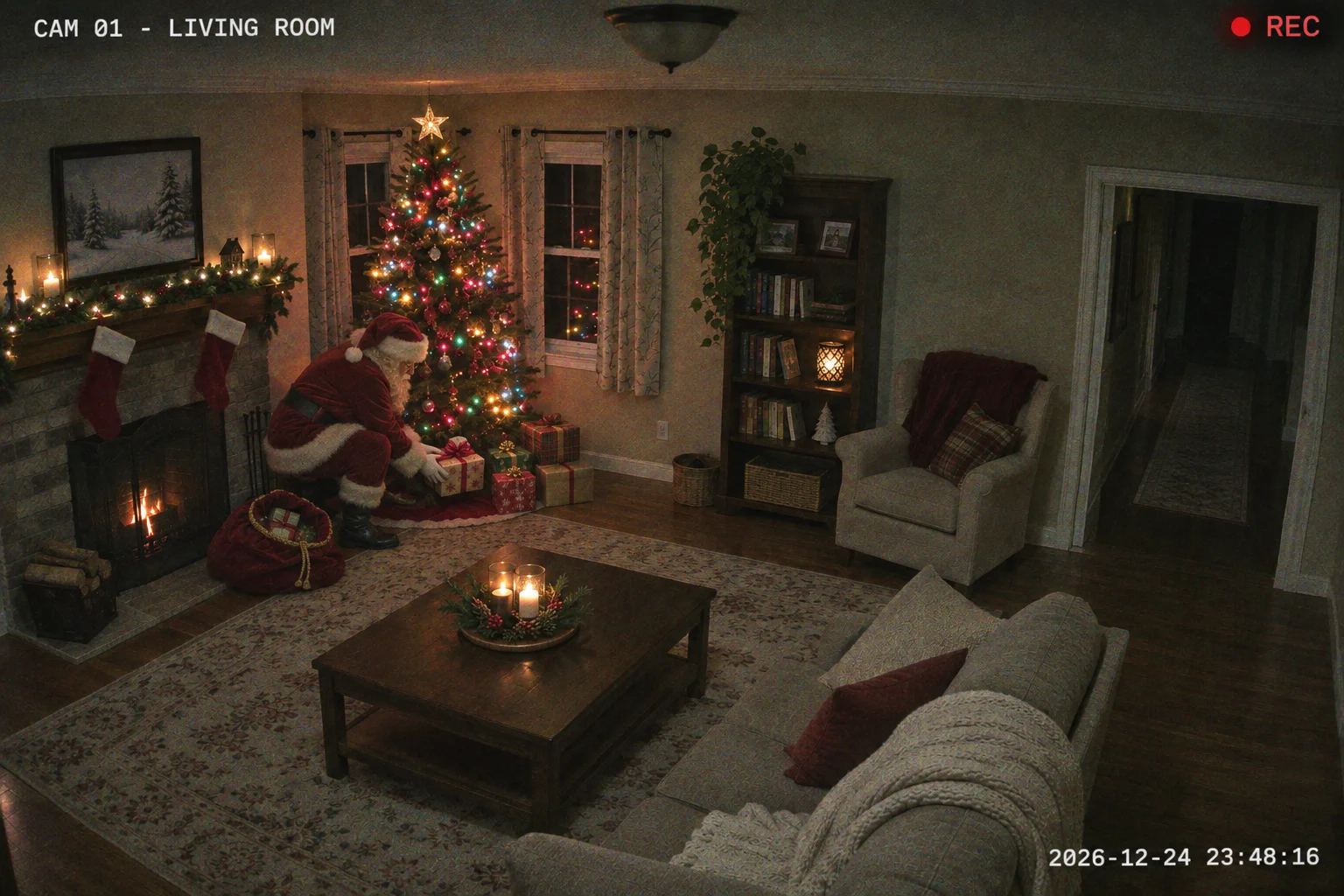
Santa Caught on Camera
Gifts by the tree
Make it
A photo with Santa, together
Upload your photo to PopFestive and let Santa join your family, kids or pets in the picture. Choose a festive style for a portrait together, keeping familiar faces and clothes.
1Upload your photo
Use a clear family, kid or pet photo; leave space for Santa to pose beside the subjects.
Tip: drag photos onto the boxes, or paste one with Ctrl+V (⌘V).
2Pick your Christmas effect
3Choose quality & format
Add a name or Christmas details, or leave this empty to use the selected style.
This photo with Santa: 10 credits · 100 credits a month for $29.90, or 400 a year for $100
By creating, you confirm you have permission to use the uploaded photos. Terms of Service
1K uses 5 credits; the default 2K uses 10 credits for 1 image. Nothing is created until you press Create.
Updated
Add Santa to Photo creates a Christmas portrait with Santa posing beside the people or pets in your uploaded photo. Choose By the tree, Santa’s grotto, Snowy outdoor or Kids or pets with Santa. A photo uses 5 credits at 1K or 10 credits at 2K. The cost is shown before you create, and a failed creation returns its credits.
Christmas photo examples
Choose how Santa joins the people or pets in your photo.
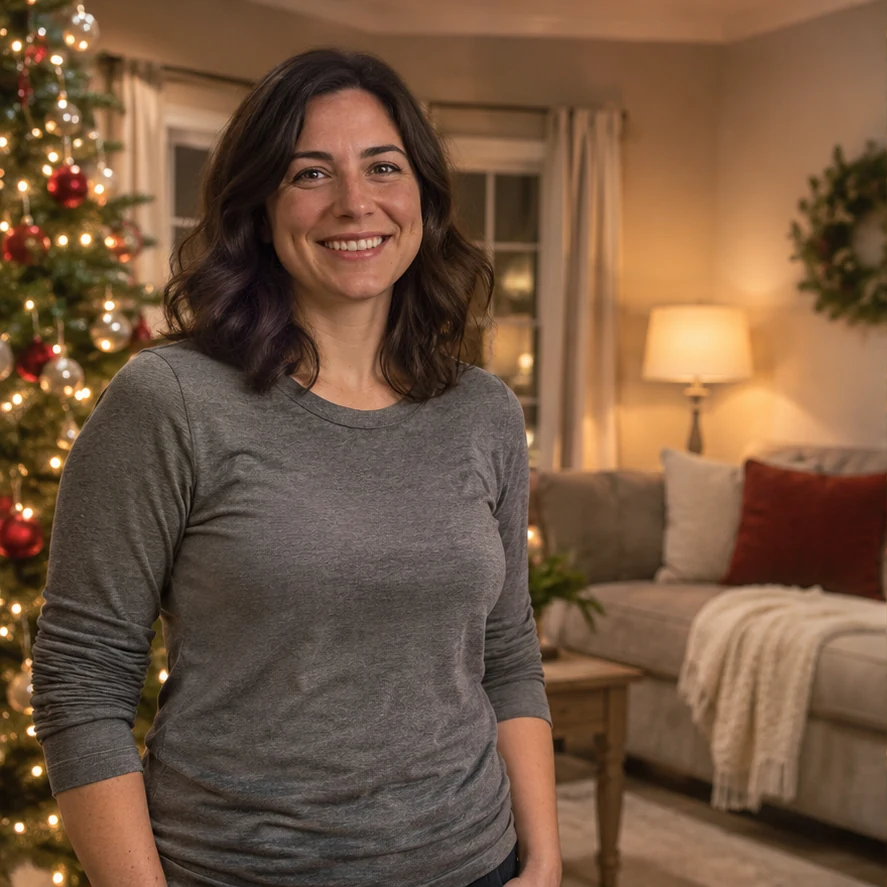
Before
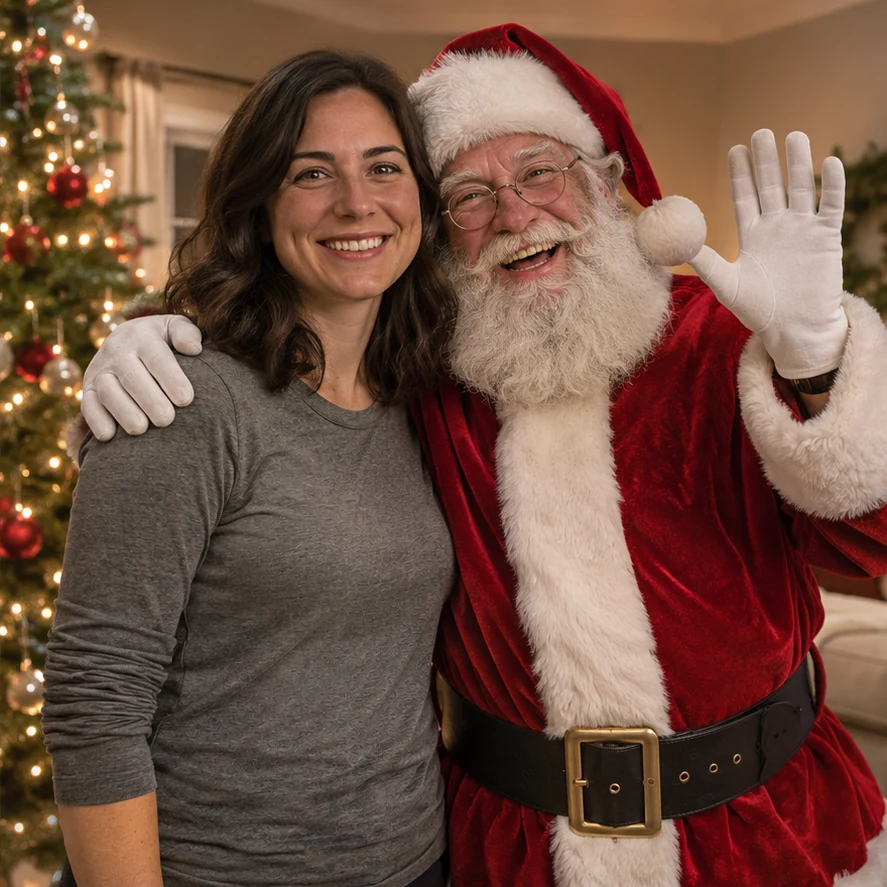
After
Santa poses beside your original subjects
Make it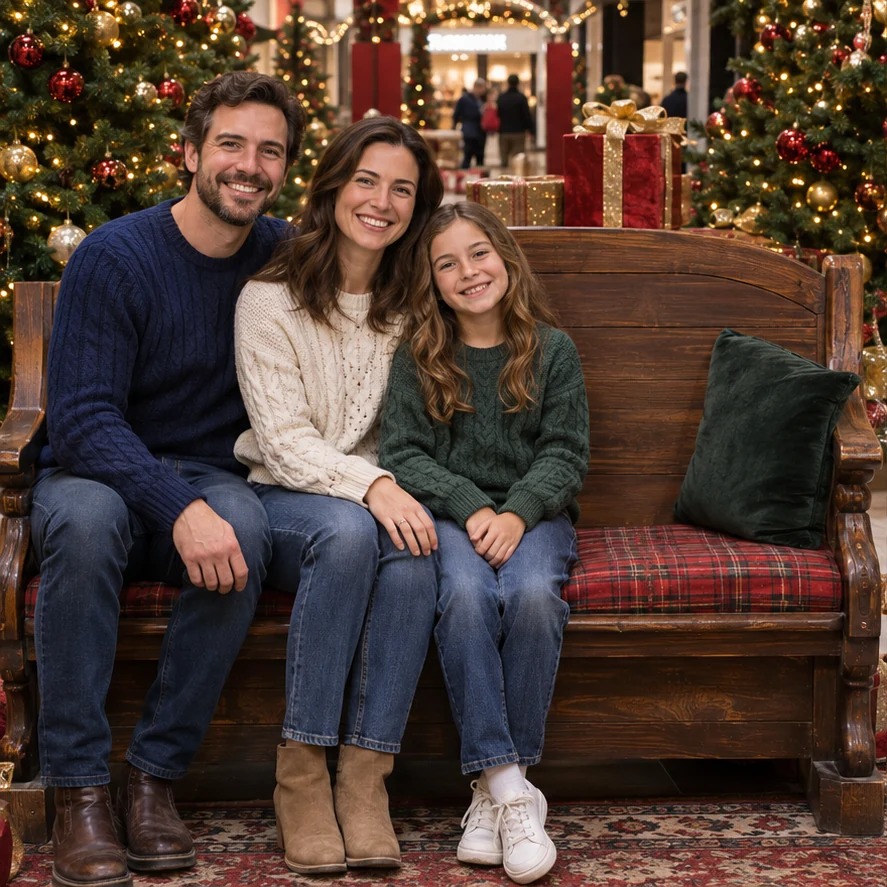
Before
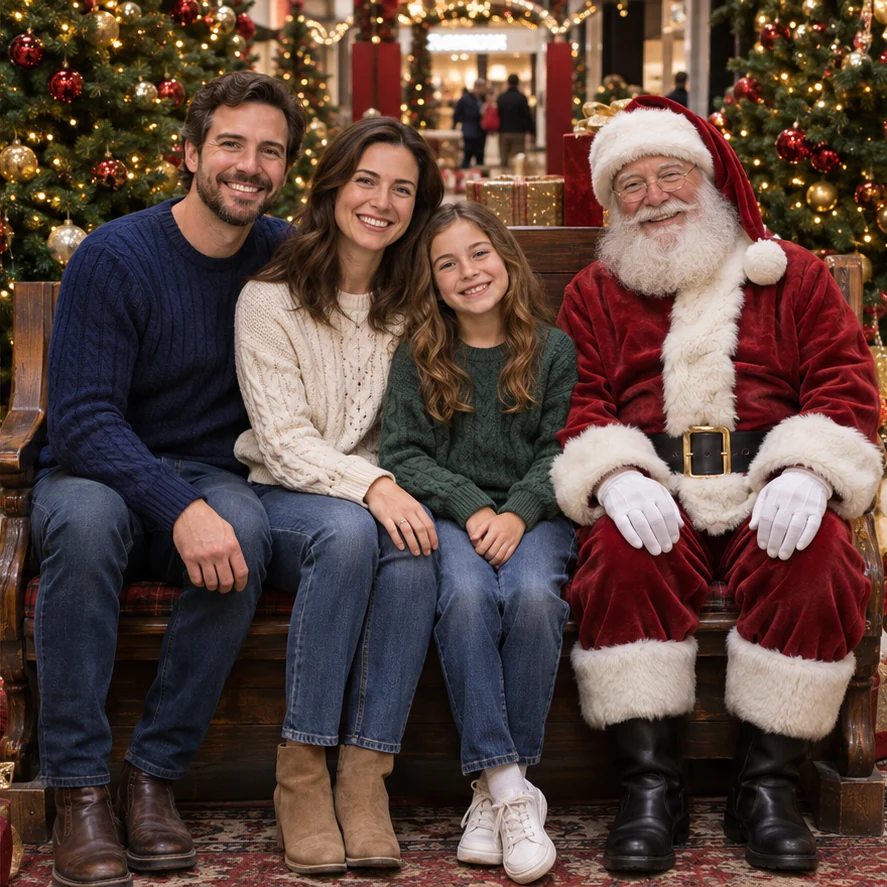
After
Santa poses beside your original subjects
Make it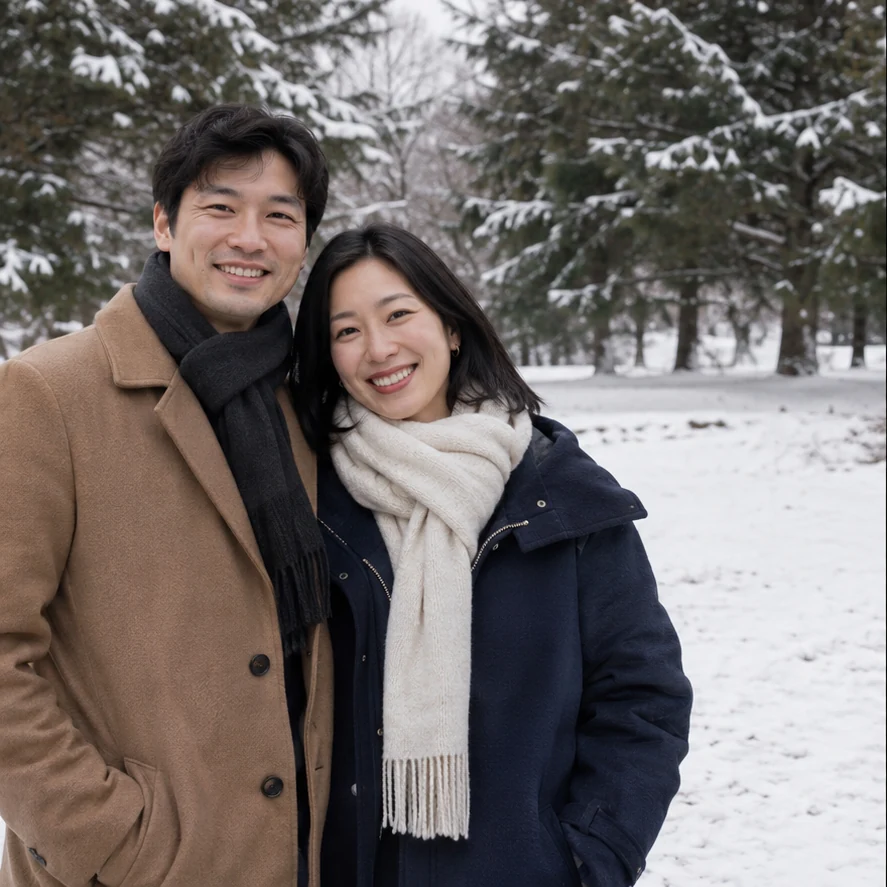
Before
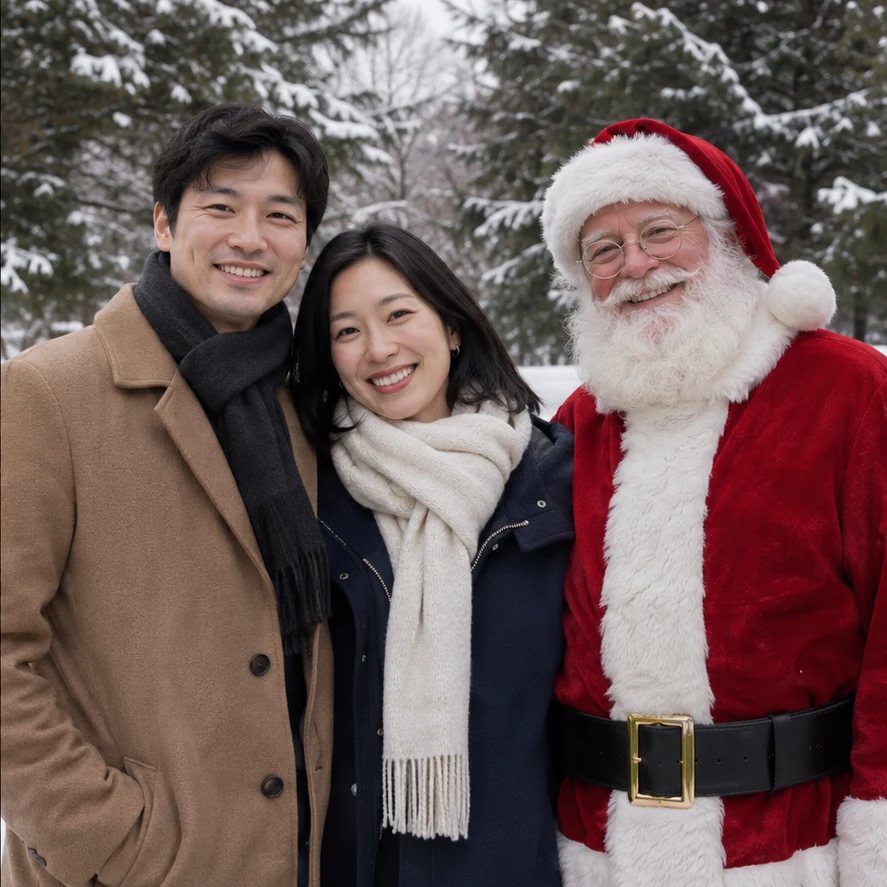
After
Santa poses beside your original subjects
Make it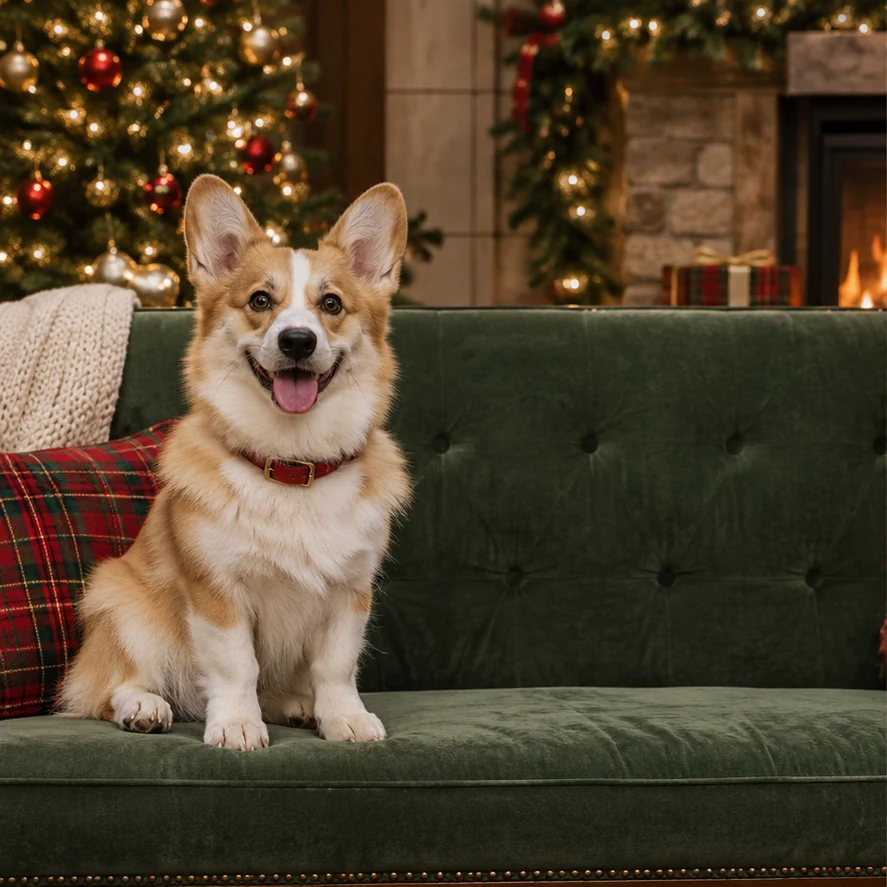
Before
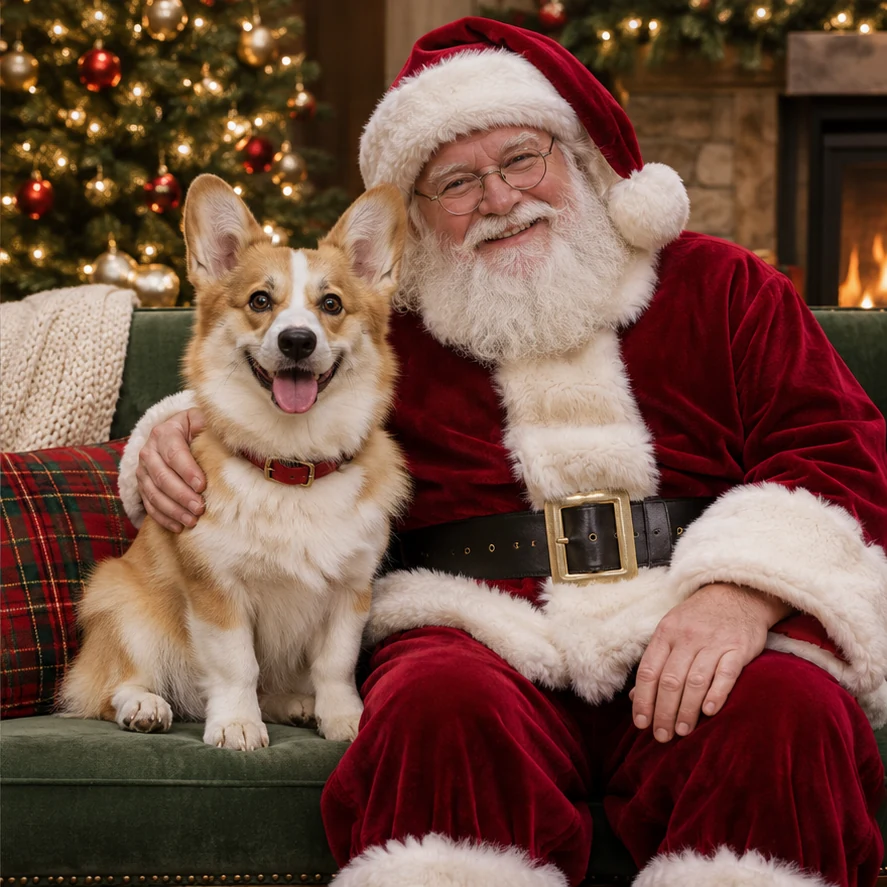
After
Santa poses beside your original subjects
Make itThe Photo with Santa Trend
Photo with Santa is an AI photo tool that adds a separate Santa posing beside the people or pets in your uploaded picture.
Choose By the tree for a casual home snapshot, Santa’s grotto for a classic mall or workshop portrait, Snowy outdoor for a winter photo, or Kids or pets with Santa for a cozy seated portrait. Santa stays a separate character. Only the grotto style may replace the background with a decorated portrait setting; the other styles keep your surroundings. The studio requests your original photo shape without a forced square or portrait crop.
Want to become Santa yourself? AI Santa Photo adds a Santa hat, red coat and workshop look to a person. For fictional security or doorbell-camera scenes, Santa Caught on Camera has Santa being caught by a camera; here, Santa poses with you.
Step by step
Use 1 JPG, PNG or WebP up to 10 MB. Choose clear faces and leave space for Santa to stand or sit beside the subjects. For Snowy outdoor, start with an outdoor winter photo. Only upload photos you have permission to use.
Select By the tree, Santa’s grotto, Snowy outdoor or Kids or pets with Santa in the studio on this page. Add optional details in up to 120 characters.
1K uses 5 credits; the default 2K uses 10 credits for 1 image. Original photo shape is selected automatically. Sign in with enough credits before creating.
Press Create my photo with Santa when ready. Review faces, hands, Santa’s placement and lighting before downloading or sharing. Confirmed failed creations return their credits; an uncertain provider response is checked before a refund.
Why make it here
Add Santa as a separate character beside the people or pets in your photo.
Choose a tree, a grotto, a snowy outdoor scene or a cozy seated portrait.
The studio requests your original photo shape. Check the finished image for framing and likeness.
A photo uses 5 credits at 1K or 10 credits at 2K. The cost is shown before you create, and a failed creation returns its credits.
FAQ
No. Creating an image uses account credits. 1K uses 5 credits; the default 2K uses 10 credits for 1 image. Review current credit packs and plans before creating.
No. This effect adds a separate Santa posing with the people or pets in your photo. Use AI Santa Photo if you want a person styled in a Santa hat and red coat instead.
Yes, the studio requests the original photo shape using the image model’s automatic format and asks it to retain the framing without cropping or stretching. There is no forced 1:1 or 9:16 format. AI output details and dimensions can vary; check the finished image.
No. Each before/after example is an AI-generated before/after pair with fictional subjects, not a live product result. The model is prompted to preserve identities, but exact likeness, placement and lighting are not guaranteed.
No. Select a style in this page’s studio. Nothing is created until you add your own photo and press Create. Confirmed failed creations return their credits; uncertain provider responses are checked first.
You need permission to upload the photo and create and share the result, including permission for everyone pictured. For a child’s image, you need the appropriate parent or guardian authority. Read how uploads and generated files are handled; do not upload sensitive photos.
No. PopFestive is an independent AI photo tool, not an official Santa service or a real visit. These are fictional portraits with Santa, not evidence of a real visit.
Choose a style and bring Santa into a Christmas portrait with the people or pets you love.