
Christmas photos for dogs and cats
 Christmas photos for dogs and cats
AI Christmas Pet Photo Generator
Upload one clear pet photo, or two for a double portrait, and get a festive Christmas pet photo: Santa outfit, elf, reindeer antlers, pajamas under the tree, by the fireplace, or in the snow.
1Upload your photo
Use a clear, well-lit photo with your pet’s face visible.
Tip: drag photos onto the boxes, or paste one with Ctrl+V (⌘V).
2Pick your Christmas effect
3Choose quality & format
Add a name or Christmas details, or leave this empty to use the selected style. Style previews are illustrative examples; your result will differ.
This pet photo: 10 credits · 100 credits a month for $29.90, or 400 a year for $100
By creating, you confirm you have permission to use the uploaded photos. Terms of Service
No subscription needed · 5 credits at 1K, 10 at 2K · A failed creation returns its credits
Published Nov 15, 2026
The short answer
An AI Christmas pet photo generator turns a photo of your own dog or cat into a festive portrait. Add one clear pet photo, or one photo of each pet for two pets in one scene, pick one of six looks, and PopFestive prepares a Christmas photo that keeps your pet's face, coat and markings. There is no costume to buy and no app to install. A photo uses 5 credits at 1K or 10 credits at 2K; pack credits never expire, and a creation that fails returns its credits.
What’s new on this page
- — Page published.
- — Six pet looks in the studio’s Christmas pets effect: Santa outfit, Elf, Reindeer antlers, Pajamas under the tree, By the fireplace and Snow.
- — Before-and-after examples for every look, including a two-pet portrait. They are illustrative examples, not live results.
Illustrative examples
Your pet photo in, a Christmas portrait out
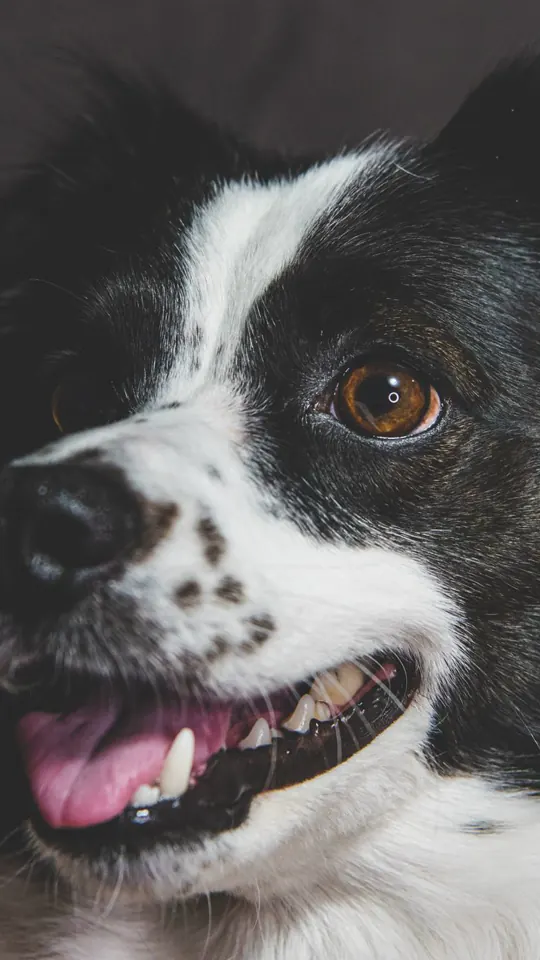
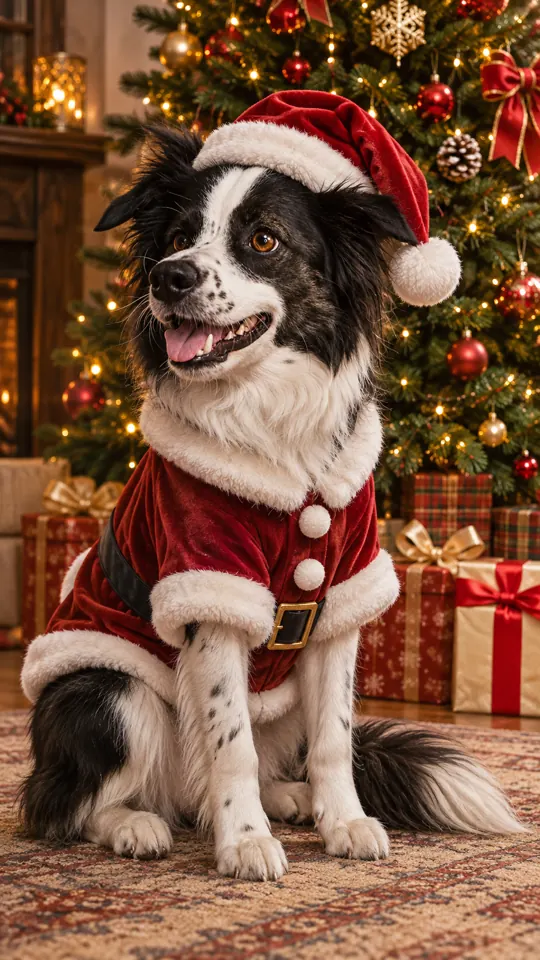
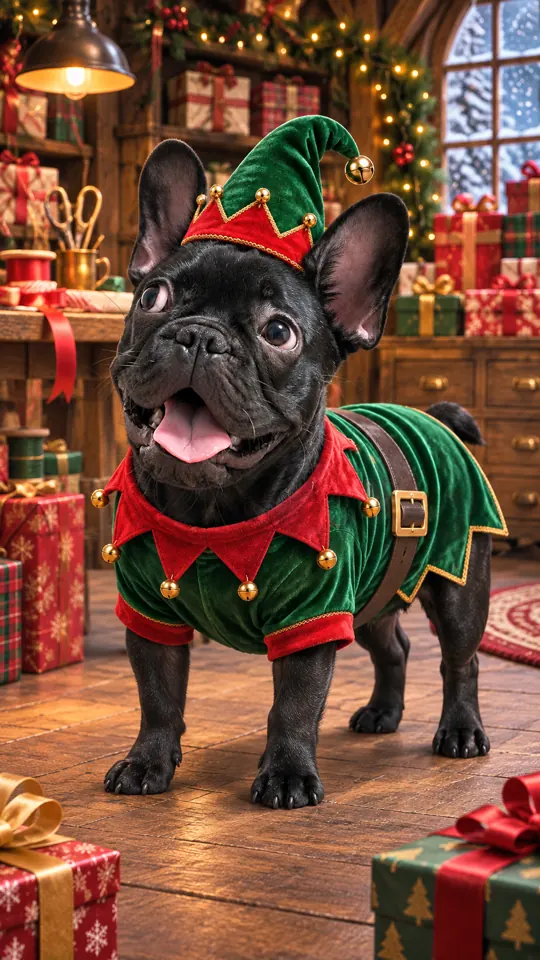
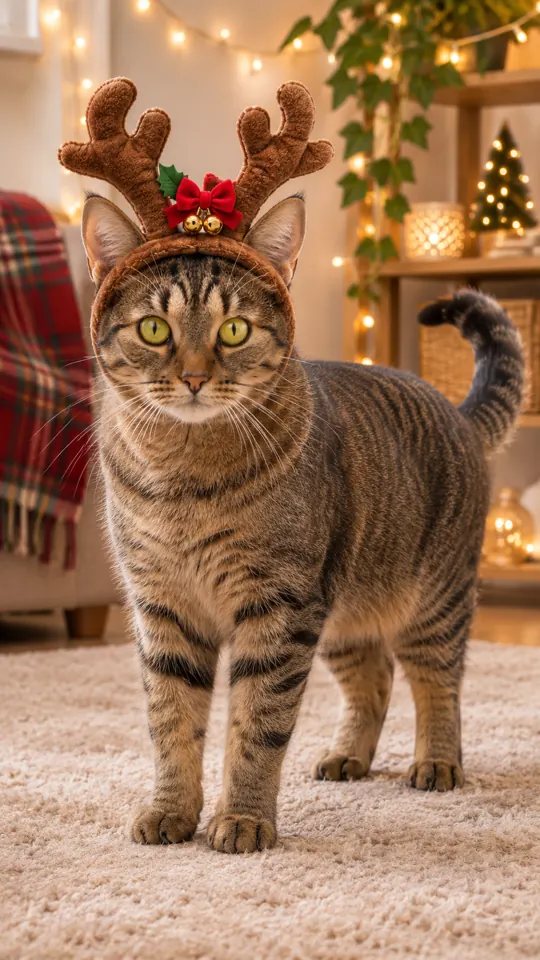
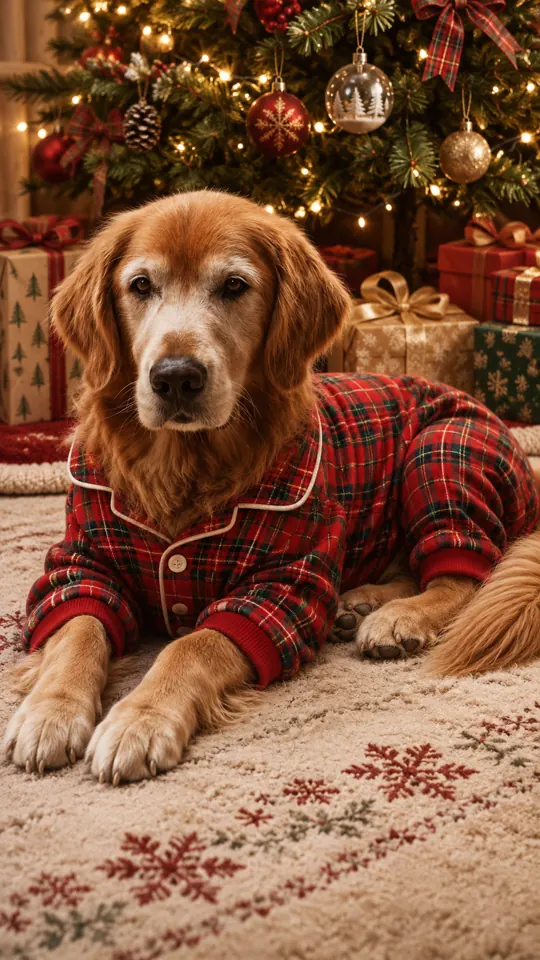
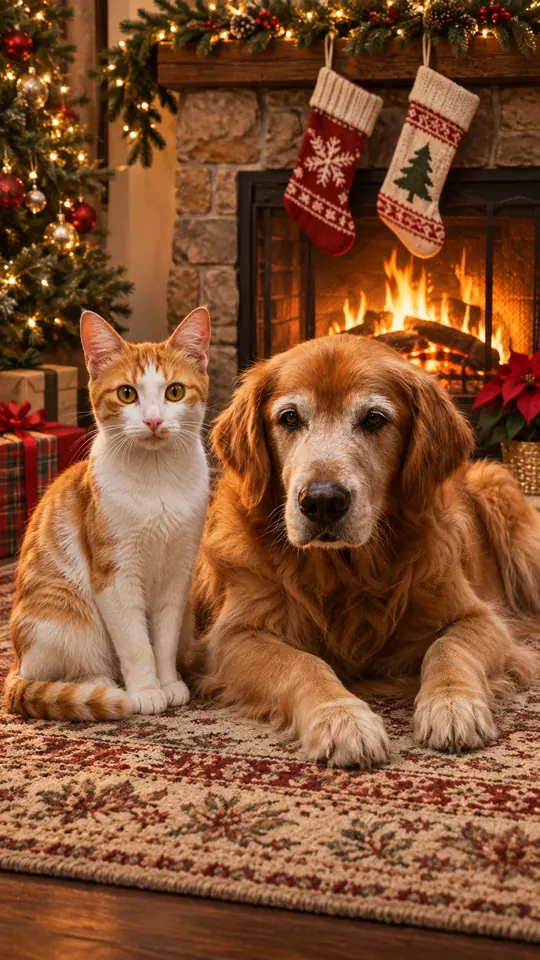
Each card puts an everyday pet photo next to a festive version of the same animal. There is one card for each of the six looks, and the By the fireplace card shows two pets from two separate photos sharing one scene. Tap a result to use that look in the studio.
Every result on this page is an illustrative example, made with a different image tool from the source photos. Live results in the studio use the site’s own model, Nano Banana 2, so your picture will differ in pose, background and detail.
 Before
 Illustrative example
Santa outfitBorder collie · Illustrative example 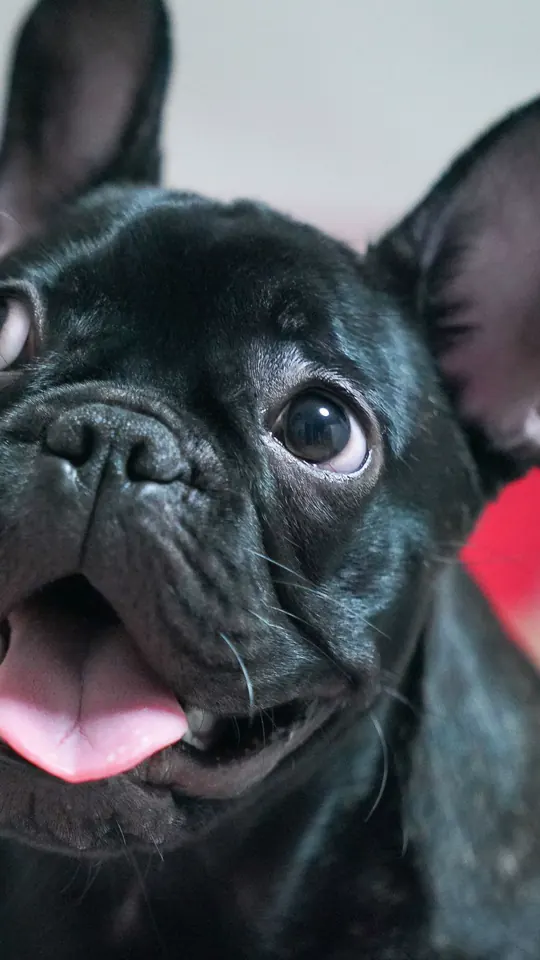 Before
 Illustrative example
ElfFrench bulldog · Illustrative example 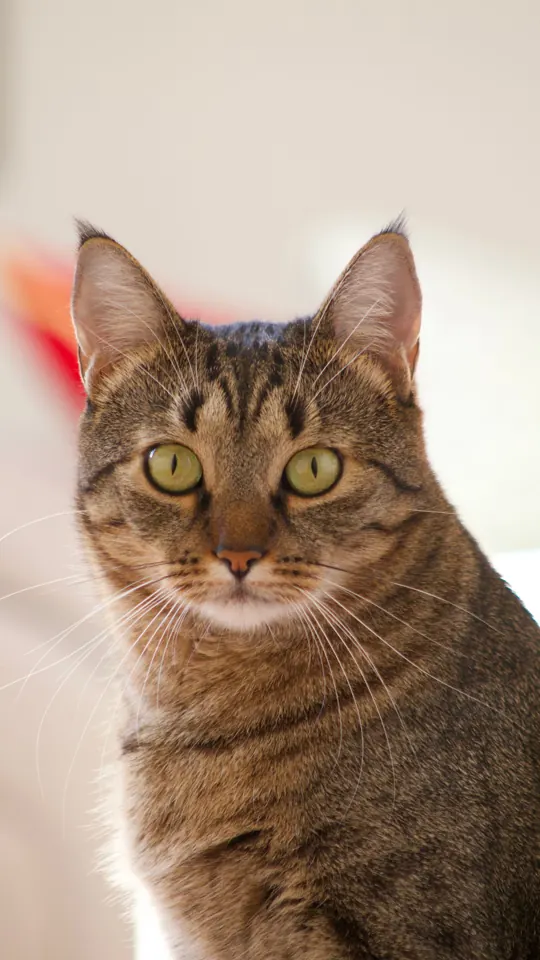 Before
 Illustrative example
Reindeer antlersTabby cat · Illustrative example 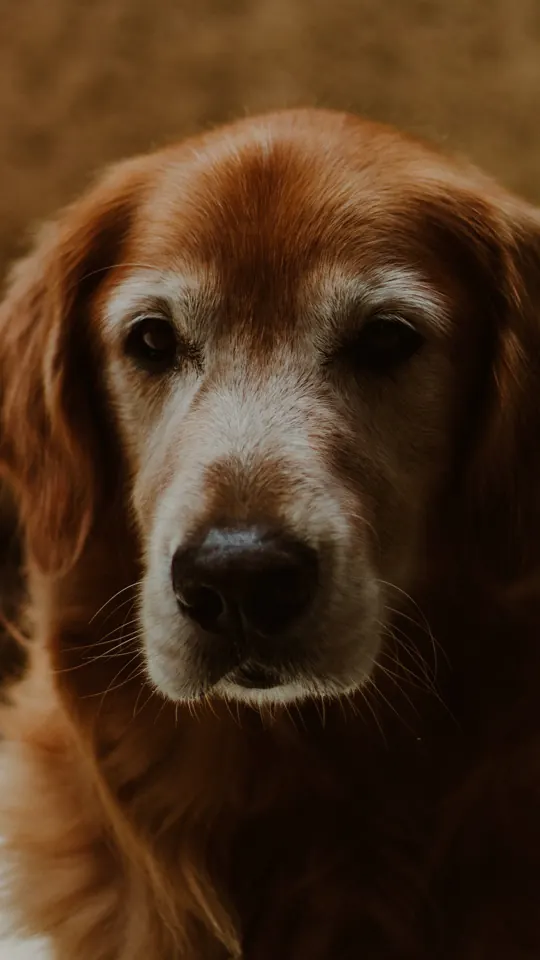 Before
 Illustrative example
Pajamas under the treeGolden retriever · Illustrative example 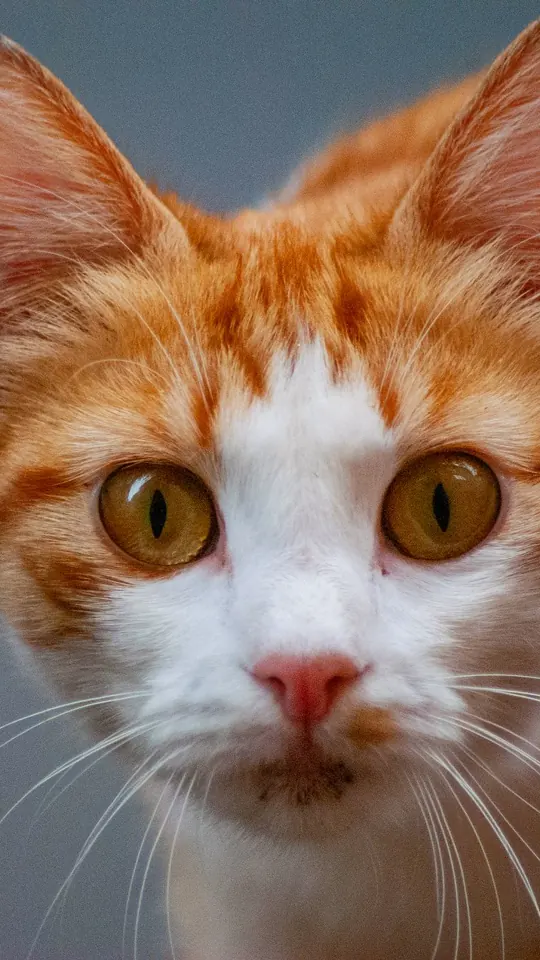 Before · 2 photos
 Illustrative example
By the fireplaceTwo pets: orange-and-white cat and golden retriever · Illustrative example - Before
 Illustrative example
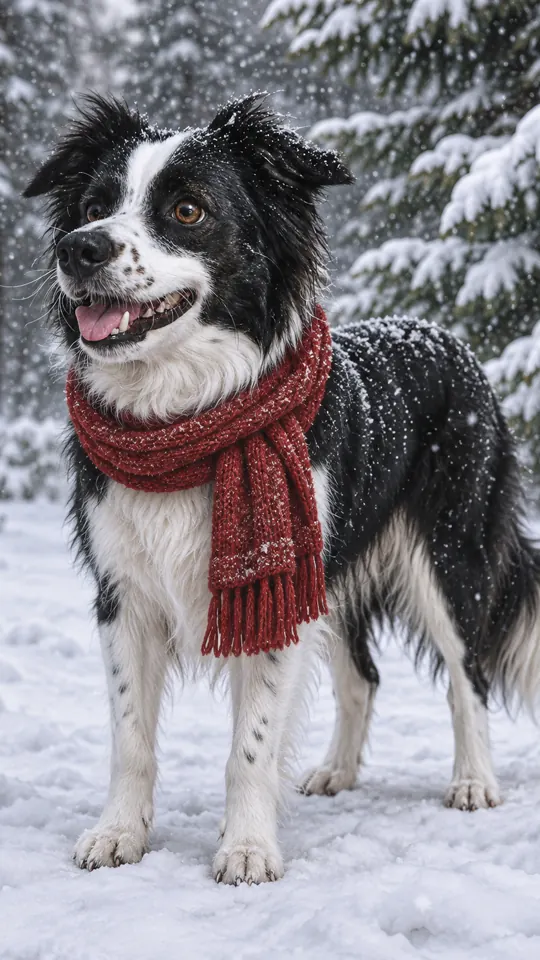
SnowBorder collie · Illustrative example
Source photos from Pexels by Mykhailo Petrenko, Junseop Yoon, Sandin Redzo, Rabia and Daniel Pratt.
Made from your own pet
What is an AI Christmas pet photo generator?
An AI Christmas pet photo generator is a tool that starts from a photo of your actual pet, not a stock picture of a generic Santa dog. You upload a clear picture of your dog or cat, choose a holiday look, and PopFestive creates a new Christmas portrait that keeps the animal's face, coat color and markings while changing the outfit, props and setting around it.
On this page the studio opens on the Christmas pets effect with six looks: Santa outfit, Elf, Reindeer antlers, Pajamas under the tree, By the fireplace and Snow. Switch to Two pets and add one photo of each animal, and both appear together in the same scene, even if they never sit still side by side in real life.
Looking for a Christmas pet filter or a costume?
This is not a live camera filter, and it does not sell a real Santa outfit. It works from a photo you upload and makes a new still image, so your pet never has to wear anything. The Christmas pets effect is made for animals: one pet, or two pets from two photos. It is not set up to put you and your pet in the same picture; for people, use the AI Christmas photoshoot or the AI Santa photo.
Want more photo tips? Read the Christmas pet photo guide
Step by step
How to make an AI Christmas pet photo
Four steps in your phone or computer browser, from pet photo to download.
- 1
Add one clear pet photo
Use a well-lit photo where your pet's face and eyes are easy to see, with one animal per photo. On a computer you can drag or paste the photo into the box, or choose Upload from your phone.
- 2
Pick one of six looks
Christmas pets is already selected. Choose Santa outfit, Elf, Reindeer antlers, Pajamas under the tree, By the fireplace or Snow. For two animals, switch to Two pets and add a second photo, one pet in each.
- 3
Choose quality and format
1K uses 5 credits and 2K uses 10 credits; 2K is preselected. The frame starts vertical (9:16), and you can switch to square (1:1) or wide (16:9).
- 4
Add a detail, create, download
Optionally add a name or a detail such as "Milo, red collar". Press create, check the result and download the picture you want to keep.
Ideas
Ideas for a Christmas pet photo
- The front of a Christmas card: switch the format to wide (16:9) and add your greeting in your own card editor.
- Two pets, one portrait: the dog and the cat who never sit together, side by side By the fireplace.
- A first Christmas: a new puppy or kitten in the Santa outfit look.
- A matching family set: your pet here, and the people on the AI Christmas photoshoot page in a similar cozy setting.
- A festive profile picture: switch the format to square (1:1) and pick the Reindeer antlers or Elf look.
- A gift for the grandparents: a 2K Pajamas under the tree portrait, ready to print or frame.
More Christmas effects
Made from your own photos: portraits for the people, a certificate for the kids and more festive tools.
Why make it here
Why make your Christmas pet photo here
Still looks like your pet
The portrait starts from your own photo and is asked to keep your pet's face, coat and markings, so it is not a stock animal in a hat.
Six looks, no costume
Santa outfit, Elf, Reindeer antlers, Pajamas under the tree, By the fireplace and Snow. Your pet never has to wear a thing.
Two pets in one scene
Add one photo of each animal and they share the same Christmas portrait, even if they are never in the same room.
Pay only for the photos you make
A photo uses 5 credits at 1K or 10 at 2K, shown before you create. Packs are a one-time purchase with credits that never expire, and a creation that fails returns its credits.
FAQ
AI Christmas pet photo FAQ
It turns a photo of your own dog or cat into a new Christmas portrait. You upload one or two pet photos, pick one of six holiday looks, and the studio creates a festive image that keeps your pet recognizable. It is not a live camera filter; it makes a still image from your upload.
Yes. Switch the studio to Two pets and add two photos, one animal per photo, and both pets appear together in the same Christmas portrait. It still counts as one photo: 5 credits at 1K or 10 credits at 2K.
You can choose from six looks: Santa outfit, Elf, Reindeer antlers, Pajamas under the tree, By the fireplace and Snow. You can also add a short detail, such as your pet's name or a red collar, to personalize the result.
A clear, well-lit photo with your pet's face and eyes visible works best. Use one animal per photo, skip heavy filters, and only upload photos you have the right to use.
Each photo costs 5 credits at 1K or 10 credits at 2K. You can buy a one-time PopFestive credit pack with no subscription, pack credits never expire, and if a creation fails its credits are returned.
Not with this effect. Christmas pets is made for one pet or two pets, so it does not promise a portrait of you and your pet together. For people, use the AI Christmas photoshoot or AI Santa photo pages, then pair the pictures in a card or collage.
Your Christmas pet photo starts with one picture
Pick a clear photo of your dog or cat, choose one of six looks and see them in Christmas light.