
Christmas portraits, made from the photos already on your phone
 Christmas portraits, made from the photos already on your phone
Your AI Christmas Photoshoot, No Studio Needed
Turn one everyday picture into a full AI Christmas photoshoot: warm tree lights, cozy sweaters and snowy windows, all built around the faces you love.
1Upload your photo
Use a clear, well-lit photo with one face visible.
Tip: drag photos onto the boxes, or paste one with Ctrl+V (⌘V).
2Pick your Christmas effect
3Choose quality & format
Add a name or Christmas details, or leave this empty to use the selected style.
This Christmas photoshoot: 12 credits · 100 credits a month for $29.90, or 400 a year for $100
By creating, you confirm you have permission to use the uploaded photos. Terms of Service
No subscription needed · Ready in minutes · Failed creations are never charged
Updated Nov 13, 2026
The short answer
Turn one everyday picture into a full AI Christmas photoshoot: warm tree lights, cozy sweaters and snowy windows, all built around the faces you love.
What’s new on this page
- — Four festive looks to start from: Classic Red & Gold, Cozy Christmas, Snowy Wonderland and Santa's Workshop.
- — New before-and-after examples for portraits, couples, kids and pets.
- — Clearer photo tips, so your first upload gives you the best likeness.
- — A simple four-step guide from upload to download.
- — Quick links to the Christmas card, Santa photo, wallpaper and background pages.
Made with PopFestive
Your photo in, a Christmas photoshoot out
Each pair shows the idea at a glance. On the left is the kind of photo most of us already have: a selfie on the sofa, a quick snap of the kids at the kitchen table, the dog mid-yawn. On the right is the same face placed in a Christmas scene, with soft tree lights, a knitted sweater or a dusting of snow outside the window.
Tap through the looks to see how the mood changes. Classic Red & Gold feels like a formal family portrait. Cozy Christmas is fireside and blankets. Snowy Wonderland moves everyone outdoors into a winter evening. Santa's Workshop brings in wooden toys, ribbon and a warm workshop glow. Pick the one that matches the picture you have in your head, then make it with your own photo.
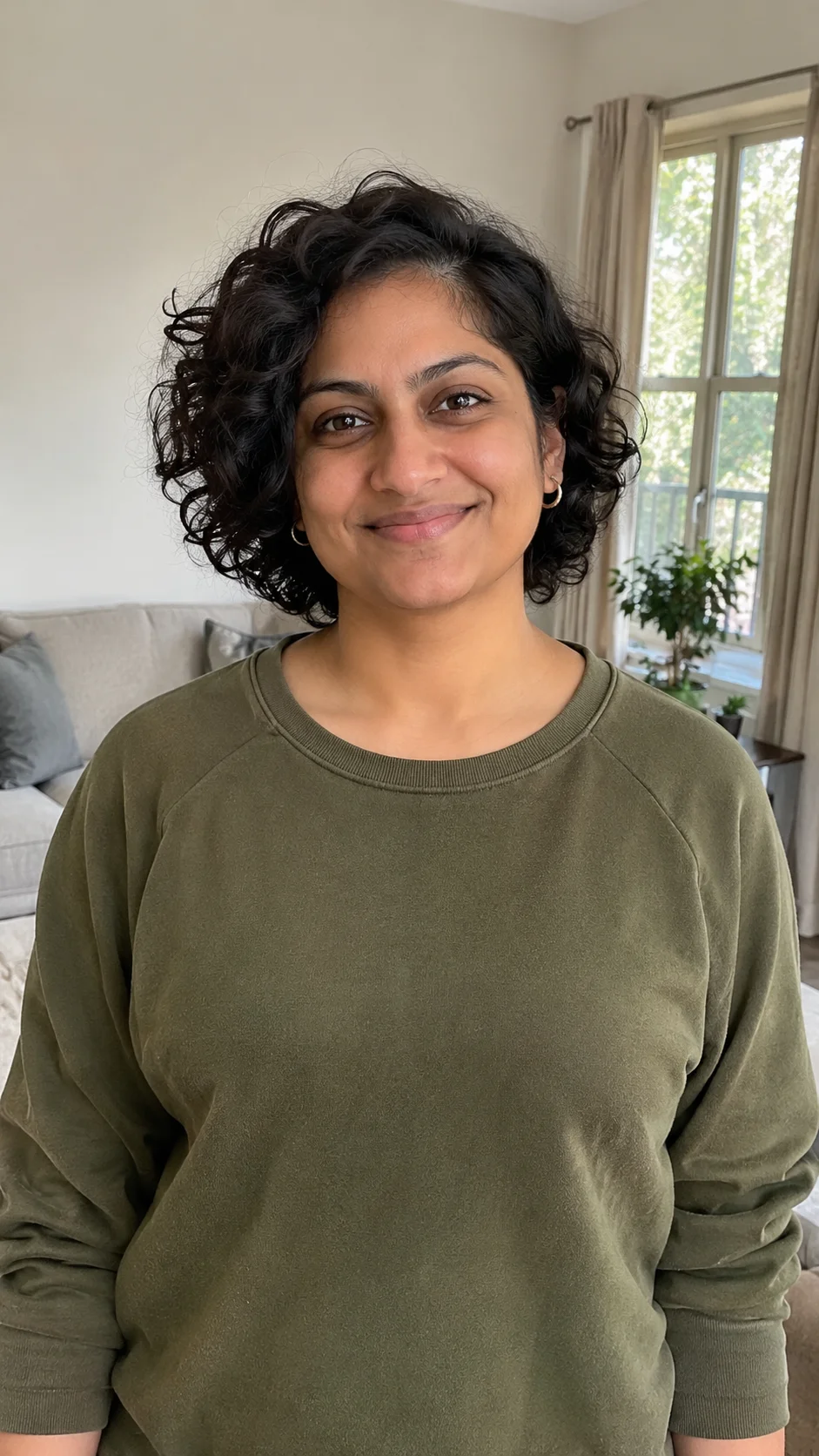
Your photo in 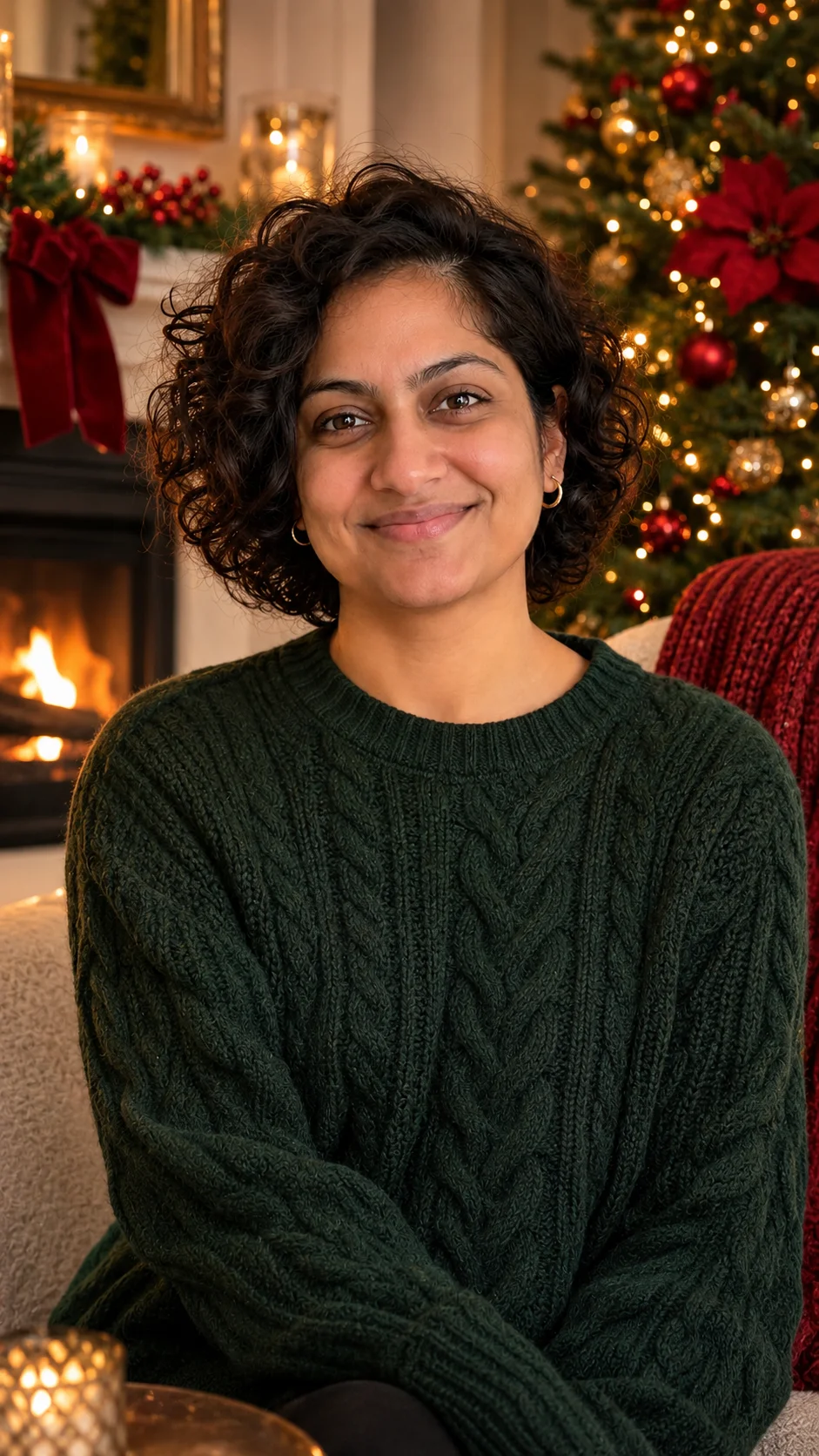
Your Christmas look out Your starting photo 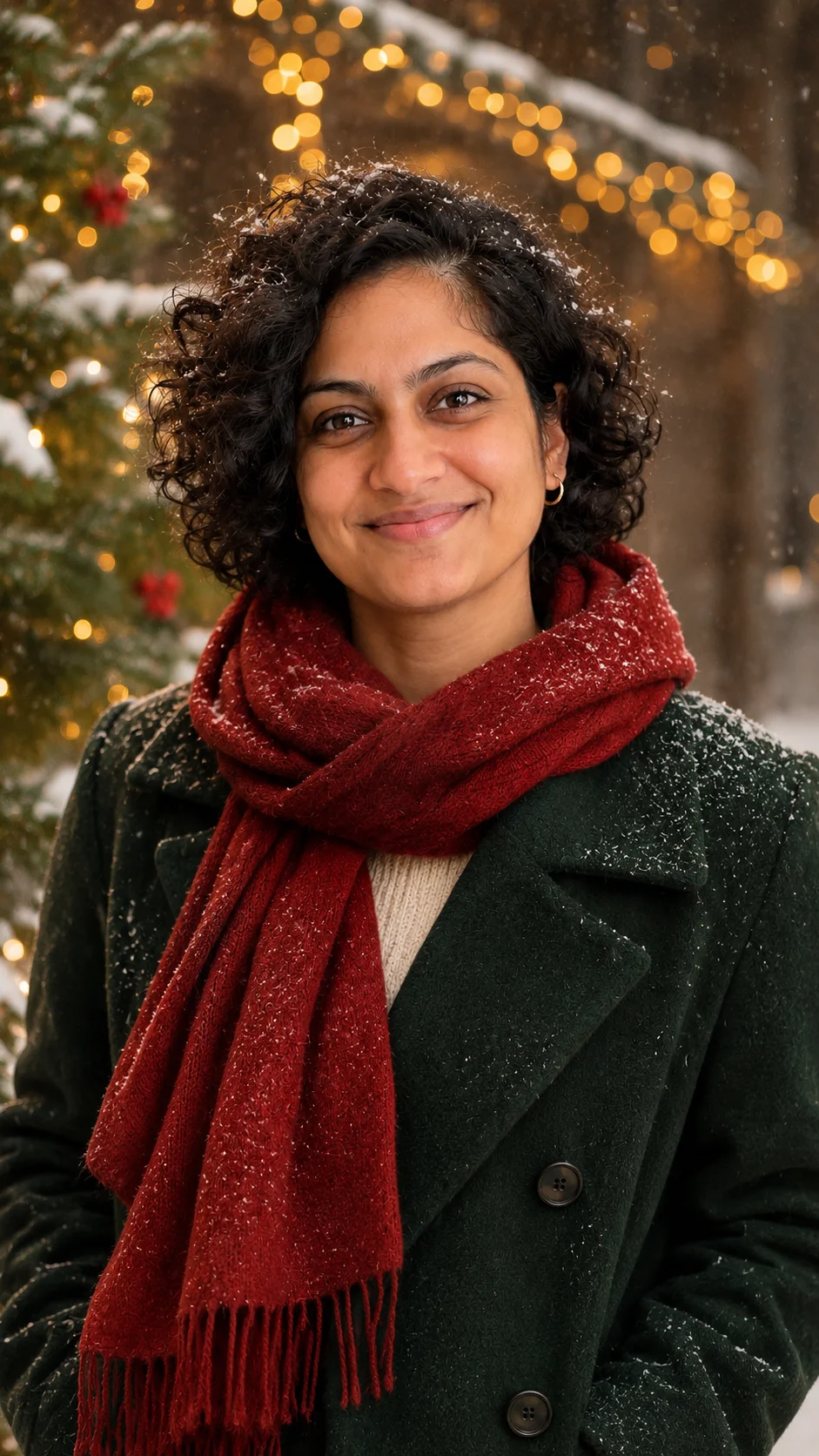
Another festive look
Your personal Christmas creation
What is an AI Christmas photoshoot?
An AI Christmas photoshoot gives you the results of a holiday photo session without the session itself. You upload a clear picture of a person or a pet, choose a Christmas look, and PopFestive creates a festive portrait that keeps the face recognizable while changing the setting, the lighting and the outfit around it.
Think about what a traditional Christmas photoshoot asks of a family. Someone has to book a slot, everyone has to match, the toddler has to stay awake, and the dog has to sit still for more than two seconds. A lot of families skip it, then wish they had a nice photo when it's time to send cards or post a holiday greeting. An AI Christmas photoshoot lets you start from a photo you already love, taken on an ordinary day, and give it the Christmas feeling afterwards.
It works for more than family portraits. People use it for a festive profile picture, a gift for grandparents who live far away, a matching set of pictures for each grandchild, or a portrait of a pet who would never tolerate a reindeer headband in real life. You can make one picture, or work through the four looks and keep the one that feels most like your family.
Want the photo for a card? See the AI Christmas Card Generator
Step by step
How to do an AI Christmas photoshoot
Four steps to choose your input, frame the picture and bring the Christmas details together.
- 1
Add one clear photo
Choose a well-lit, front-facing picture where the face is easy to see. Natural daylight from a window works beautifully, and a plain background helps. Skip heavy filters and sunglasses so the portrait keeps the real smile.
- 2
Pick your Christmas look
Choose Classic Red & Gold, Cozy Christmas, Snowy Wonderland or Santa's Workshop. Each look sets the room, the colors and the light for you, so you don't need to write a long description to get a festive result.
- 3
Choose quality and shape
Select 1K for quick sharing or 2K when you want more detail for printing. Then pick the shape: vertical for phones and stories, square for profile pictures, wide for a desktop or a banner.
- 4
Add a detail and create
Add a small personal touch if you like, such as "matching green sweaters" or "a fireplace with stockings." Press create, look over your portrait, and download the one you want to keep.
More Christmas effects
Made from your own photos: a certificate for the kids, a festive avatar, a pet portrait or a snowy little video.
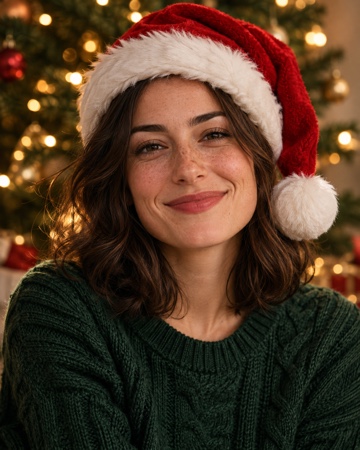 Christmas PFPA festive profile picture with a Santa hat and warm lights.Make it
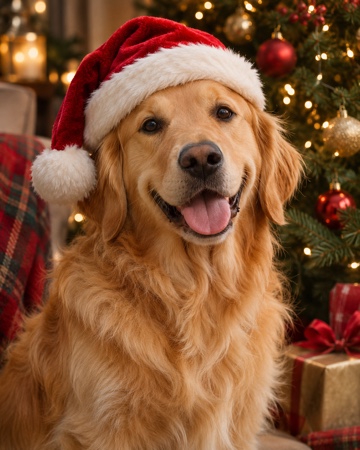 Christmas petsYour dog or cat in a cozy Christmas scene.Make it
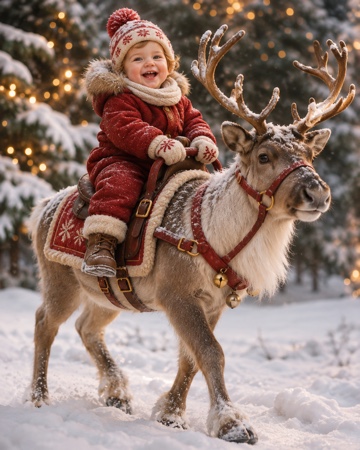 Baby riding reindeerYour baby riding a reindeer through the snow.Make it
Santa Nice List — A personal Nice List certificate with your child's photo and name. Make it
AI Christmas Card Generator — The photo that goes on the front of this year's card. Make it
AI Santa Photo — Santa hat, red coat and twinkling lights on someone you love. Make it
AI Christmas Wallpaper — A festive lock screen made from your favorite face. Make it
AI Christmas Background — A wide Christmas scene for video calls, covers and cards. Make it
Why make it here
Why have your AI Christmas photoshoot here
Your people, in their best Christmas light
The portrait is built from your own upload, so it looks like the people you actually know. The Christmas setting does the dressing up, and the smile stays theirs.
No booking, no matching outfits
There is no studio slot to grab and no one to wrangle into coordinated sweaters. Start from a photo you took last spring and give it a December glow tonight.
Works in your phone browser
Everything happens in the browser, with no app to install. Upload straight from your camera roll, or drag and paste a picture on your laptop.
Pay only for the photos you make
A photo uses 8 credits at 1K or 12 credits at 2K, and you can see the amount before you create. Credit packs are a one-time purchase, and those credits never expire.
FAQ
AI Christmas photoshoot FAQ
Just one clear photo of the person or pet you want in the picture. A front-facing shot with good light and a visible face gives the most natural likeness. You don't need a costume, a tree or a special camera.
The studio works best with one clear face per photo. For a family set, make one portrait for each person using the same Christmas look, so all the pictures match when you put them side by side or in a collage.
Yes. Choose the Christmas pets effect for a dog or cat, and you can add two pet photos when you want both animals in the same cozy scene. A clear photo with the eyes visible works best.
Classic Red & Gold suits a polished family portrait. Cozy Christmas is great for relaxed, warm, at-home pictures. Snowy Wonderland gives you an outdoor winter scene, and Santa's Workshop is playful and perfect for kids.
Each photo uses 8 credits at 1K or 12 credits at 2K. You can buy a one-time credit pack with no subscription, and pack credits never expire, so leftover credits are still there next Christmas. Downloads have no watermark.
Yes, when they're happy for you to use their picture. For children, a parent or guardian should agree before the photo is uploaded. Please don't use photos of celebrities or anyone who hasn't said yes.
Your Christmas photoshoot starts with one photo
Pick a favorite picture, choose a festive look and see your family in Christmas light tonight.