
Christmas portraits, made from your own picture
 Christmas portraits, made from your own picture
AI Christmas Photo Generator
Use the AI Christmas Photo Generator: add one picture and prepare a festive portrait, Christmas PFP, named certificate or pet Christmas photo. No app, no template.
1Upload your photo
Use a clear, well-lit photo with one face visible.
Tip: drag photos onto the boxes, or paste one with Ctrl+V (⌘V).
2Pick your Christmas effect
3Choose quality & format
Add a name or Christmas details, or leave this empty to use the selected style.
This Christmas PFP: 12 credits · 100 credits a month for $29.90, or 400 a year for $100
By creating, you confirm you have permission to use the uploaded photos. Terms of Service
No subscription needed · Ready in minutes · Failed creations are never charged
Updated Nov 13, 2026
The short answer
Photos: Nano Banana 2, 8 credits at 1K or 12 at 2K. Videos follow model, resolution and length.
What’s new on this page
- — Updated Nov 13, 2026
- — Added a matching example for every Christmas effect.
- — Explained the photo and personalisation inputs.
- — Confirmed photo rates: 1K uses 8 credits, 2K uses 12; videos follow the existing model formula.
- — Clarified tool status and permission requirements.
- — Kept the guides and related-effect links.
Made with PopFestive
Your photo in, a Christmas keepsake prepared
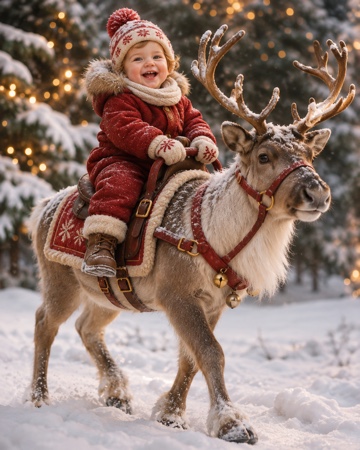
Each sample illustrates an effect, not a completed result made from your upload.
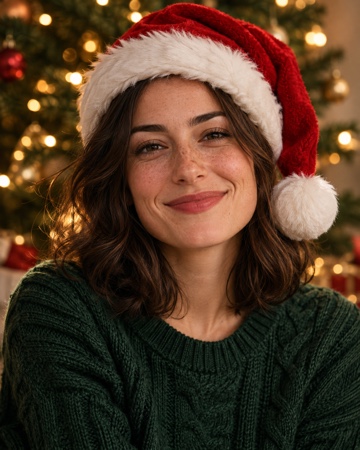
Christmas PFP 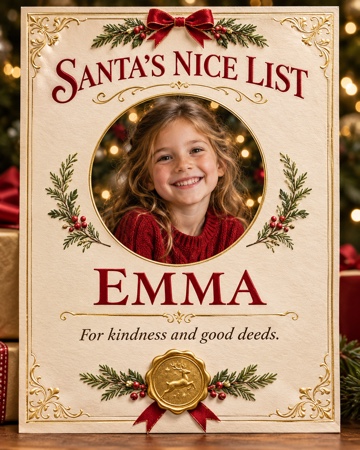
Santa Nice List 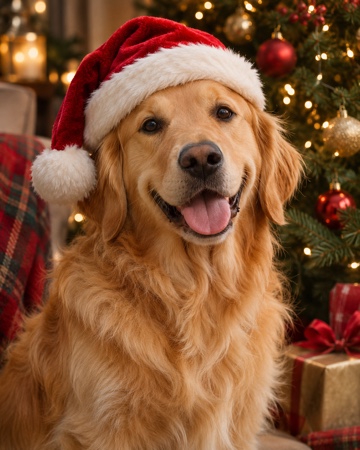
Christmas pets 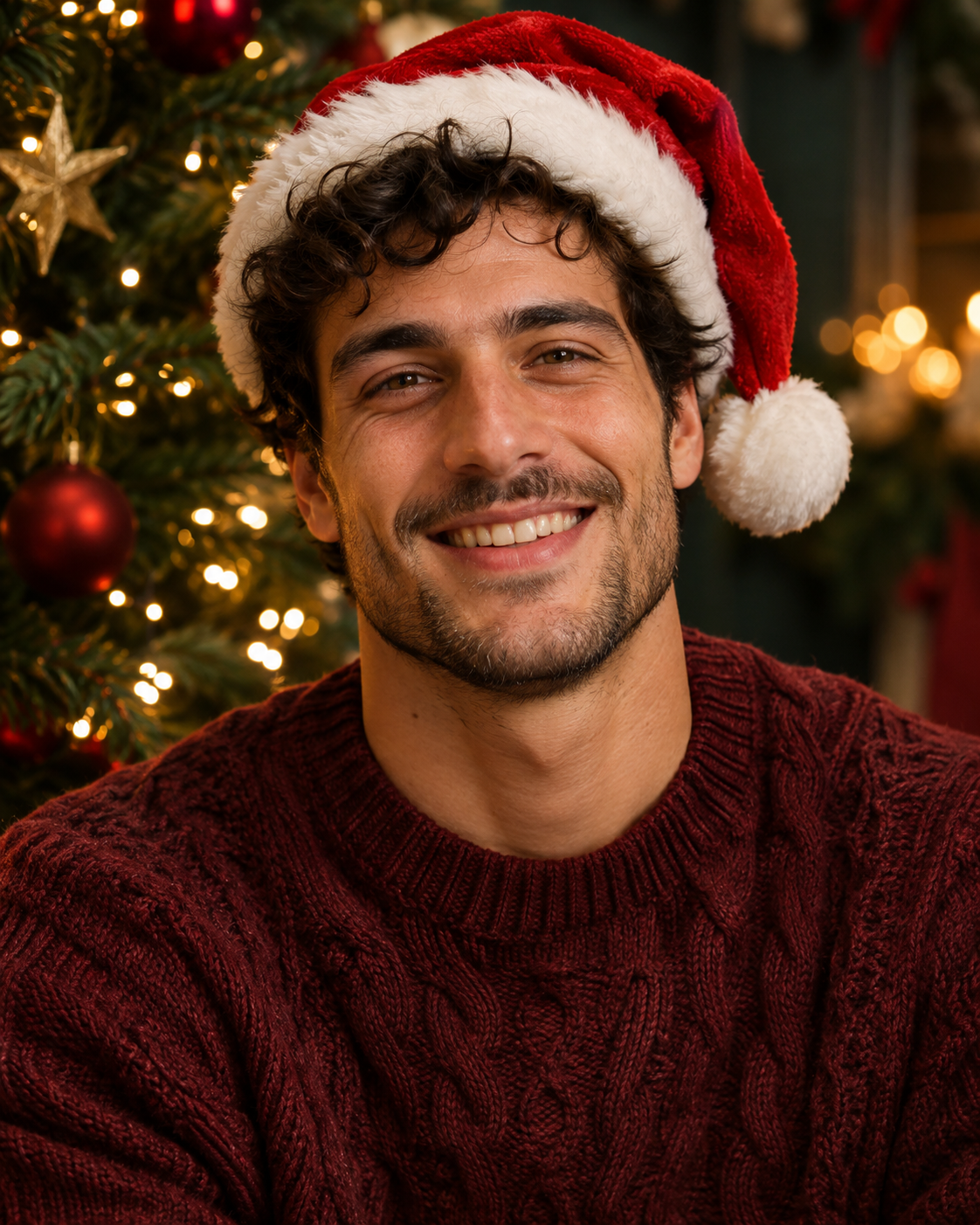
AI Christmas photo
AI Christmas photos from your pictures
What is an AI Christmas Photo Generator?
An AI Christmas Photo Generator prepares festive photo compositions from the picture you upload: your portrait, a child’s certificate photo or a pet beside a Christmas tree. The subject comes from the source image, with the Christmas setting chosen in the studio.
People use AI Christmas photos for profile pictures, family keepsakes and pet portraits. PopFestive brings those photo choices into one browser studio, so you can choose the effect before writing a detailed description. You do not need a Christmas costume or a separate photo shoot.
Looking for a named child’s certificate? See Santa Nice List
The AI Christmas photo
Is it a photo or a video?
This page is for making Christmas photos from uploaded pictures. Choose a photo effect for a profile image, a certificate or a pet portrait; the separate reindeer effect is a video product.
A festive portrait, from one picture
Keep the person recognisable while choosing a Christmas hat, warm lights or a snowy background. Start with a clear source rather than a heavily filtered image.
No branded character styles
Use general Christmas themes rather than named entertainment characters or commercial character designs. The style choices focus on red and gold, warm lights and winter scenes.
Details about you
Add a name, a certificate message or one Christmas detail. For a profile image or pet photo, you can keep the selected style without a long description.
PopFestive is an independent photo tool. The Santa Nice List effect is an unofficial fun keepsake and does not represent a commercial Santa service.
Step by step
How to use the AI Christmas Photo Generator
- 1
Add one clear photo
Use a front-facing portrait or a clear dog or cat photo. For two pets, use one photo of each animal.
- 2
Pick the photo effect and format
Choose Christmas PFP, Santa Nice List or Christmas pets, then review the style and format. Photos use Nano Banana 2: 1K costs 8 credits and 2K costs 12.
- 3
Add your Christmas details
Name the certificate recipient, or describe a Santa hat, warm lights or a festive background. Other photo details are optional.
- 4
Review it before sharing
Review the face, text and framing before downloading. The examples are illustrative, not results made from your upload.
More ways to make a Christmas keepsake
Made from your own photos: choose a festive profile picture, a pet portrait or a winter video.
FAQ
AI Christmas Photo Generator FAQ
It is a browser tool for preparing a festive photo from a picture you upload. Choose a Christmas profile picture, a child’s named certificate or a pet portrait, then add the details you want.
Your uploaded image is the reference for the subject. The sample pictures illustrate the effects; they are not results generated from your upload.
Santa Nice List is one specific effect for a child’s photo certificate. This page covers the broader intent of making Christmas photos from portraits and pet pictures.
Photos use 8 credits at 1K or 12 at 2K; videos follow the original model and duration formula. There is no unlimited-free-generation offer. Existing pack and subscription prices apply.
Yes, if they agree to the use of their photo. Add a portrait and a Christmas detail; a parent or guardian must consent to any child’s image.
Use only photos you have permission to use. Do not impersonate celebrities, public figures or other people, and do not make content intended to deceive or harass.
Christmas PFP is the avatar-focused photo option. The homepage covers that use; this generator page also includes certificate and pet-photo choices.
No. Buy a one-time pack for what you need, with no subscription and no automatic renewal. Monthly and yearly plans are optional; their prices, credit allowances and cancellation flow stay the same. A photo uses 8 credits at 1K or 12 at 2K, while videos follow their selected model settings.
Add one photo, choose a photo effect, review the style and format, then add a name or optional Christmas detail. Review your settings and credit amount before creating.
It is intended as a new personalised composition from the photo and details you supply, not an exact reproduction of another photographer’s image or a branded character design. Review the final output before sharing.
Your AI Christmas photo starts with one picture
One photo, a Christmas effect, a personal detail. Prepare your festive photo in the studio.