
A little Christmas every time you pick up your phone
 A little Christmas every time you pick up your phone
AI Christmas Wallpaper Made From Your Favorite Photo
Turn a favorite face into a festive lock screen, framed in a tall 9:16 shape with twinkling lights, soft snow and plenty of room for your clock.
1Upload your photo
Add a favorite photo for your Christmas wallpaper
Tip: drag photos onto the boxes, or paste one with Ctrl+V (⌘V).
2Pick your Christmas effect
3Choose quality & format
Add a name or Christmas details, or leave this empty to use the selected style.
This Christmas wallpaper: 12 credits · 100 credits a month for $29.90, or 400 a year for $100
By creating, you confirm you have permission to use the uploaded photos. Terms of Service
No subscription needed · Ready in minutes · Failed creations are never charged
Updated Nov 13, 2026
The short answer
Turn a favorite face into a festive lock screen, framed in a tall 9:16 shape with twinkling lights, soft snow and plenty of room for your clock.
What’s new on this page
- — 9:16 is now the default shape, so your wallpaper fits a phone lock screen from the start.
- — Desktop tips: switch to 16:9 for a wide wallpaper behind your icons.
- — Four festive looks: Classic Red & Gold, Cozy Christmas, Snowy Wonderland and Santa's Workshop.
- — New before-and-after examples for people, couples and pets.
- — Links to the photoshoot, card, Santa photo and background pages.
Made with PopFestive
Your photo in, a Christmas wallpaper out
Each example shows a regular photo on the left and a finished lock screen on the right. A selfie from a weekend walk becomes a portrait under falling snow. A picture of your partner laughing at dinner is now wrapped in warm tree lights. Your cat, who refuses to pose for anything, finally sits by the fireplace looking magnificent.
Look at where the face lands in each wallpaper. It sits in the middle or lower half of the screen, with calmer sky, lights or snow at the top where your clock and date appear. That's the layout to aim for. Pick a look you like, then make your own wallpaper with the photo that always makes you smile.
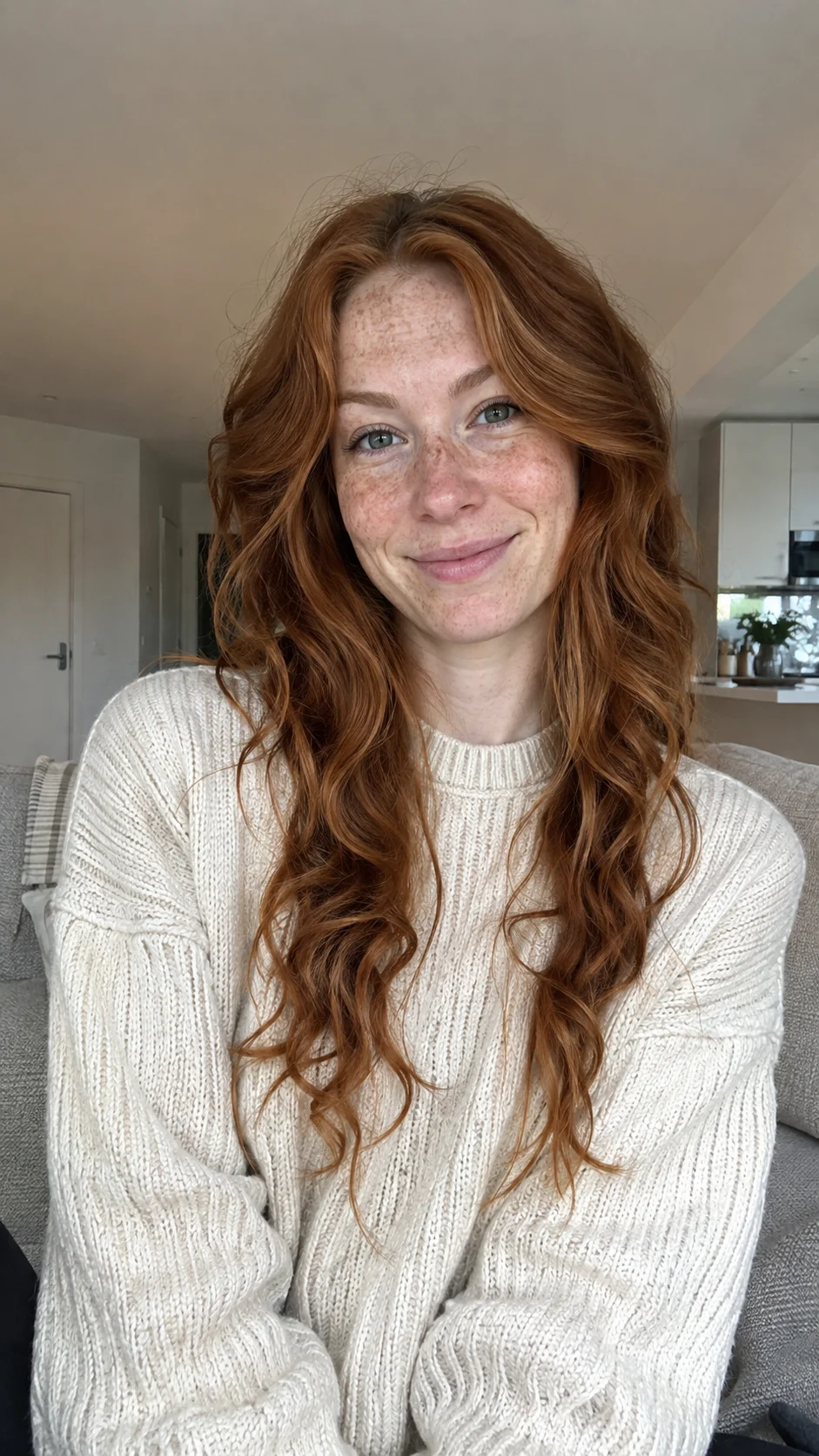
Your photo in 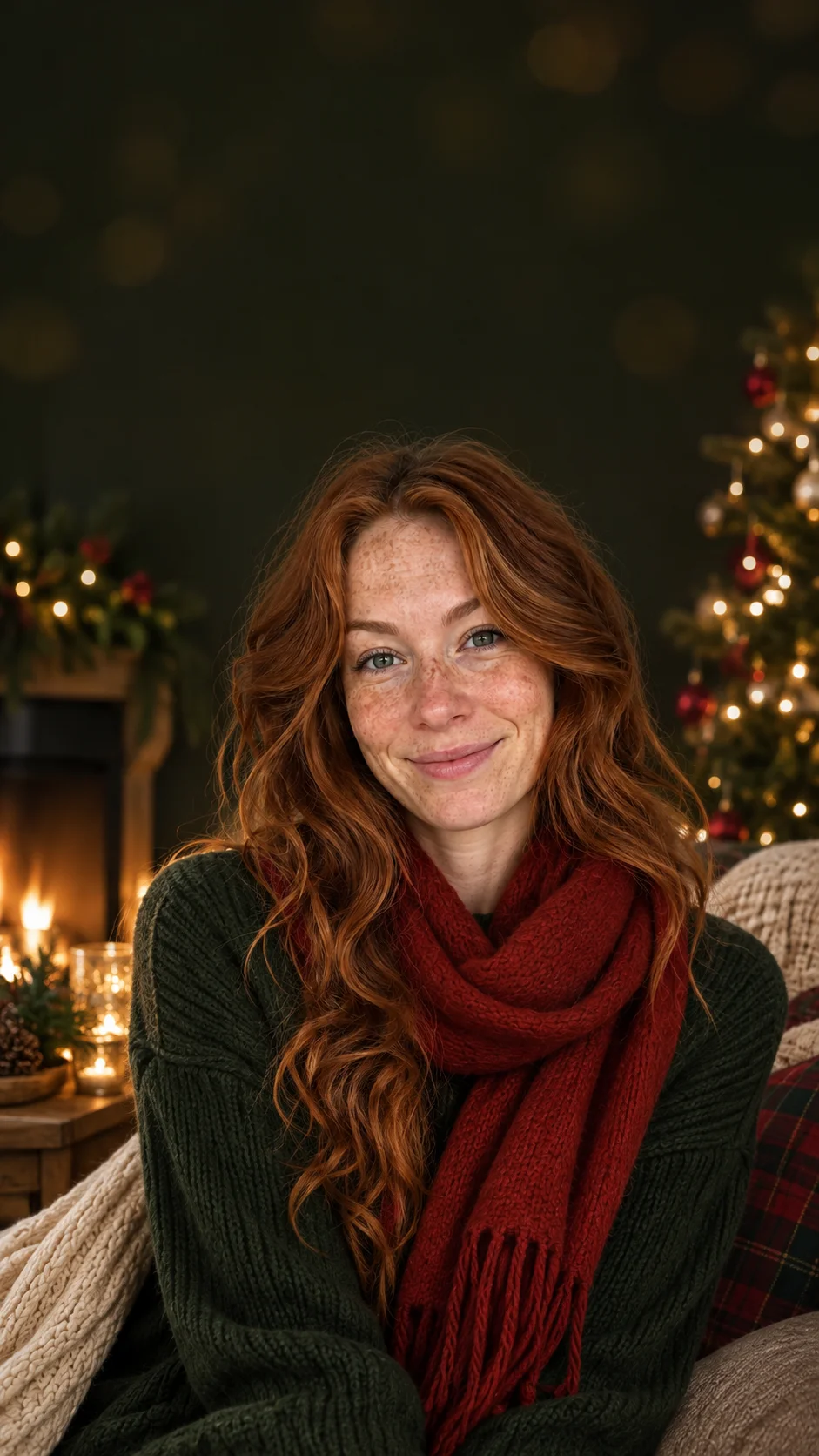
Your Christmas look out Your starting photo 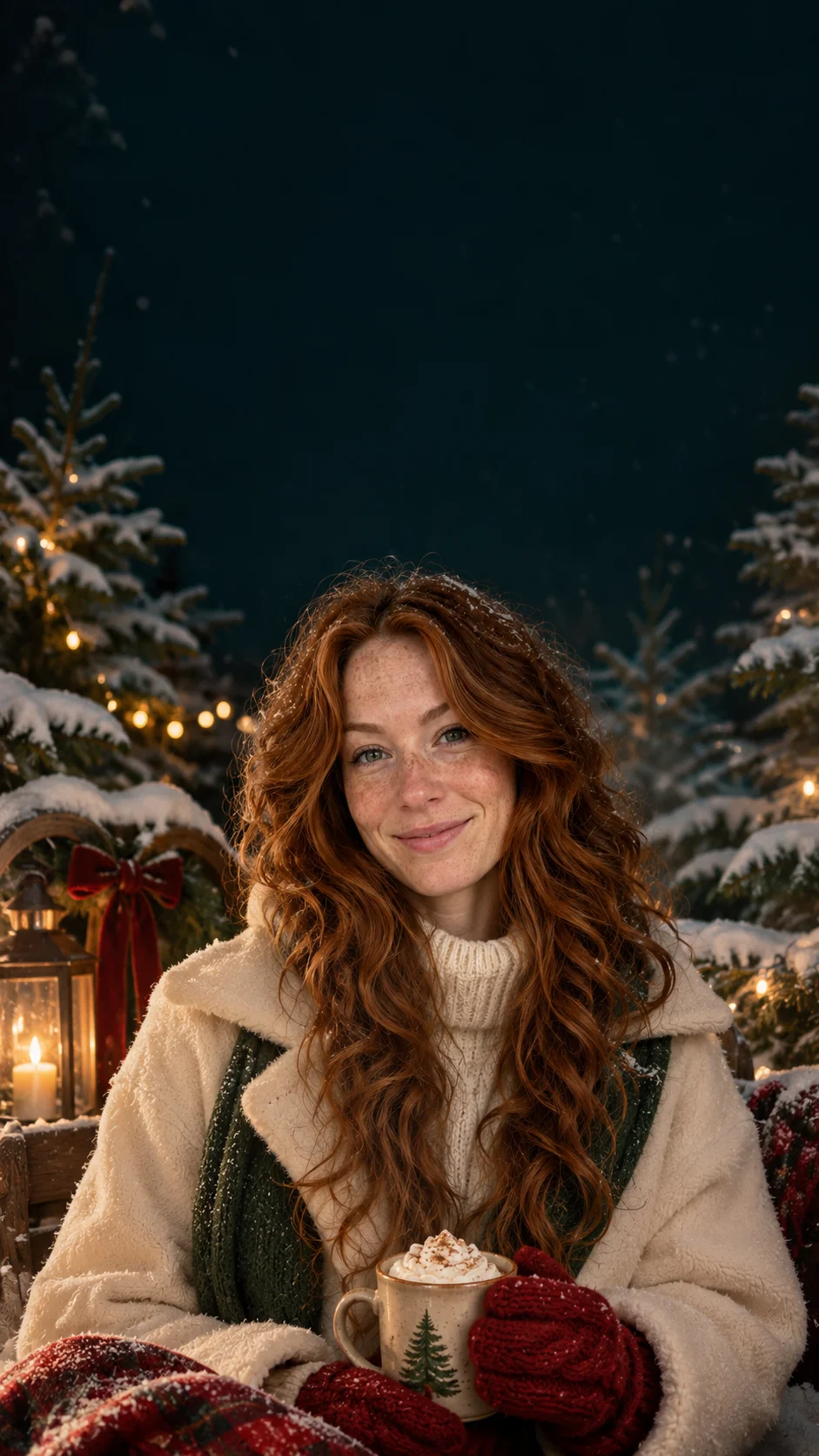
Another festive look
Your personal Christmas creation
What is an AI Christmas wallpaper?
An AI Christmas wallpaper is a festive phone or desktop background made from your own photo. You upload a picture of someone you love, choose a Christmas look, and PopFestive creates a seasonal scene around them: glowing tree lights, a snowy evening, a cozy room or a toy-filled workshop. Instead of a generic snowflake pattern, your screen shows a face you actually want to see.
Your lock screen is the picture you look at most every day. In December it's a lovely place for a little holiday cheer, and it's even nicer when it's your kids in matching pajamas, your parents by a tree, or your dog in a scarf. A custom Christmas wallpaper turns an everyday photo into something that feels like the season every time you check the time.
The default shape is 9:16, the tall frame of most phone screens, so your wallpaper fits without awkward cropping. If you want it for your laptop or computer instead, switch to a wide 16:9 shape. Many people make both in the same look, so their phone and desktop match all season.
Need a wide scene for video calls? See the AI Christmas Background
Step by step
How to make an AI Christmas wallpaper
Four steps to choose your input, frame the picture and bring the Christmas details together.
- 1
Add a photo you love
Choose a clear picture of a person or pet with the face easy to see. Photos with a little space around the subject work best, because a tall screen needs room above and below. Upload from your phone, or drag the picture in on your computer.
- 2
Choose your Christmas look
Snowy Wonderland gives you a quiet winter sky, great for a clean lock screen. Cozy Christmas adds tree lights and warm blankets. Classic Red & Gold is rich and traditional, and Santa's Workshop is bright and playful.
- 3
Keep 9:16, or switch for desktop
The tall 9:16 shape is already selected for phones. For a computer or tablet in landscape, choose 16:9. Pick 2K if you want extra sharpness on a large or high-resolution screen, or 1K for a quick phone wallpaper.
- 4
Add a detail, create and set it
Add a small touch like "falling snow at night" or "fairy lights along the top." Create your wallpaper, check the face and the empty space for your clock, then download it and set it as your lock screen or desktop.
More Christmas effects
Made from your own photos: a certificate for the kids, a festive avatar, a pet portrait or a snowy little video.
 Christmas PFPA festive profile picture to match your new wallpaper.Make it
 Christmas petsYour dog or cat in a cozy Christmas scene, perfect for a pet lock screen.Make it
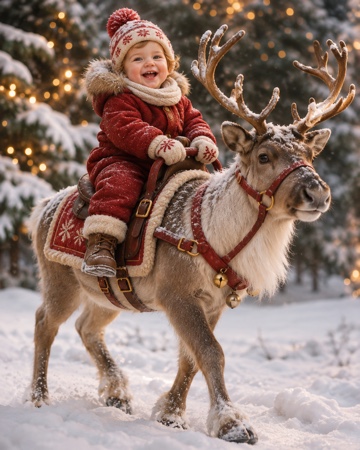 Baby riding reindeerYour baby riding a reindeer through the snow.Make it
Santa Nice List — A personal Nice List certificate with your child's photo and name. Make it
AI Christmas Photoshoot — A whole set of festive family portraits from everyday photos. Make it
AI Christmas Card Generator — The photo that goes on the front of this year's card. Make it
AI Santa Photo — Santa hat, red coat and twinkling lights on someone you love. Make it
AI Christmas Background — A wide Christmas scene for video calls, covers and cards. Make it
Why make it here
Why make your AI Christmas wallpaper here
Your people on your screen
Your wallpaper is built from your own photo, so the face you see each morning is someone you know and love. The Christmas scene wraps around them like decorations around a tree.
Phone-shaped from the start
The 9:16 shape is selected by default, so the picture fits a phone lock screen without cutting off heads or feet. Switch to 16:9 when you want a matching desktop.
Room for your clock and widgets
The looks keep calmer areas of sky, snow and soft light, which makes it easy to read the time and notifications. Add "keep the top simple" in the details if you want even more space.
Simple, clear cost
A wallpaper uses 8 credits at 1K or 12 credits at 2K, and you see the amount before you create. Credit packs are a one-time purchase, the credits never expire, and downloads have no watermark.
FAQ
AI Christmas wallpaper FAQ
The default is 9:16, the tall shape that fits most phone lock screens and home screens. For a laptop or desktop monitor, switch to 16:9 in the format step before you create.
Choose a photo with some space above the head, and pick a look with a calm sky or softly lit background, like Snowy Wonderland. You can also add "leave the top of the image simple" in the details field.
Yes. Create one in 9:16 for your phone, then use the same photo and the same Christmas look in 16:9 for your computer. The colors and lighting will match, so your screens feel like a set.
Of course. Choose the Christmas pets effect, upload a clear photo of your dog or cat with the eyes visible, and pick a cozy look. You can add two pets if they always share the sofa anyway.
1K looks great on most phones and uses fewer credits. Choose 2K for large phones, tablets or high-resolution monitors where you want every twinkle light to stay crisp.
Each wallpaper uses 8 credits at 1K or 12 credits at 2K. You can buy a one-time credit pack with no subscription, and the credits never expire, so you can make a fresh wallpaper again next December.
Give your phone a little Christmas glow
Choose a favorite photo, pick a festive look and set your new lock screen tonight.