
A little Santa magic, made from someone you love
 A little Santa magic, made from someone you love
AI Santa Photo: Santa Hats, Red Coats and Familiar Faces
Upload one clear picture and turn Dad, Grandma or your littlest elf into a cheerful Santa portrait, with a fur-trimmed hat, rosy lights and a cozy workshop glow.
1Upload your photo
Use a clear, well-lit photo with one face visible.
Tip: drag photos onto the boxes, or paste one with Ctrl+V (⌘V).
2Pick your Christmas effect
3Choose quality & format
Add a name or Christmas details, or leave this empty to use the selected style.
This Santa photo: 12 credits · 100 credits a month for $29.90, or 400 a year for $100
By creating, you confirm you have permission to use the uploaded photos. Terms of Service
No subscription needed · Ready in minutes · Failed creations are never charged
Updated Nov 13, 2026
The short answer
Upload one clear picture and turn Dad, Grandma or your littlest elf into a cheerful Santa portrait, with a fur-trimmed hat, rosy lights and a cozy workshop glow.
What’s new on this page
- — New Santa's Workshop look, plus Classic Red & Gold, Cozy Christmas and Snowy Wonderland.
- — Before-and-after examples for grown-ups, kids and pets in Santa style.
- — Photo tips for leaving room above the head for a proper Santa hat.
- — Ideas for using your Santa photo as a profile picture, a card or a gift.
- — Links to the photoshoot, card, wallpaper and background pages.
Made with PopFestive
Your photo in, a Santa photo out
On the left of each example is an everyday picture: Dad on the porch, a grandmother at her birthday lunch, a kid grinning with a missing tooth. On the right is the same person ready for the North Pole, in a red hat with a white pom-pom, a soft fur collar and warm string lights behind them.
Some examples go full Santa, with the coat, the cozy armchair and a workshop full of wooden toys. Others keep it light: just the hat and a sprinkle of snow, perfect for a profile picture. Browse the looks, find the one that makes you smile, then make your own from a photo of someone you love.

Your photo in 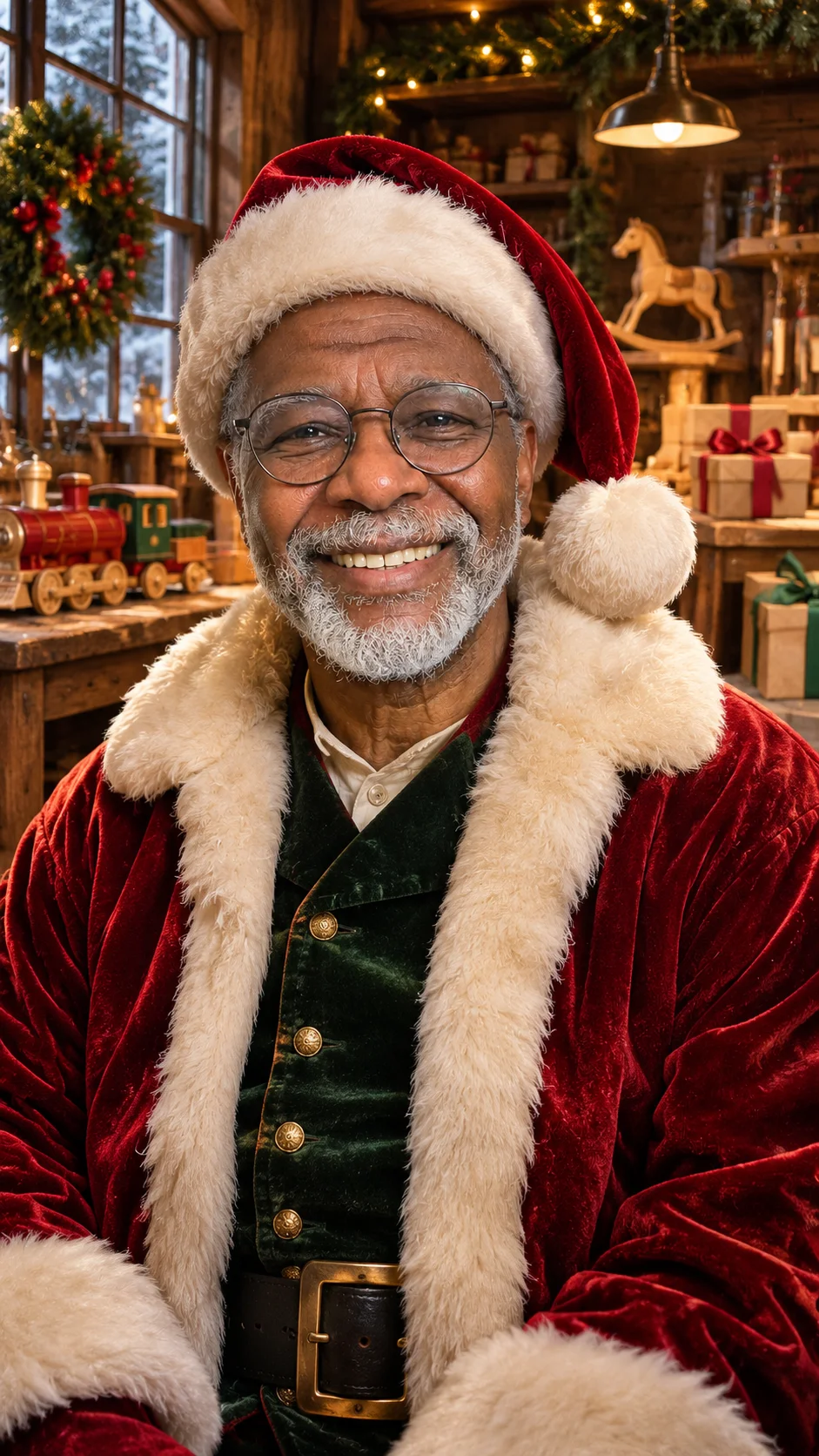
Your Christmas look out Your starting photo 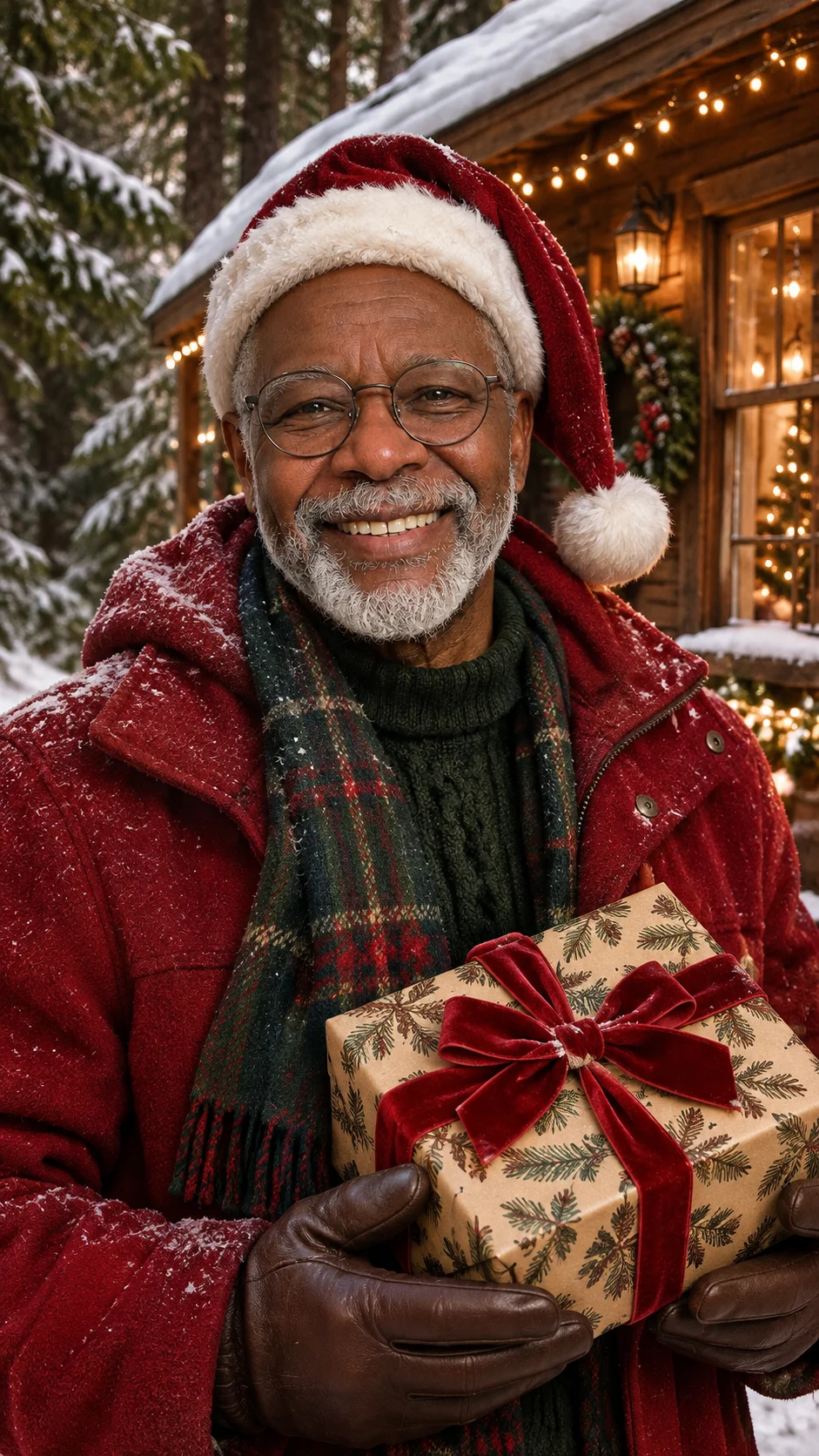
Another festive look
Your personal Christmas creation
What is an AI Santa photo?
An AI Santa photo is a festive portrait that gives a real person the Santa treatment. You upload a clear picture, and PopFestive keeps the face recognizable while adding the classic Santa details around it: the red hat, the fur trim, the warm workshop light, the snowy window, the jolly red-and-gold palette. The result feels like a Christmas costume party that nobody had to dress up for.
People make Santa photos for all kinds of reasons. Some want a cheerful profile picture for December. Some want to surprise Grandpa, who has been everyone's Santa for years, with a portrait that finally makes it official. Parents love Santa photos of the kids for the family group chat, and plenty of people make one for the dog, because a beagle in a Santa hat is hard to beat.
You can also use the details field to set a Santa scene, such as "in Santa's workshop with an elf hat," "wrapping presents by the fireplace" or "standing in the snow beside a sleigh." The person from your photo stays at the center, and the Christmas world grows around them.
Making one for a child? Pair it with the Santa Nice List certificate
Step by step
How to make an AI Santa photo
Four steps to choose your input, frame the picture and bring the Christmas details together.
- 1
Upload one clear face
Choose a well-lit, front-facing picture with the whole head visible and a little space above it for the hat. Daylight from a window is ideal. Avoid sunglasses, big hats or hair covering the eyes so the likeness comes through.
- 2
Choose your Santa look
Santa's Workshop gives you toys, ribbon and a warm wooden glow. Classic Red & Gold is the traditional red-suit portrait. Cozy Christmas brings an armchair and a fireplace, and Snowy Wonderland puts your Santa outside on a winter night.
- 3
Pick quality and shape
Square is perfect for a profile picture, vertical works for stories and phone screens, and wide suits a greeting or a banner. Choose 1K for sharing online or 2K if you plan to print it.
- 4
Add a Santa detail and create
Add a touch that makes it personal, like "holding a mug of cocoa," "reading a list" or "a tiny elf hat for the cat." Press create, check the face and the hat, and download the one you love.
More Christmas effects
Made from your own photos: a certificate for the kids, a festive avatar, a pet portrait or a snowy little video.
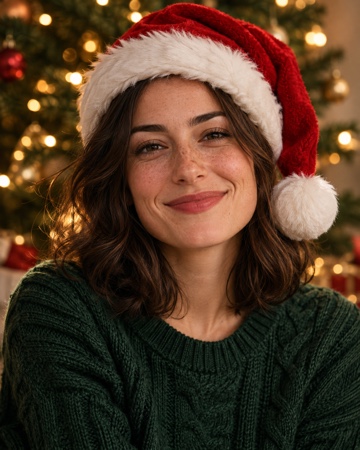 Christmas PFPA festive profile picture with a Santa hat and warm lights.Make it
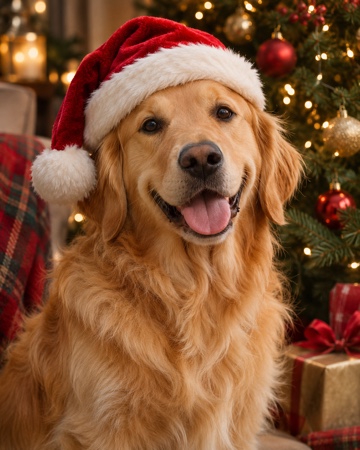 Christmas petsYour dog or cat in a cozy Christmas scene.Make it
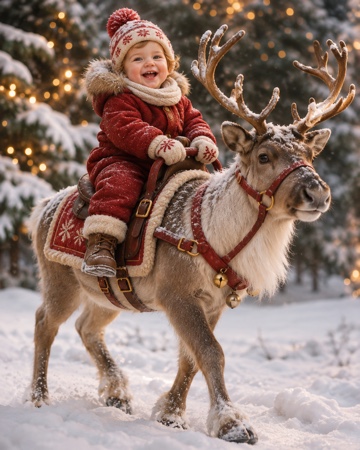 Baby riding reindeerYour baby riding a reindeer through the snow.Make it
Santa Nice List — A personal Nice List certificate with your child's photo and name. Make it
AI Christmas Photoshoot — A whole set of festive family portraits from everyday photos. Make it
AI Christmas Card Generator — Put your Santa portrait on the front of this year's card. Make it
AI Christmas Wallpaper — A festive lock screen made from your favorite face. Make it
AI Christmas Background — A wide Christmas scene for video calls, covers and cards. Make it
Why make it here
Why make your AI Santa photo here
Still looks like them
The portrait is built from your own photo, so Grandpa still has his twinkle and your daughter still has that gap-toothed grin. The Santa look is added around the person, not instead of them.
The whole Santa wardrobe, no costume
Red hat, fur collar, cozy coat, workshop backdrop: all of it comes from the look you choose. Nobody needs to find a Santa suit in the attic or glue on a cotton beard.
From phone to Santa in a few taps
Everything happens in your browser, with no app to download. Upload straight from your camera roll, choose a look and create your Santa portrait right away.
Clear cost before you create
A photo uses 8 credits at 1K or 12 credits at 2K, shown before you press create. Credit packs are a one-time purchase, their credits never expire, and downloads have no watermark.
FAQ
AI Santa photo FAQ
It's a festive portrait that adds Santa styling to a real person from your photo: a red hat, fur trim, warm Christmas lights and a seasonal setting. The face stays recognizable, so it still feels like the person you know.
Yes. Kids look adorable in a Santa hat or an elf-and-workshop scene. A parent or guardian should agree before a child's picture is uploaded. For a named keepsake, try the Santa Nice List certificate too.
Use the details field to describe the moment, such as "sitting in Santa's workshop beside a big red armchair" or "opening a present by the tree." Choose the Santa's Workshop look for the warmest, most magical setting.
Absolutely. Choose the Christmas pets effect for a dog or cat, add a clear photo with the eyes visible, and mention a Santa hat in the details. You can add two pets if they're sharing the spotlight.
A front-facing picture with soft, even light and the whole head in view. Leave some space above the head so the hat fits inside the frame. A simple phone photo usually works better than a heavily edited one.
Each photo uses 8 credits at 1K or 12 credits at 2K. You can buy a one-time credit pack with no subscription, the credits never expire, and your downloads come without a watermark.
Someone you love is about to become Santa
Pick a clear photo, choose a Santa look and give your family a portrait to laugh about all December.