Dog Santa photo studio

Christmas PFP
Santa hat
Make it
Dog Santa photo studio
Make a dog Santa photo from your own dog’s picture: a red Santa coat, white trim and a Santa hat beside a decorated tree with warm lights. Use one photo per dog for a portrait of one or two dogs.
1Upload your photo
Use a clear, well-lit photo with your pet’s face visible.
Tip: drag photos onto the boxes, or paste one with Ctrl+V (⌘V).
2Pick your Christmas effect
3Choose quality & format
Add a name or Christmas details, or leave this empty to use the selected style.
This pet photo: 10 credits · 100 credits a month for $29.90, or 400 a year for $100
By creating, you confirm you have permission to use the uploaded photos. Terms of Service
No subscription needed · 5 credits at 1K, 10 at 2K · A failed creation returns its credits
Updated
A dog Santa photo turns a picture of your own dog into a portrait in a red Santa coat with white trim and a Santa hat beside a decorated tree. Santa outfit is selected when this page opens. Use one clear photo for one dog, or two separate photos for two dogs together. A photo uses 5 credits at 1K or 10 credits at 2K. The cost is shown before you create, and a failed creation returns its credits.
Made with PopFestive
Compare the dog photos with the Santa outfit portraits, then choose Make it to select the same look.
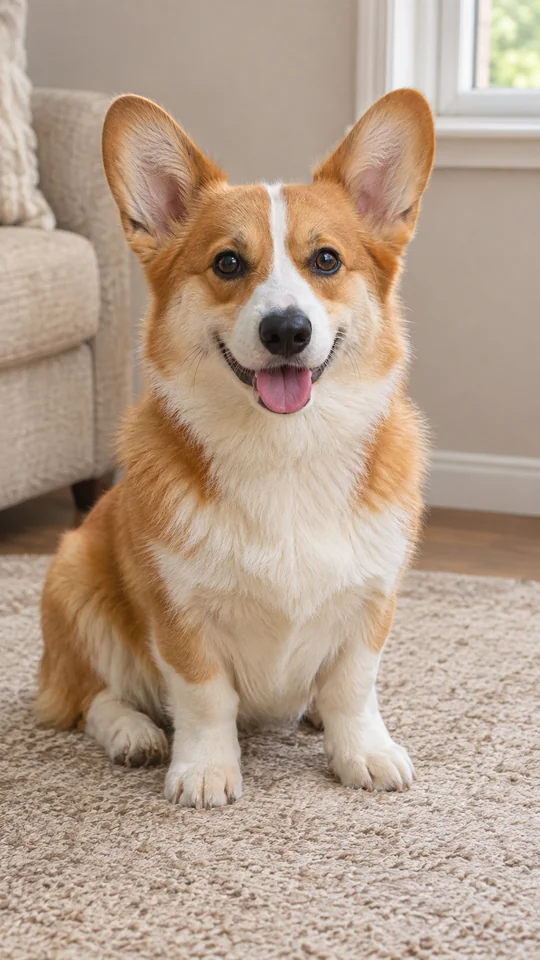
Before
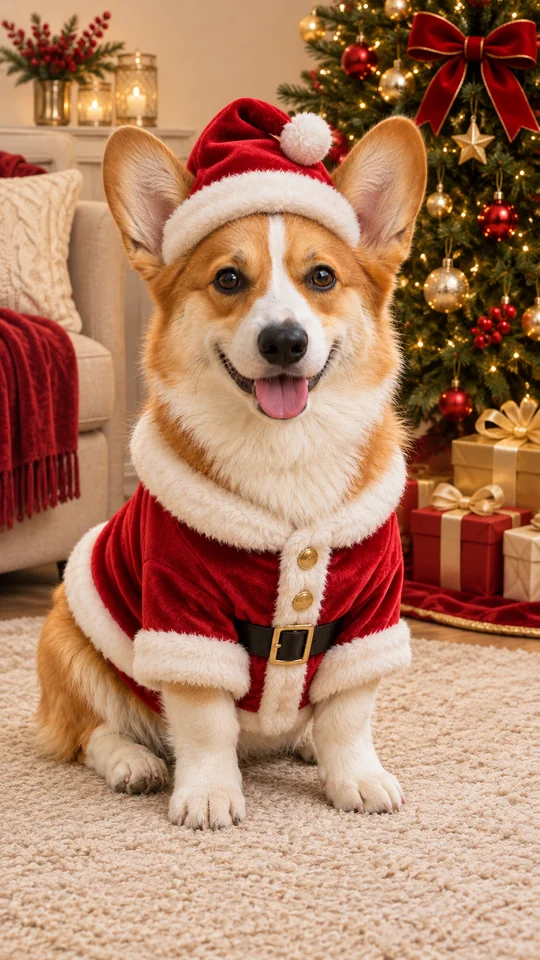
After
Red coat, white trim and ears above the hat
Make it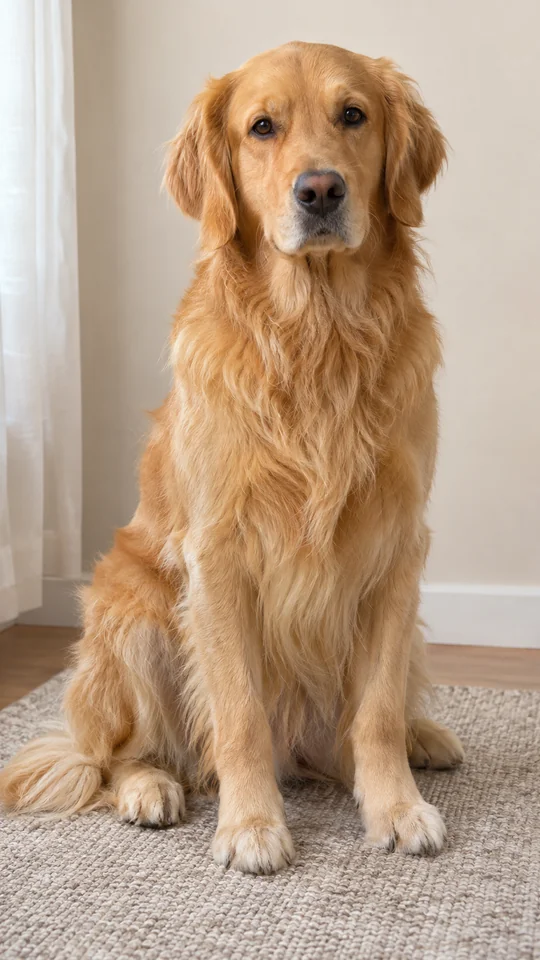
Before
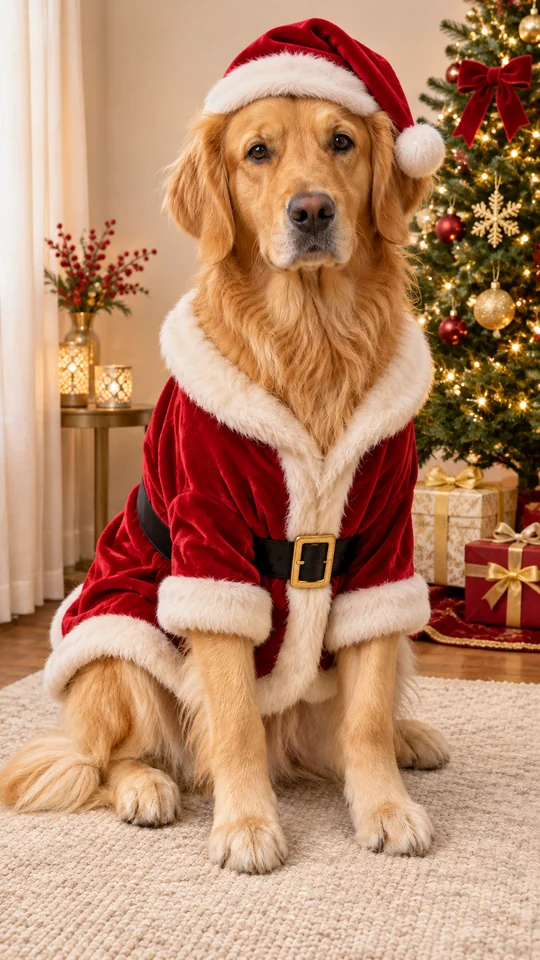
After
A Santa portrait beside warm tree lights
Make it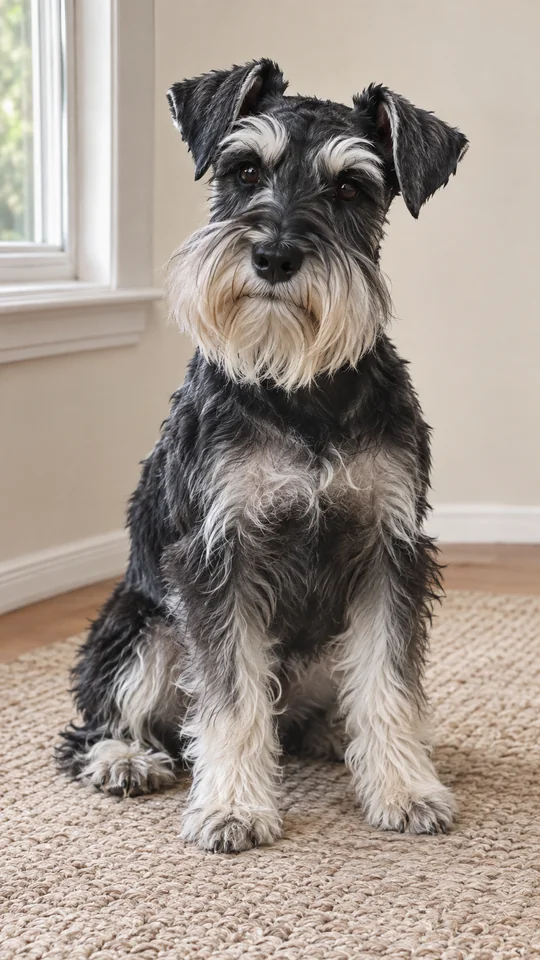
Before
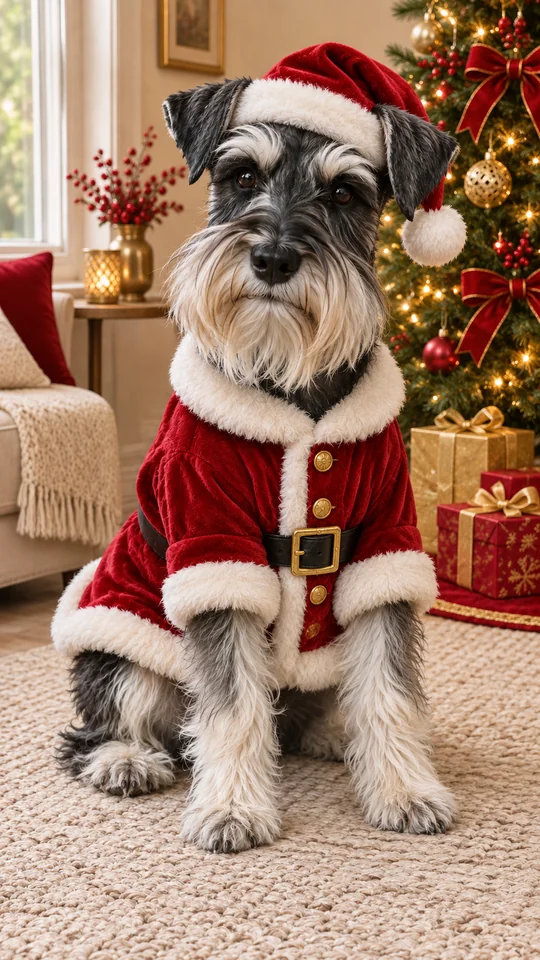
After
A red Santa coat around a silver beard
Make itBefore
After
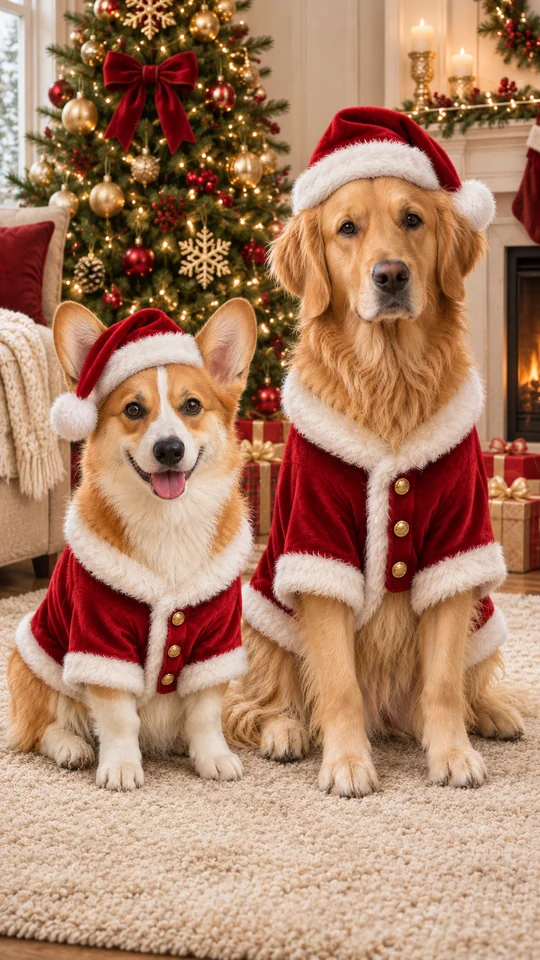
Corgi and golden retriever · two separate photos
Make itThe Dog Santa Photo Trend
A dog Santa photo generator makes a new Christmas portrait from a picture of your own dog. Santa outfit adds a red coat with white trim and a hat, leaving the natural ears visible, beside a decorated tree with warm lights.
Use a clear photo of your dog as the reference. The model is prompted to preserve their face, coat and markings while applying the selected outfit. The Santa clothes are part of the image, so there is no costume to buy.
For a single portrait, use one dog photo. For a shared portrait, choose Two pets and add a different dog in each upload slot. Keep Santa outfit selected in step 4.
Step by step
Use a clear JPG, PNG or WebP smaller than 10 MB. Show the face, eyes, ears and coat markings. For two dogs, select Two pets and upload a separate photo of each dog.
Christmas pets and Santa outfit are already selected. This look dresses each dog in a red Santa coat with white trim and a Santa hat, ears visible, beside a decorated tree with warm lights.
The default is 2K at 10 credits; 1K uses 5 credits. Start with vertical 9:16, choose square 1:1 for a profile picture, or wide 16:9 for a card photo. One or two dogs use the same photo credit cost.
Optionally add your dog’s name or coat details. Sign in, review the displayed cost and press Create. Compare the face, ears, paws and markings with the source photo before downloading.
Why make it here
Start with your own dog’s photo. The model is prompted to preserve their face, coat color and markings.
Open this page with the red coat and hat look already selected in Christmas pets. No costume or backdrop to buy.
Combine two separate dog photos into a shared portrait beside the Christmas tree.
A photo uses 5 credits at 1K or 10 credits at 2K. The cost is shown before you create, and a failed creation returns its credits.
FAQ
It is a portrait of your dog wearing a Santa coat and hat beside a decorated Christmas tree. Upload a photo of your own dog and use the Santa outfit look in Christmas pets.
No. The Santa coat and hat are added to the new image from your uploaded photo. Use an everyday picture with the face, ears and coat markings visible.
Yes. Choose Two pets and add two separate photos, one dog per photo. Keep Santa outfit selected for both dogs in the shared tree scene.
Use JPG, PNG or WebP files smaller than 10 MB each. Choose a sharp, well-lit picture with one dog in each photo and permission to use the image.
A 1K picture uses 5 credits and a 2K picture uses 10 credits. The default is 2K, and the cost is the same for one or two dogs. The studio displays the cost before creation.
Choose 9:16 for a vertical portrait, 1:1 for a square profile picture or 16:9 for a wide card image. Download the photo and add any card greeting in your own editor.
Add your dog’s photo and use the Santa outfit look for a red coat, Santa hat and warm Christmas tree lights.