
Christmas PFP Generator from Your Photo
PopFestive makes a Christmas PFP from one portrait of you. Upload your photo, choose one of six looks and create a square Christmas profile picture.
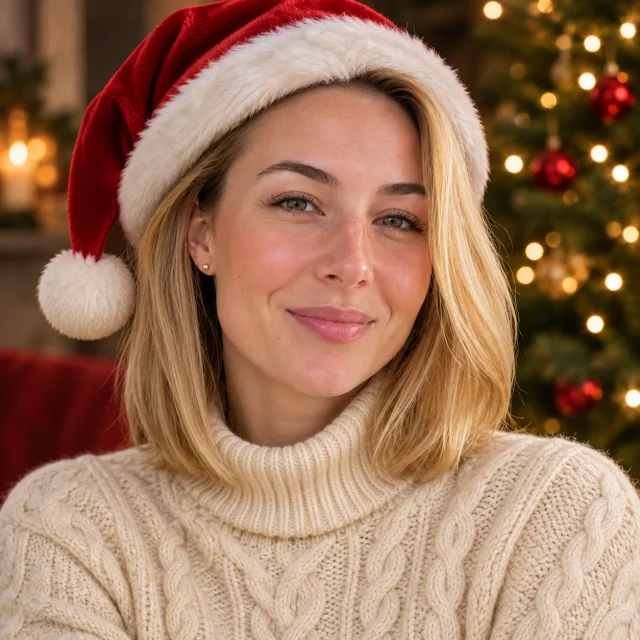
Santa hat 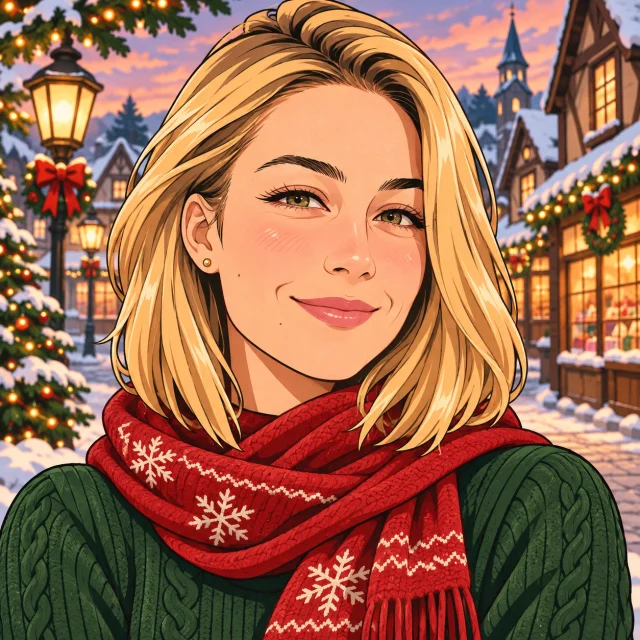
Anime 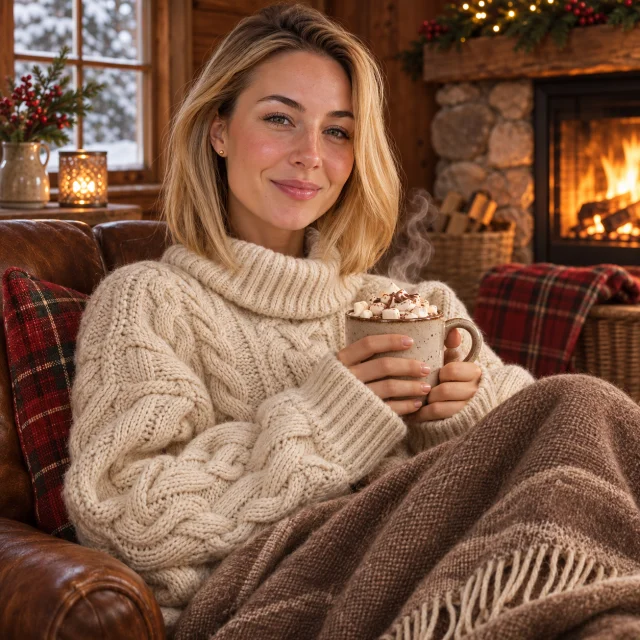
Cozy aesthetic 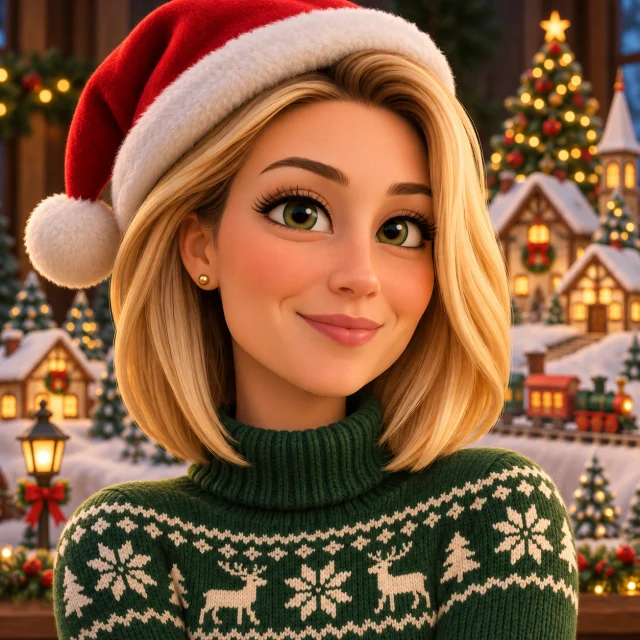
3D cartoon
1Upload your photo
Use a clear, well-lit photo with one face visible.
Tip: drag photos onto the boxes, or paste one with Ctrl+V (⌘V).
2Pick your Christmas effect
Photo effects
Video effects
3Choose quality & format
Add a name or Christmas details, or leave this empty to use the selected style.
This Christmas PFP: 10 credits · 100 credits a month for $29.90, or 400 a year for $100
By creating, you confirm you have permission to use the uploaded photos. Terms of Service
1K uses 5 credits; the default 2K uses 10 credits per image.
The short answer
What is a Christmas PFP?
A Christmas PFP is a Christmas profile picture. This PopFestive tool creates one from your own portrait, using the Christmas PFP effect in the shared studio. It is not a gallery of ready-made avatars to download.
Before and after
Six Christmas PFP styles
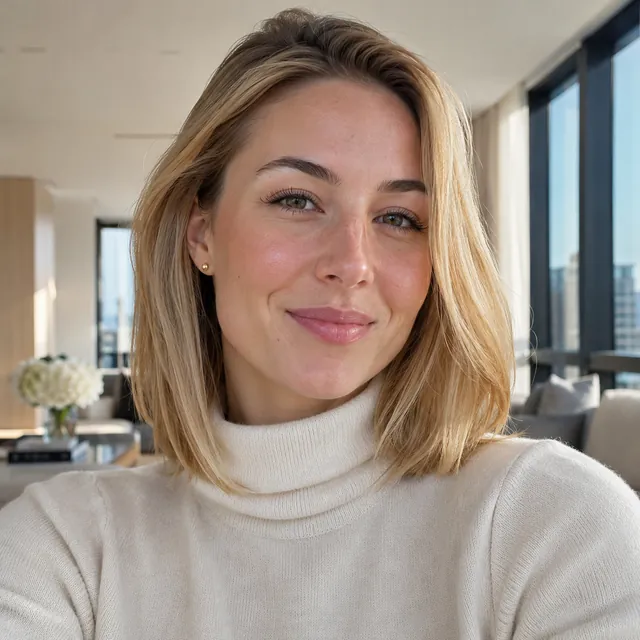
Before
After
Before
After
Before
After
Before
After
Before

After
Before
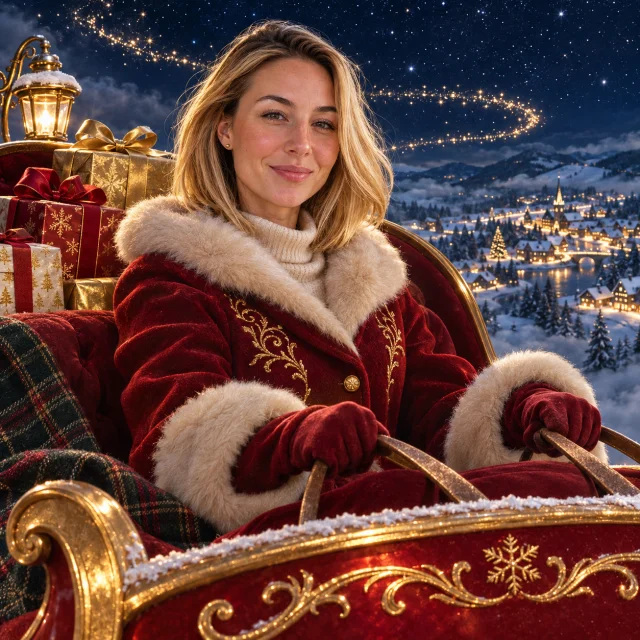
After
Three steps
How to make a Christmas PFP
1. Upload your portrait
Use one clear JPG, PNG or WebP smaller than 10 MB, with one person in the photo. Only upload a photo you have the right to use.
2. Choose a look and quality
Choose Santa hat, Anime, Cozy aesthetic, 3D cartoon, Winter wonderland or Santa’s sleigh. The PFP format starts at square 1:1. 1K uses 5 credits; the default 2K uses 10 credits per image.
3. Create and review
Sign in with enough credits, then press Create when ready. Review the finished portrait and framing before downloading.
For photo tips, the full walkthrough and troubleshooting, read the Christmas PFP guide.
FAQ
Christmas PFP questions
Does the Christmas PFP generator use my own photo?
Yes, it uses one portrait that you upload. Choose a clear photo with one person, and use a photo you have permission to upload.
Is this a gallery of Christmas PFPs to download?
No, this is a generator for your own portrait. The before-and-after portraits show the six available styles; use the studio to create your own picture.
Which Christmas PFP styles can I choose?
You can choose six styles. They are Santa hat, Anime, Cozy aesthetic, 3D cartoon, Winter wonderland, Santa’s sleigh.
What shape is a Christmas PFP?
The PFP effect starts with square 1:1 framing. Check the selected format in the studio before creating.
How much does a Christmas PFP cost?
Creating an image uses account credits. 1K uses 5 credits; the default 2K uses 10 credits per image. The studio shows the cost before you create.
Where is the full Christmas PFP guide?
The Christmas PFP guide has the full walkthrough. It covers photo tips, studio steps, cost and troubleshooting.
Your Christmas profile picture starts with one photo
Choose your favorite Christmas look and turn your portrait into a festive profile picture.